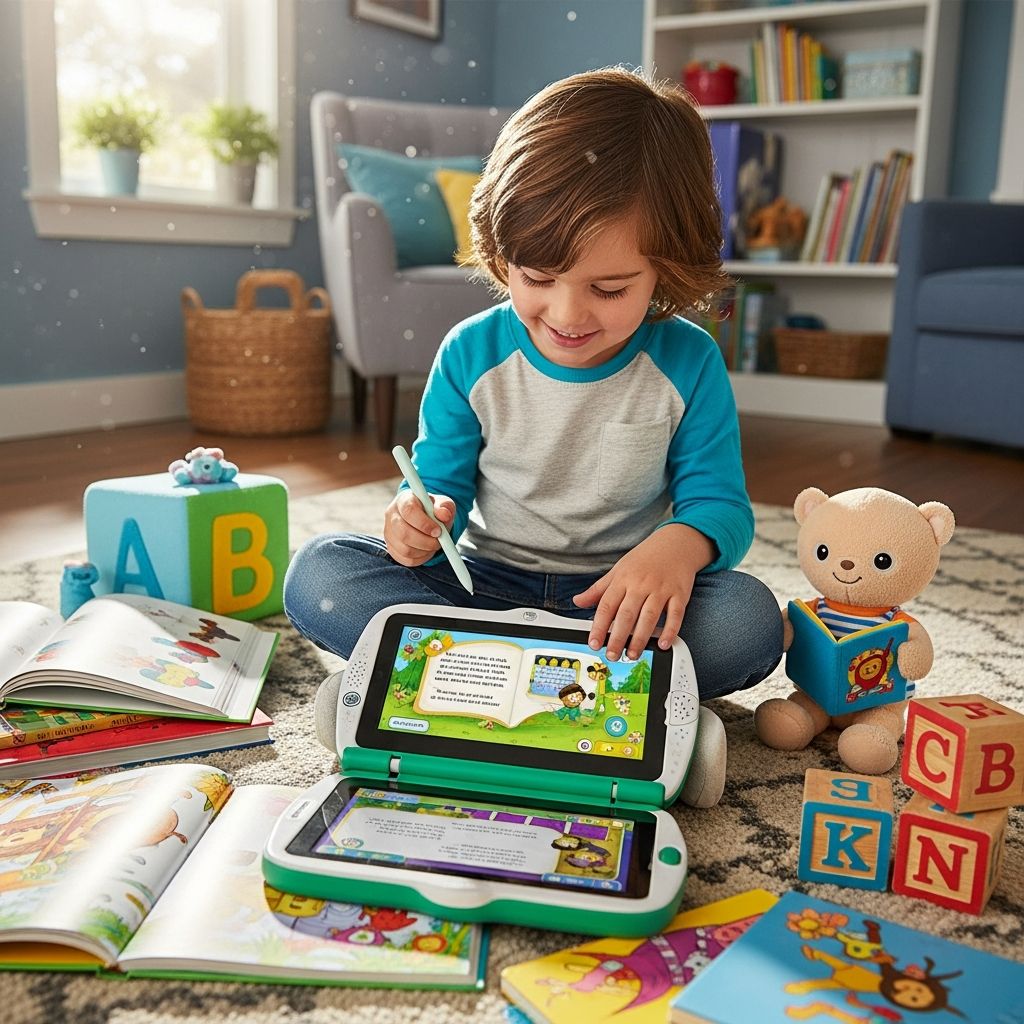
Interactive reading tools modeled on popular LeapFrog-style systems use smart pens or styluses, special books, and audio content to turn early reading practice into an engaging, game-like experience for kids ages 4–8. These tools help children connect printed text with sounds, build vocabulary, and even practice handwriting in a structured but playful way.
What Is an Interactive Reading Tool?
An interactive reading tool is a device, usually a pen-shaped reader or stylus, that can recognize special markings in compatible books, workbooks, or cards. When a child taps words, pictures, or icons, the device responds with spoken words, sound effects, instructions, questions, or songs. This creates instant feedback and turns a print book into a multi-sensory learning resource.
Most systems aimed at the 4–8 age group focus on:
- Early reading skills such as letter recognition, phonics, and high-frequency words.
- Listening skills through audio stories, music, and guided activities.
- Basic writing practice on special paper that tracks strokes.
Core Features of LeapFrog-Style Systems
While each brand has its own design, many interactive reading tools share several key features that support literacy development and make learning fun for children.
Reading Aloud and Word Support
Children can tap words or parts of a page to hear the text read aloud. This is especially helpful for emergent readers who want independence but still need support sounding out words and tracking print from left to right. Hearing words in context reinforces correct pronunciation and rhythm.
- Tap-to-hear words: Kids touch any word to hear it spoken clearly.
- Full-page reading: A page-reading mode lets them listen to the entire page or story section.
- Reading replay: Children can repeat sections as often as they like without feeling self-conscious.
Phonics and Sounding Out Words
Many devices include a phonics mode, in which the pen breaks words into letter sounds or blends. By hearing each sound slowly and then the full word, children practice decoding strategies instead of just guessing from pictures.
- Letter-sound practice by tapping individual letters or letter groups.
- Blending activities that move from separate sounds to complete words.
- Games that ask children to find words with specific sounds or patterns.
Interactive Games and Quizzes
Games built into the pages of compatible books keep children engaged and help them review skills without feeling like they are doing traditional drills. These activities might involve choosing correct answers, following instructions on a path, or solving simple puzzles.
- Comprehension questions about what just happened in the story.
- Vocabulary challenges that match words with pictures or definitions.
- Listening games that reward careful attention with sound effects and positive feedback.
Handwriting and Fine Motor Practice
Some systems go beyond reading to support handwriting. Using special learning paper, children trace letters, numbers, and simple words, while the device provides audio feedback. This can guide them through proper stroke order and spacing without the need for ink or markers.
- Stroke-by-stroke guidance for uppercase and lowercase letters.
- Number-writing practice for early math readiness.
- Simple word-writing tasks linked to vocabulary learned in the books.
Benefits for Early Readers
Interactive reading tools aim to complement, not replace, shared reading with adults. When used thoughtfully, they offer several advantages for young learners.
Building Confidence and Independence
Emergent readers often feel frustrated when they cannot decode every word on a page. With a tap-to-hear feature and supportive phonics tools, they can move through a story more independently. This reduces pressure on caregivers to provide constant help while still keeping support available.
- Children are more willing to attempt slightly challenging texts.
- They learn that it is acceptable to check words they do not know.
- Positive audio feedback celebrates effort and progress.
Encouraging Repetition and Practice
Young children learn best through repetition, but adults can tire of reading the same story multiple times each day. An interactive tool can read aloud and run games endlessly without losing patience, allowing children to revisit the same content in different modes.
- Stories can be replayed with new focus, such as vocabulary or character feelings.
- Games encourage multiple attempts to improve scores or unlock sounds.
- Repetition helps solidify letter-sound relationships and sight words.
Key Components: Pen, Books, and Apps
Most LeapFrog-style reading systems revolve around a small set of physical components that work together. Understanding these parts helps parents choose and maintain the right system for their family.
| Component | Main Role | What Parents Should Know |
|---|---|---|
| Reader pen or stylus | Recognizes special markings and plays audio responses. | Usually rechargeable via USB; volume controls and headphone jack are common. |
| Interactive books & workbooks | Provide stories, activities, and handwriting practice. | Sold in themed sets; often leveled by reading ability or subject area. |
| Downloadable audio content | Supplies voices, sound effects, music, and directions. | Managed through a parent account and desktop or app-based software. |
| Parent dashboard or learning path | Shows usage data and suggested activities. | Helps adults track which skills a child has practiced and what needs attention. |
Choosing the Right System for Your Child
Not every interactive reading tool is a perfect fit for every child. When comparing options, consider age range, focus skills, library size, and how your child likes to learn. Some children gravitate toward stories and characters, while others enjoy game-like challenges or hands-on writing.
Age Range and Skill Focus
Most reading-and-writing systems are designed for ages 4–8, with younger children starting on simpler phonics and listening activities and older children tackling chapter-style stories and more advanced vocabulary. Parents should check the recommended age range and skill descriptions on each book or pack.
- Preschool-focused products emphasize alphabet, sounds, and simple words.
- Early elementary sets offer more complex stories and comprehension tasks.
- Some bundles concentrate on specific topics such as science, math, or social studies.
Library Size and Compatibility
Before investing in a system, look at how many books and activities are compatible with that specific device. Some tools are only compatible with one generation of books or accessories, while others can share content with related systems from the same brand.
- Check whether older books from siblings or friends can be reused with the latest device.
- Confirm if the system supports both reading and writing content or just reading.
- Consider themed bundles that align with your child’s interests, such as animals or adventure stories.
Practical Setup Tips for Parents
Getting started typically involves creating a parent account, connecting the device to a computer or app, and downloading audio files that match each book. Taking a bit of time at the beginning can prevent confusion for your child later.
Preparing the Device
Charge the pen or stylus fully before first use and adjust the volume to a comfortable level for indoor play. If the device includes a headphone jack, consider child-safe headphones for quieter environments or travel.
- Label the device with your child’s name in case it is taken to school or shared spaces.
- Store the USB cable in a consistent place so it is easy to find when updating content.
- Check for firmware or software updates periodically to maintain smooth performance.
Organizing Books and Content
As your library grows, organization helps children find what they need and keeps audio files synchronized. Group books by level or theme, and make sure that the matching audio has been installed before offering a new book for independent use.
- Keep books in a small basket or shelf near the charging station.
- Introduce new titles gradually so your child can fully explore each one.
- Review the activity icons inside each book so you can guide your child the first few times.
Pros and Cons of Using an Interactive Reading Tool
Like any educational technology, interactive reading systems have strengths and limitations. Understanding both can help you fit the tool into a balanced literacy routine.
Advantages
- Encourages independent exploration of books, especially for children who are shy about reading aloud.
- Provides consistent pronunciation and feedback, which is valuable for phonics practice.
- Combines reading, listening, and writing skills in one compact system.
- Makes practice feel like play, increasing motivation and time on task.
Potential Drawbacks
- Requires ongoing management of downloads, charging, and storage by adults.
- May tempt children to focus only on games instead of full-story reading without guidance.
- Can become expensive over time if many additional books and packs are purchased.
- Needs to be balanced with traditional shared reading and screen-free storytelling.
Best Practices for Using the Tool at Home
To get the most value out of an interactive reading system, integrate it into a broader reading routine rather than relying on it as the sole source of literacy learning. A few simple habits can help.
- Set specific “reading tool time” each day, such as after school or before bed.
- Alternate between independent tool time and parent-child shared reading sessions.
- Ask questions about stories your child explored with the pen to reinforce understanding.
- Encourage your child to move from listening-only modes to reading-along and then reading-first modes as skills grow.
Frequently Asked Questions (FAQs)
1. What age is best to start using an interactive reading tool?
Most reading-and-writing systems are intended for ages 4–8, when children are learning letter sounds, decoding simple words, and building early comprehension. Younger toddlers may enjoy related audio toys, but the full reading tools work best once a child can hold the pen comfortably and follow basic instructions.
2. Does an interactive system replace reading with a parent?
No. Shared reading with a caring adult remains one of the strongest predictors of literacy success. Interactive tools are most effective when they supplement, not replace, lap reading, bedtime stories, and regular conversation about books and ideas.
3. How much time should my child spend with the device?
Quality matters more than strict time limits, but many families aim for short, focused sessions of 15–30 minutes. It can be helpful to alternate between device-based reading and traditional print reading so that your child builds a variety of skills and habits.
4. Are these systems helpful for struggling readers?
Interactive reading tools can support struggling readers by providing extra practice with phonics, immediate feedback, and high-interest material that feels less intimidating than a standard book. However, children with significant reading difficulties may still need individualized support from teachers, tutors, or specialists.
5. What if my child only wants to play the games?
This is common at first. Consider setting expectations that each session includes both story time and game time. You can model using the pen to read a page or two before starting a game, and praise your child when they choose reading activities on their own.
Final Thoughts
Interactive reading tools inspired by LeapFrog-style systems offer a powerful blend of print, sound, and play that can make early literacy practice more engaging for children and more manageable for parents. When used alongside rich conversations and shared stories, they become one more helpful tool in raising confident, curious, and capable readers.