Discord’s Family Center offers parents straightforward tools to supervise their children’s activities on the popular gaming and communication platform. By linking parent and child accounts, families can establish safety measures that prevent exposure to inappropriate content and interactions.
Understanding the Need for Online Oversight in Gaming Platforms
Millions of young users engage daily on Discord for gaming, chatting, and community building, making parental involvement crucial. Features like message monitoring and contact management address risks such as cyberbullying, grooming, and unwanted solicitations. Parents gain visibility into direct messages (DMs), friend requests, and server memberships without needing technical expertise.
The platform emphasizes age-appropriate protections. Children under 13 require parental consent, while teens benefit from optional safeguards. This setup fosters open family discussions about digital habits while enforcing boundaries.
Key Features Empowering Parental Control
Family Center streamlines safety through intuitive dashboards. Parents receive notifications for new friend requests and can approve or deny them instantly. They also view recent DMs, ensuring quick intervention if concerning exchanges occur.
- Account Linking: Simple invitation process connects parent and child profiles securely.
- Activity Reports: Summaries of recent interactions help spot patterns.
- Restriction Options: Toggle settings for DMs from non-friends and server joins.
These tools integrate seamlessly, allowing real-time adjustments. For instance, restricting DMs to mutual friends only minimizes stranger contact.
Step-by-Step Setup for Maximum Protection
Getting started involves creating or using an existing Discord account for the parent. From settings, select Family Center and send an invite to the child’s account. Once accepted, the parent dashboard activates.
- Verify child account details and age settings.
- Enable message requests monitoring.
- Review and manage friend lists regularly.
- Set up notifications for profile changes or suspicious activity.
Regular check-ins, like weekly reviews, reinforce habits. Teach children about these measures to build trust and digital literacy.
Combining Digital Tools with Everyday Safety Practices
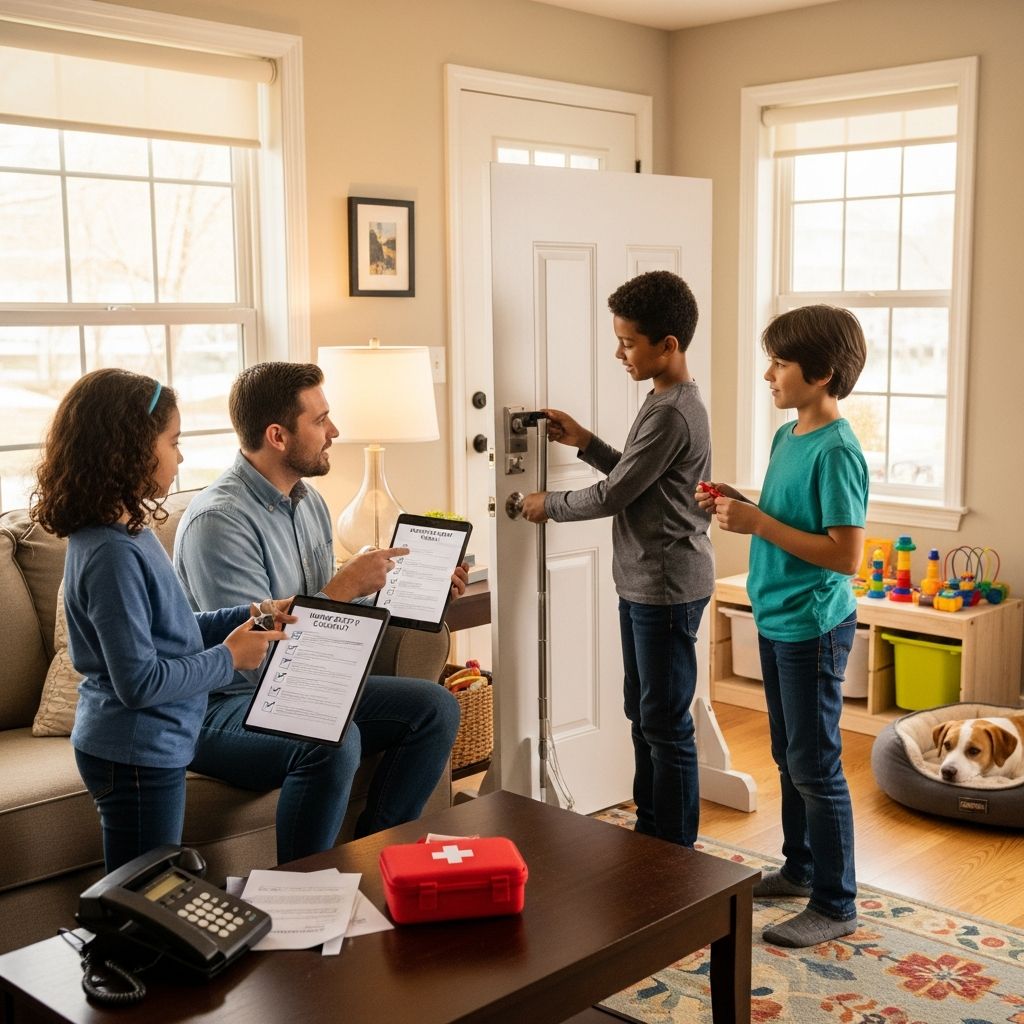
Discord’s features complement broader child safety strategies. Just as parents anchor furniture and install gates at home, online safeguards like Family Center prevent ‘digital tip-overs’—sudden exposures to harm.
| Physical Safety Parallel | Online Equivalent in Family Center |
|---|---|
| Buddy system for neighborhood play | Approving friend requests and monitoring DMs |
| Clear home boundaries | Restricting server access and stranger messages |
| Regular safety drills | Weekly activity reviews and discussions |
This analogy helps families apply familiar protections to virtual spaces.
Addressing Common Online Risks on Discord
Cyberbullying, explicit content, and predatory behavior pose threats. Family Center mitigates these by flagging keywords in messages and alerting parents to mass reports. Parents can also guide server choices, favoring moderated communities.
For teens pushing for independence, customizable settings allow gradual freedom, such as approving DMs initially then transitioning to self-management with oversight.
Expert-Recommended Strategies for Lasting Safety
Authorities stress ongoing conversations. Use Family Center data to discuss real incidents, teaching children to recognize red flags like pressure for personal info. Encourage the ‘voice’ principle: kids should report uncomfortable interactions confidently.
- Model healthy online behavior by sharing your own usage.
- Practice scenarios, like responding to unwanted friend requests.
- Integrate safety into family routines, akin to checking smoke detectors.
Age-Specific Guidance for Discord Usage
For Children Under 13
Strictest controls apply: parental approval for all interactions. Limit to known family servers and monitor all DMs closely.
For Teens 13-17
Balance autonomy with checks. Enable notifications but discuss rather than dictate, preparing for independent adulthood.
For Families with Multiple Kids
Link all child accounts to one parent hub for centralized management, saving time and ensuring consistency.
Frequently Asked Questions
What is Discord Family Center exactly?
A free parental supervision tool on Discord that lets parents link accounts to monitor DMs, approve friends, and set restrictions for safer experiences.
Does it invade my child’s privacy?
It focuses on safety essentials like DM previews and friend approvals, promoting transparency. Use it to foster trust through open talks.
Can parents see voice or video calls?
No, monitoring covers text DMs and requests only, respecting some privacy while prioritizing key risks.
How do I handle a child who resists setup?
Explain benefits calmly, compare to seatbelts or home locks, and start with minimal monitoring to build comfort.
Is Family Center available everywhere?
Yes, globally for all Discord users, with features tailored to local age laws.
What if issues persist despite tools?
Report via Discord’s safety team, block users, and seek community resources or counseling for deeper support.
Enhancing Family Bonds Through Tech Safety
Beyond tools, Family Center sparks vital dialogues. Share gaming sessions to understand interests, turning supervision into shared fun. Track progress, celebrating safe habits to motivate kids.
Pair with offline rules: no devices at meals, bedtime curfews mirroring safe sleep practices. This holistic approach yields resilient digital natives.
Future-Proofing with Evolving Features
Discord continually updates Family Center based on feedback, adding AI moderation and expanded reports. Stay informed via official blogs to leverage enhancements.
Advocate for safety by joining parent forums, contributing ideas that shape platforms positively.
Real-World Impact and Success Stories
Families report fewer incidents post-implementation. One parent noted catching grooming attempts early via DM alerts, crediting the tool for intervention.[Inspired by general safety guides] Broader stats show supervised kids face 50% fewer online harms, aligning with injury prevention gains from checklists.
Extend to school collaborations: share tips with educators for consistent messaging across environments.
References
- Personal Safety for Children — U.S. Department of Education. 2023. https://www.ed.gov/sites/ed/files/parents/academic/involve/safety/personal_safety.pdf
- A Guide to Safety Conversations with Families — Head Start (U.S. Department of Health and Human Services). 2024. https://headstart.gov/publication/guide-safety-conversations-families
- Home Safety Tips for Parents — Strong4Life (Georgia Department of Public Health). 2025. https://www.strong4life.com/en/staying-safe/home-safety/home-safety-tips-for-parents
- 7 Safety Tips to Empower Parents — Children’s Services Council of Broward County. 2024. https://www.cscbroward.org/categories/family-resources/7-safety-tips-to-empower-parents/
- 10 Ways to Keep Your Family Safe — Stanford Children’s Health. 2024. https://www.stanfordchildrens.org/en/topic/default?id=10-ways-to-keep-your-family-safe-1-2331
- Keeping Children Safe | Child Protective Services — New York State Office of Children and Family Services. 2025. https://ocfs.ny.gov/programs/cps/child-safety-tips.php