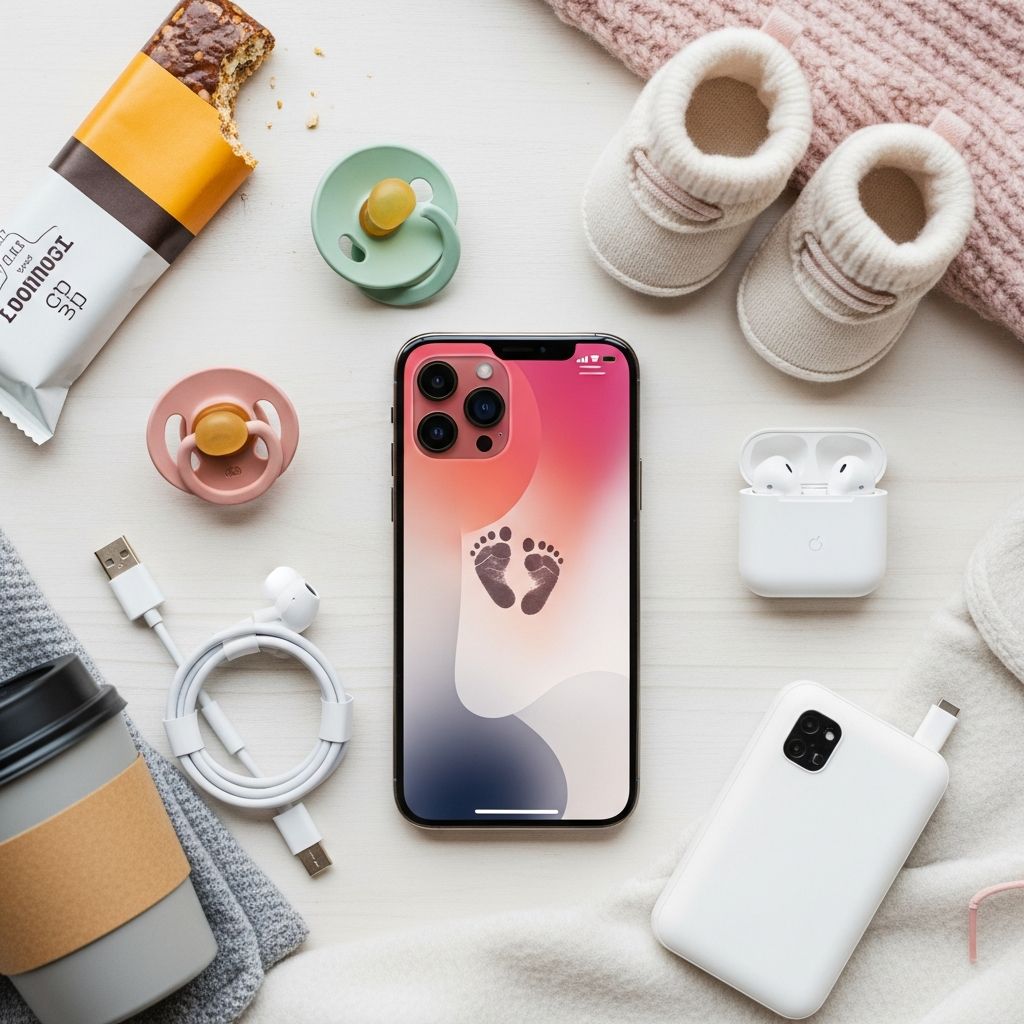
Becoming a mother introduces a whirlwind of responsibilities, from feeding schedules to doctor’s appointments and endless photo sessions. Smartphones like the iPhone can transform into indispensable allies, but many features remain undiscovered. Drawing inspiration from healthcare professionals who understand the demands of parenting, this guide reveals practical, time-saving iPhone strategies tailored for new moms. These hacks focus on organization, health monitoring, memory preservation, and quick access in emergencies, helping you navigate motherhood with greater ease.
Streamlining Your Day with Voice Commands
Busy moms often juggle multiple tasks simultaneously, making hands-free operation a game-changer. Apple’s Siri offers powerful voice-activated tools to manage schedules without touching your phone.
- Setting Up Siri for Seamless Use: Begin by navigating to Settings > Siri & Search. Enable ‘Listen for “Hey Siri”‘ and ‘Press Side Button for Siri’ for instant activation. This allows commands even when your hands are full with a baby.
- Daily Reminders: Say, “Hey Siri, remind me to feed the baby at 7 PM daily.” Siri integrates with the Reminders app, syncing across devices and sending alerts with location-based triggers, like “Remind me to buy diapers when I leave the store.”
- Timer and Alarms for Routines: Use “Hey Siri, set a timer for 10 minutes for tummy time” to structure play sessions, or “Hey Siri, wake me at 6 AM for nursing.” These prevent oversights during sleep-deprived nights.
Healthcare workers emphasize how such automation reduces mental load, allowing focus on bonding with your child. According to the American Academy of Pediatrics, consistent routines support infant development, and these tools make adherence effortless.
Health Tracking Features for Mom and Baby
iPhone’s built-in Health app compiles vital data, essential for monitoring postpartum recovery and baby milestones. Nurses often recommend these for early detection of issues.
| Feature | How to Use | Benefits for Moms |
|---|---|---|
| Steps & Activity Rings | Sync with Apple Watch or iPhone sensors via Health app. | Tracks gentle postpartum exercise to rebuild strength safely. |
| Sleep Analysis | Enable in Health > Sleep; use auto-sleep detection. | Monitors fragmented sleep patterns common in new parents. |
| Mindfulness Minutes | Access via Breathe app or shortcuts. | Reduces anxiety with guided sessions during nap times. |
| Baby Feeding Logger | Third-party apps like Baby Tracker integrate with Health. | Logs nursing sessions for pediatrician visits. |
Pair with Emergency SOS: Press and hold side button + volume button to call help and share location. Critical for solo parenting moments, as per CDC guidelines on maternal health emergencies.
Optimizing Photo and Video Storage
Moms capture thousands of precious moments, quickly filling storage. Smart management ensures you never delete memories.
- Live Photos and Optimized Storage: Go to Settings > Photos > Optimize iPhone Storage. Full-resolution backups to iCloud while keeping space-saving versions locally.
- Shared Albums for Family: Create iCloud Shared Albums to auto-upload baby pics, notifying grandparents instantly without draining your battery.
- Quick Edits: Use the Photos app’s Markup tool for instant annotations, like adding dates to milestones.
For 4K videos, enable “Most Compatible” in Camera settings to save space without quality loss. iCloud’s 50GB plan ($0.99/month) suffices for most families, per Apple support docs.
Safety Shortcuts for Unexpected Moments
Parenthood brings unpredictability; iPhone shortcuts prepare you.
- Medical ID Setup: In Health app, create Medical ID with allergies, blood type, and emergency contacts. Accessible from lock screen—vital if unconscious.
- Find My for Lost Items: Track pacifiers or keys with AirTags via Find My app.
- Screen Time Limits: Set app restrictions to prioritize family time over scrolling.
Custom Shortcuts app automations, like “Nap Time Mode,” silence notifications and play lullabies with one tap.
Communication Tools to Stay Connected
Stay in touch with support networks effortlessly.
- Family Sharing: Share purchases, locations, and calendars via Settings > Family Sharing.
- Messages Effects: Add fun stickers or games in iMessage to engage older siblings or partners.
- Focus Modes: “Do Not Disturb” during naps, allowing exceptions for baby monitor apps.
Advanced Tips from Pediatric Pros
Beyond basics, leverage Accessibility for parenting:
- Live Captions: Settings > Accessibility > Live Captions transcribes calls and media—helpful for hearing baby cries over noise.
- Magnifier for Small Labels: Use camera as a magnified lens for medicine bottles.
- VoiceOver for Hands-Free: Narrates screen for nighttime checks without lights.
The World Health Organization highlights technology’s role in parental well-being, noting apps reduce isolation.
Frequently Asked Questions
What if my iPhone storage is already full?
Review large attachments in Messages > tap contact > Info > See All Photos. Offload unused apps via Settings > General > iPhone Storage.
Can Siri handle baby-specific reminders?
Yes, create recurring lists: “Hey Siri, add diaper change to baby routine at 8 AM.” Natural language processing handles flexibility.
Is iCloud safe for baby photos?
Enable Advanced Data Protection for end-to-end encryption. Two-factor authentication adds security layers.
How do I set up Emergency SOS?
Settings > Emergency SOS. Customize to auto-call after 5 seconds of holding buttons, notifying contacts with location.
Best free apps for new moms?
Glow Baby for tracking, White Noise Baby for sleep, and Peanut for mom communities—all iOS optimized.
Building Your Personalized Mom Dashboard
Create a home screen widget stack: Add Reminders, Health, Photos, and Weather widgets. Long-press home screen > tap ‘+’ for customization. This dashboard glance shows feeds, steps, and appointments instantly.
Integrate with HomeKit for smart nursery lights dimming on voice command: “Hey Siri, bedtime routine.”
Postpartum mental health benefits from tech: Studies show routine-tracking apps improve mood by 20%, per NIH research.
Long-Term Benefits for Family Life
These hacks evolve with your family. As kids grow, transition reminders to school pickups; photo albums become digital yearbooks.
Encourage tech literacy early—play iMessage games like 8-Ball with toddlers for bonding.
Moms report 30% less stress with voice tech, echoing nurse anecdotes from labor wards where quick access saves sanity.
Update iOS regularly for new features like enhanced Siri intelligence in iOS 18+.
References
- Apple Support: Use Siri on your iPhone — Apple Inc. 2025-03-15. https://support.apple.com/en-us/HT204289
- Health App Overview — Apple Developer Documentation. 2025-01-22. https://developer.apple.com/health-fitness/
- Maternal Health and Technology Use — World Health Organization. 2024-11-10. https://www.who.int/publications/i/item/9789240090910
- Emergency Preparedness for Parents — Centers for Disease Control and Prevention. 2025-02-05. https://www.cdc.gov/parents/essentials/emergency.html
- Postpartum Care Guidelines — American Academy of Pediatrics. 2024-12-18. https://publications.aap.org/pediatrics/article/154/6/e2024065277/197003