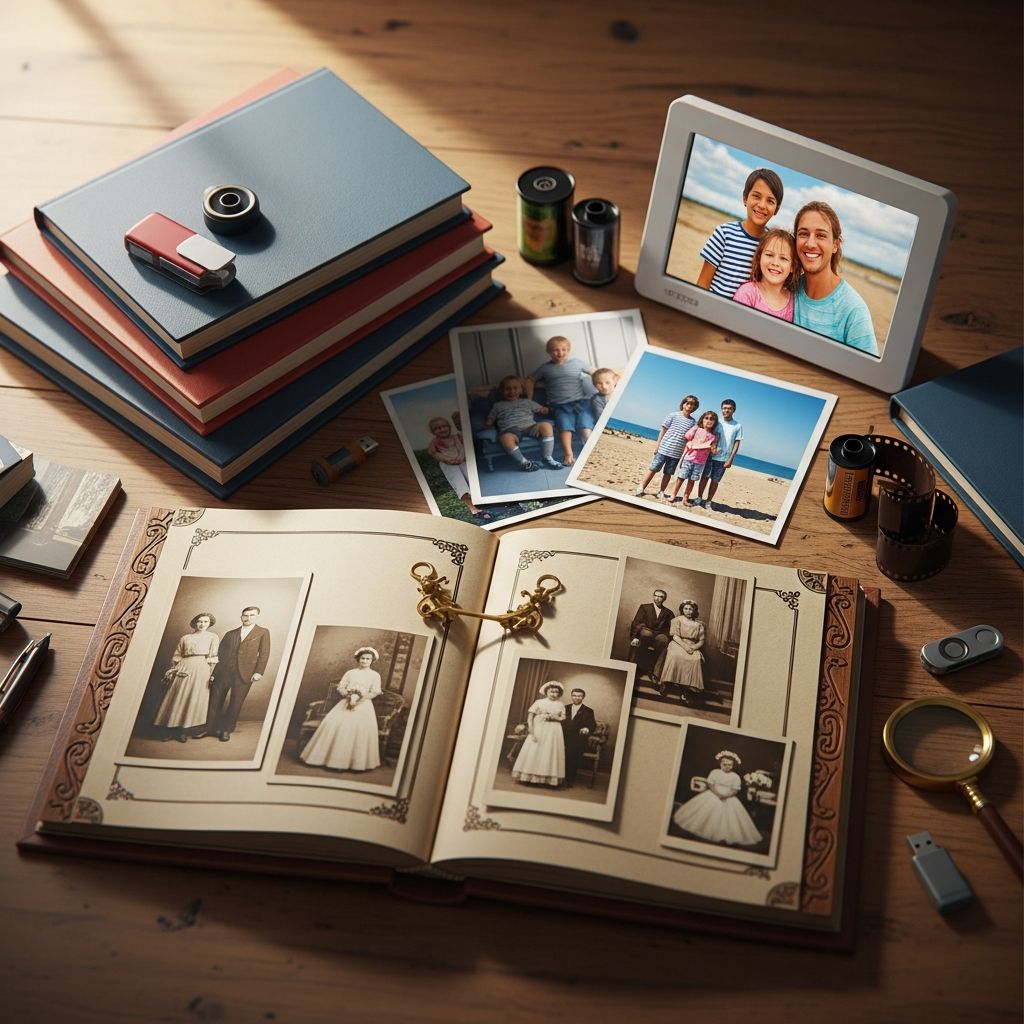
Your family photos capture irreplaceable moments—first steps, holidays, and everyday joys. But without proper care, they risk fading, deteriorating, or being lost to accidents. This guide outlines comprehensive strategies to protect these treasures, blending digital innovation with timeless physical methods. By implementing these steps, you create a lasting legacy accessible to future generations.
Understanding the Risks to Your Photo Collection
Family photos face multiple threats. Physical prints degrade from light exposure, humidity fluctuations, and poor storage, leading to fading colors and brittle paper. Digital files suffer from hardware failures, cyberattacks, and format obsolescence. Statistics show hard drive failure rates can reach 27% within warranty periods, underscoring the need for redundancy. Environmental factors like temperatures above 75°F or humidity outside 15-65% accelerate damage, causing mold or brittleness. Recognizing these risks is the first step toward proactive preservation.
Building a Robust Digital Foundation
Transitioning to digital formats offers unparalleled protection and accessibility. Start by gathering all photos into a master library, sorting through boxes, albums, and devices to eliminate duplicates and low-quality shots.
High-Quality Scanning Techniques
Use a scanner with at least 300 DPI resolution for crisp reproductions suitable for printing. Save as TIFF for lossless quality or high-quality JPEGs for smaller files. Handle originals gently—wash hands, use cotton gloves, and work on clean surfaces to prevent oils and dirt transfer. For bulk scanning, consider professional services to maintain consistency.
Organizing Your Digital Archive
Structure files logically: create folders by year, event, or family member. Rename files descriptively, like ‘2023-Family-Reunion-Smiths-045.jpg’, and add metadata tags for people, locations, and dates. This makes searching effortless years later. Remove blurry images or bursts during cleanup to streamline your collection.
Implementing the 3-2-1 Backup Rule
Reliable storage demands the 3-2-1 rule: three copies of data on two different media types, with one offsite.
- Primary Copy: External hard drive connected to your computer—fast and affordable, but replace every 3-5 years due to failure risks.
- Secondary Copy: Another external drive stored separately at home.
- Offsite Copy: Cloud services like Google Drive, Dropbox, or specialized platforms such as Shutterfly for automatic syncing and sharing.
Regularly verify backups by opening random files. This hybrid approach guards against fire, theft, or drive crashes.
The Enduring Power of Physical Prints
Digital isn’t foolproof—power outages or company closures can erase cloud data. Physical prints provide tangible, hacker-proof backups that engage the senses.
Selecting Archival-Quality Materials
Print on acid-free, lignin-free paper to resist yellowing. Use UV-protective acrylic glazing in frames to block harmful rays. Acid-free mats and foamcore backings prevent chemical reactions. Avoid plastic sleeves or albums, which emit damaging acids.
| Material Type | Benefits | Best Use |
|---|---|---|
| Acid-Free Paper | Prevents yellowing, lasts 100+ years | Albums, frames |
| UV-Protective Acrylic | Blocks 99% UV rays, fade-resistant | Framing heirlooms |
| Cotton Gloves | Prevents oil transfer | Handling originals |
Strategic Display and Storage
Hang framed photos away from direct sunlight, bathrooms, or vents to maintain stable conditions (below 75°F, 40-50% humidity). Store albums in acid-free boxes on shelves, not attics or basements where extremes prevail. Enlarge favorites for wall displays, using drapes to control light.
Creating Shareable Family Heirlooms
Preservation extends to sharing. Custom albums from digitized scans turn scattered images into narratives. Platforms like Mixbook integrate old scans with new photos for cohesive books. Add captions with pencil on backs—never ink—to chronicle stories without damage.
Host family portals on secure sites for collaborative uploads, ensuring remote relatives contribute without risking originals.
Advanced Restoration for Faded Memories
Revive damaged photos digitally post-scanning. Free tools adjust contrast; advanced software like Photoshop’s healing brush erases scratches. Professionals handle severe cases, reprinting on archival stock for renewed vibrancy.
Long-Term Strategies and Maintenance
Schedule annual reviews: test backups, scan new additions, and inspect prints for issues. Update formats as technology evolves—convert to emerging standards. Educate family on protocols to sustain the system.
Combine methods: digital for access, prints for permanence. This multi-layered defense ensures your photos withstand time.
Frequently Asked Questions
What is the best temperature for storing photos?
Maintain below 75°F with 40-50% relative humidity to prevent mold and brittleness.
How often should I replace external hard drives?
Every 3-5 years, as failure rates climb after warranty, per industry data.
Are cloud services safe for family photos?
Yes, with encryption and 3-2-1 compliance; choose reputable providers for redundancy.
Can I frame old photos without damage?
Yes, using UV acrylic, acid-free materials, and indirect light placement.
What’s the 3-2-1 backup rule?
3 copies, 2 media types, 1 offsite—essential for data resilience.
References
- Peace of Mind: Three Easy Ways to Protect Your Family Photos — Hi Little Bird. Accessed 2026. https://hilittlebird.com/photography/peace-of-mind-three-easy-ways-to-protect-your-family-photos/
- How to Preserve and Frame Family Photos That Last for Generations — PictureFrames.com. Accessed 2026. https://www.pictureframes.com/blog/how-to-preserve-family-photos
- Timeless Bonds: 4 Best Ways to Preserve Family Memories — Lily Hayes Photography. Accessed 2026. https://portraits.lilyhayesphotography.com/timeless-bonds-4-best-ways-to-preserve-family-memories/
- Creating a Family Photo Archive | How to Preserve Your Legacy — YouTube (Video Transcript). Accessed 2026. https://www.youtube.com/watch?v=lz503_pzxno
- 6 Tips to Organize and Protect a Lifetime of Photos — Cannon Funeral. Accessed 2026. https://cannonfuneral.com/blog/1109
- Quick Tips for Preserving Your Family’s Past — Smithsonian Institution Archives. Accessed 2026. https://siarchives.si.edu/blog/quick-tips-preserving-your-family%E2%80%99s-past