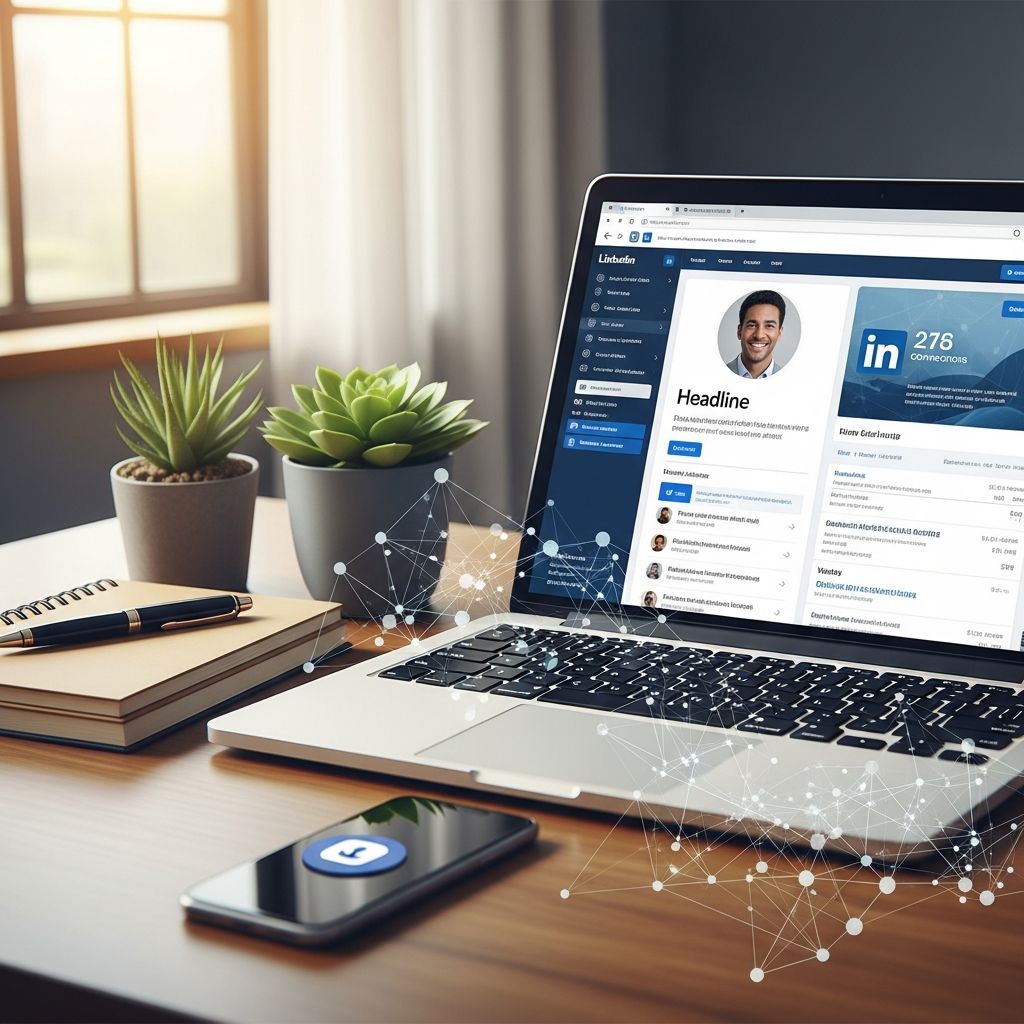
Your LinkedIn profile serves as your digital business card, resume, and personal branding hub all in one. In today’s competitive job market, a well-optimized profile can significantly increase your visibility to recruiters and open doors to new opportunities. With over 1 billion users worldwide, standing out requires strategic effort. This guide provides actionable steps to transform your profile into a powerful career tool.
Selecting the Perfect Profile Image
The profile picture is the first impression visitors get, influencing trust and approachability. Opt for a high-resolution headshot (at least 400×400 pixels) where your face is clearly visible, occupying about 60% of the frame. Dress professionally in attire suitable for your industry, and choose a neutral background to keep focus on you. Smile genuinely to convey warmth and confidence. Studies show profiles with professional photos receive up to 21 times more views.
- Ensure good lighting to avoid shadows.
- Use a plain or subtle background.
- Avoid selfies, group shots, or casual vacation photos.
For privacy, set visibility to ‘Public’ or ‘All LinkedIn Members’ to enhance search engine discoverability.
Designing an Impactful Banner Image
The banner, or background photo (1584×396 pixels), offers a canvas to showcase your brand. Select imagery reflecting your profession, such as industry icons, company logos, or motivational quotes. For creative fields, incorporate personal artwork; for corporate roles, use sleek graphics. This visual element reinforces your professional identity and makes your profile memorable.
| Element | Best Practices | Dimensions |
|---|---|---|
| Profile Photo | Professional headshot, smiling | 400×400 px min |
| Banner Image | Industry-relevant, branded | 1584×396 px |
Crafting a Compelling Headline
Move beyond the default job title. Your 220-character headline should include keywords recruiters search for, like ‘Digital Marketing Specialist | SEO Expert | Content Strategy.’ Combine your role, key skills, and unique value proposition. For example: ‘Empowering Teams with Data-Driven Insights | Analytics Leader at TechCorp’. This boosts search rankings and intrigues viewers.
- Method 1: Desired role + top skills (e.g., ‘Software Engineer | Python, AWS, Machine Learning’).
- Method 2: Value statement + current role.
- Method 3: Achievement-focused (e.g., ‘Drove 200% Revenue Growth | Sales Director’).
Avoid generic terms like ‘seeking opportunities’; focus on what you offer.
Writing an Engaging About Section
The About section (up to 2,600 characters) is your narrative space. Hook readers in the first 260 characters with passion and expertise. Structure it into 2-3 paragraphs: start with your drive and value add, follow with career highlights in bullets, and end with expertise keywords and a call-to-action.
Example Structure:
- Paragraph 1: Passion for field + expertise (e.g., ‘Passionate about sustainable tech, I’ve led projects reducing carbon footprints by 40%.’).
- Career Highlights: 4-6 bullet points of achievements.
- Expertise: List skills like ‘Strategic Planning | Team Leadership | Data Analysis.’
- CTA: ‘Connect to discuss innovations!’
Incorporate keywords naturally for ATS compatibility. Keep it concise, scannable, and story-driven.
Highlighting Experience with Impact
Curate your work history to tell a cohesive career story. Prioritize relevant roles, omitting unrelated ones if your history is extensive. For each position, use action verbs and quantify achievements: ‘Led a team of 10, increasing sales by 35%’ instead of duty lists. Tailor to your target role for linearity—show progression toward expertise.
Update current roles regularly with new wins. Mirror resume structure for consistency: headline as title, bullets matching key experiences.
Maximizing Education, Skills, and Certifications
Populate Education with degrees, institutions, and dates. Add Licenses & Certifications for credibility—upload PDFs for verification. The Skills section is gold for SEO: list 5-10 top skills, prioritizing industry-specific ones. Seek endorsements to build social proof.
- Pin top 3 skills to the top.
- Include soft skills like ‘Leadership’ alongside hard ones like ‘SQL.’
Recommendations add depth; request 2-3 from colleagues highlighting specifics.
Strategic Optimization for Job Hunting
Tailor your profile to one ideal role at a time. Research job descriptions for keywords, then customize summary, headline, and experience accordingly. Rotate applications strategically. Stay active: post industry insights, comment thoughtfully, and engage to boost algorithm visibility. Aim for ‘All-Star’ status by completing all sections.
Leveraging LinkedIn for Networking
Build connections by personalizing invites: ‘Hi [Name], enjoyed your post on AI ethics—let’s connect!’ Join groups, follow influencers, and share value-driven content. Use Creator Mode for featured posts if content-creating.
Frequently Asked Questions (FAQs)
What is the ideal length for a LinkedIn About section?
Keep it under 2,600 characters, ideally 3-5 paragraphs with bullets for readability. Focus on the first 260 characters to hook viewers.
How often should I update my LinkedIn profile?
Monthly for active job seekers; quarterly otherwise. Add new achievements, skills, or certifications promptly.
Should I include every past job on LinkedIn?
No—focus on the last 10-15 years or relevant roles to maintain a targeted narrative.
Why are keywords important in my profile?
Recruiters use LinkedIn’s search like Google; keywords ensure you appear in results.
Does a professional photo really matter?
Yes—profiles with photos get 21x more views and build instant trust.
Advanced Tips for 2026
Incorporate AI tools for keyword research and content ideas. Use Open to Work frame discreetly for recruiters. Video intros in the Featured section humanize your profile. Track profile views via dashboard to refine strategy.
Consistency across platforms amplifies reach. A cohesive LinkedIn tells your professional evolution, positioning you as the ideal candidate.
References
- How to Optimize your LinkedIn Profile to Tell a Cohesive Story — Growth Hack Your Career. 2023. https://growthhackyourcareer.com/how-to-optimize-your-linkedin-profile-to-tell-a-cohesive-story/
- Optimizing Your LinkedIn Profile [The Simple Guide] — EveryoneSocial. 2024-01-15. https://everyonesocial.com/blog/linkedin-profile-optimization/
- Optimizing LinkedIn Profiles for Job Search — Bridgeview IT. 2025-01-10. https://www.bridgeviewit.com/blog/optimizing-linkedin-profiles-for-job-search/
- LinkedIn Profile Optimization for Job Seekers in 2026 — YouTube (Professor Heather Austin). 2026-03-15. https://www.youtube.com/watch?v=K6uO-52UHTw
- LinkedIn Profile Best Practices — LinkedIn Official Blog. 2025-11-20. https://www.linkedin.com/blog/