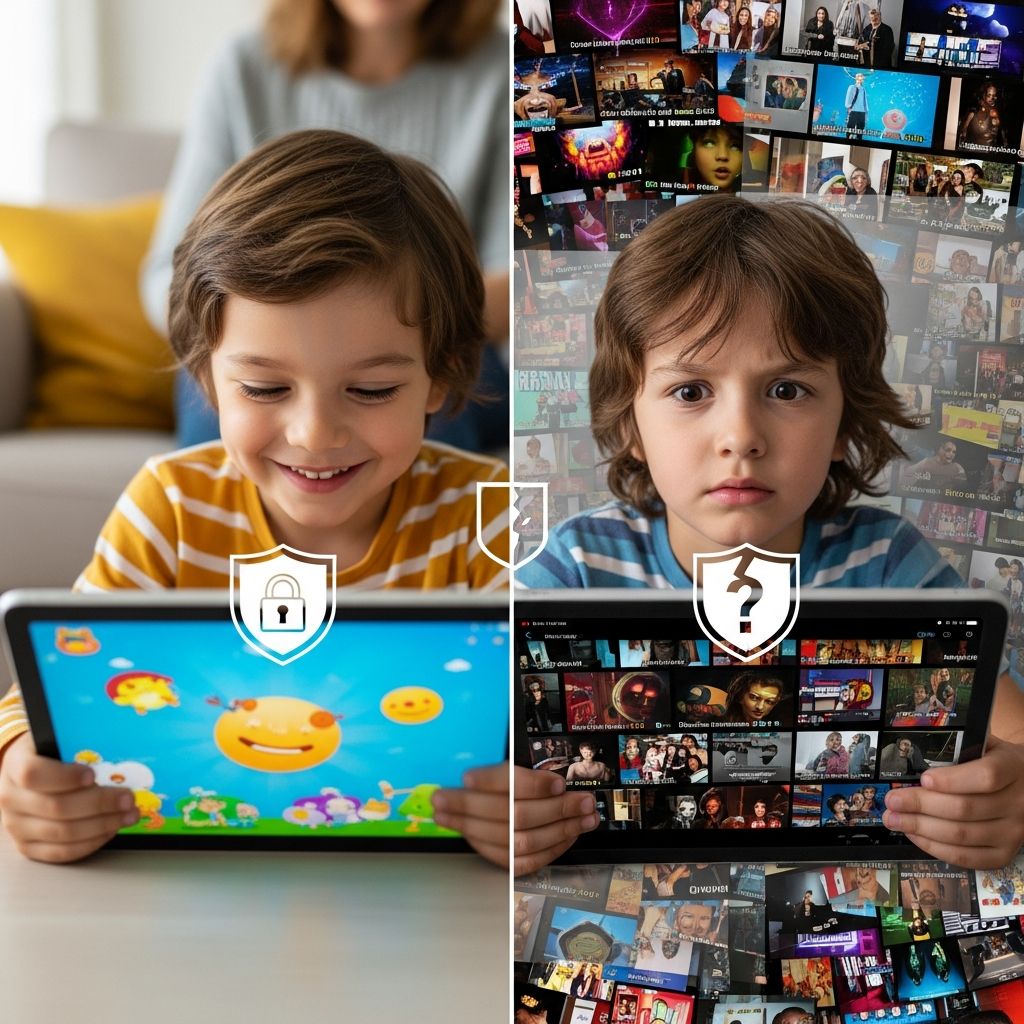
YouTube is where kids learn songs, follow gamers, watch science experiments, and discover new hobbies. It is also a place where they can stumble into violent clips, disturbing cartoons, or manipulative ads with just one tap. This guide explains the main risks children face on YouTube and offers realistic, research-informed strategies for parents who want kids to enjoy online video without being overwhelmed by its worst parts.
Why YouTube Is So Hard for Kids to Navigate Safely
YouTube was designed for adults. The main site is not a children’s platform, even though millions of kids use it daily. Its recommendation system constantly suggests new videos based on watch history and engagement, which can pull children toward sensational or extreme content because those are the clips people tend to watch longer.
For young users, that creates several issues:
- Content can escalate quickly from harmless cartoons to edgy or frightening videos.
- Algorithms prioritize attention, not child well-being or developmental needs.
- Search results are unpredictable, even with kid-friendly terms.
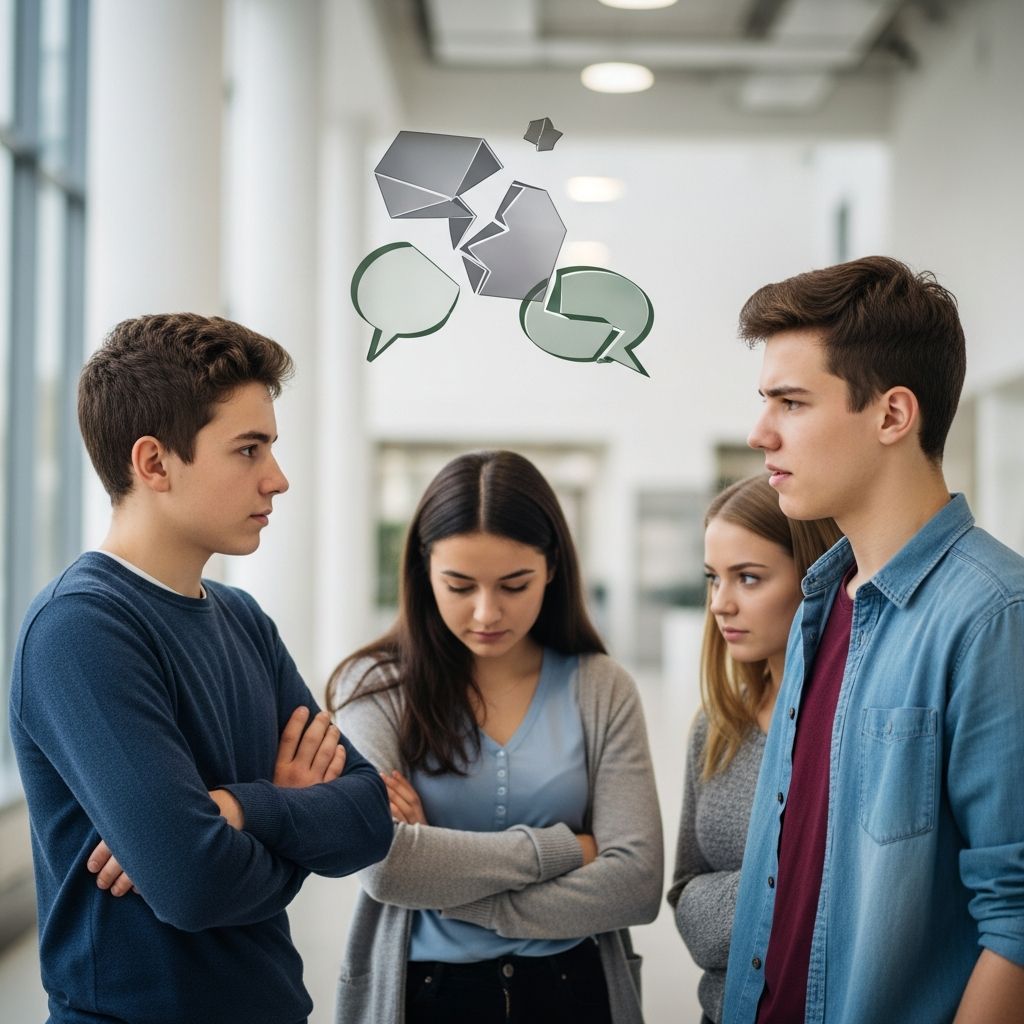
- Comments and live chats may expose children to bullying, hate speech, or inappropriate conversations.
Major Risks Children Face on YouTube
Not every child will encounter every risk, but parents should understand the main categories of harm that experts and child-safety organizations highlight.
1. Inappropriate and Upsetting Content
Even when explicit sexual or graphic content is blocked, kids can still encounter:
- Overly violent scenes, including game footage or cartoons with realistic gore.
- Videos that sexualize characters or use suggestive thumbnails.
- Scary or disturbing imagery disguised within otherwise child-like videos.
- Misleading educational content that includes conspiracies or pseudo-science.
YouTube’s Restricted Mode and other filters help, but they are not perfect and do not guarantee that all harmful content is hidden.
2. Contact Risks and Social Features
On the main YouTube site, children may be exposed to other users through comments and live streams. The UK child-protection charity NSPCC notes that chats, comments, and channel subscriptions can all bring kids into contact with strangers or harmful language, even though YouTube does not have a separate private messaging tool on the platform itself.
Key risks include:
- Unkind or hateful comments aimed at the child or at others.
- Attempts to move conversations to other apps where direct messaging exists.
- Pressure to share personal information, photos, or contact details.
3. Data Collection and Advertising Pressure
YouTube’s business model depends heavily on advertising. While policies restrict some ad categories and limit personalized ads for younger users, ads and sponsored content remain common.
For children, that can mean:
- Difficulty distinguishing ads from regular videos or influencer content.
- Repeated exposure to materialism and brand pressure.
- Potential collection of viewing data that shapes what they are shown next.
4. Mental Health and Screen Time Concerns
Heavy screen use has been linked in some studies to sleep issues and emotional difficulties for young people, particularly when it replaces physical activity, sleep, or in-person interaction. YouTube’s endless autoplay and recommendations can make it difficult for kids to stop watching once they start.
Common warning signs include:
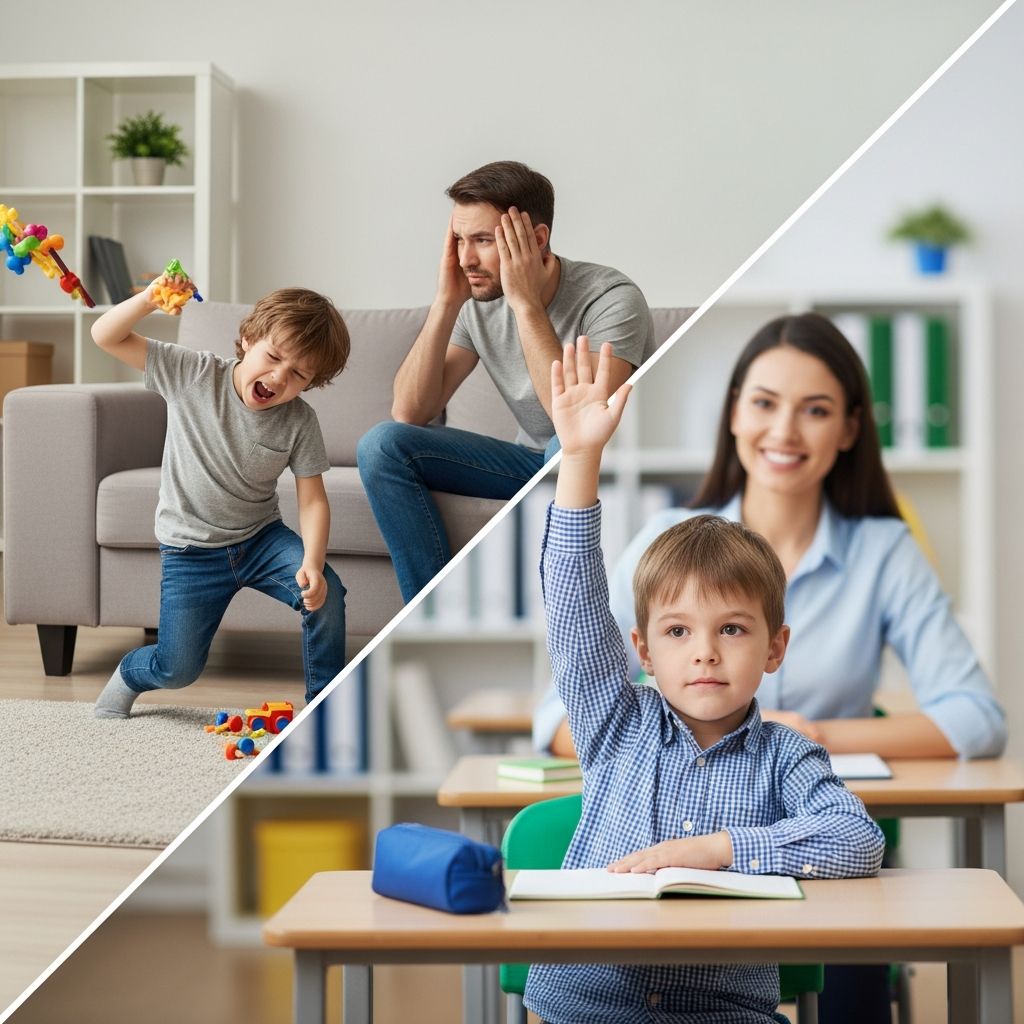
- Tantrums or aggression when asked to stop watching.
- Regularly staying up late to watch videos.
- Loss of interest in offline hobbies or friends.
Built-In Safety Tools: What YouTube Offers Parents
YouTube and Google provide several tools to help families manage risk. None of them removes the need for adult guidance, but together they form an important baseline.
| Tool | Best for | What it does | Main limitation |
|---|---|---|---|
| YouTube Kids app | Young children | Offers age-grouped content, lets parents block videos/channels, turn search on or off, and set timers. | Not all inappropriate content is automatically caught; not suitable for teens. |
| Supervised experience | Older kids and tweens | Lets children use YouTube with limited features: no comments, uploads, or purchases; content level can be set by age. | Still relies on automated systems and may surface borderline material. |
| Restricted Mode | Any age | Filters out a broad range of potentially mature videos using automated signals and user feedback. | Not foolproof; some harmful content may slip through or safe content be blocked. |
| Family Link & Google parental controls | Device-level control | Enables parents to manage app access, set screen-time limits, and configure content restrictions for YouTube and other Google services. | Requires setup on every device and ongoing adjustments as children grow. |
Practical Setup: How to Make YouTube Safer at Home
You do not have to ban YouTube to protect your kids, but you do need a plan. Consider taking a layered approach: combine technical controls with clear rules and active conversations.
Step 1: Choose the Right YouTube Environment
- For preschool and early elementary ages: Start with the YouTube Kids app. Create a child profile, select an age range (preschool, younger, or older), and decide whether to let your child search or only see content you approve.
- For tweens: Use YouTube’s supervised experience with a Google account managed through Family Link. Pick a content level that roughly fits your child’s maturity (for example, exploring content for 9+ or 13+).
- For teens: Turn on Restricted Mode, discuss what is and is not okay to watch, and use device-level tools to cap total viewing time.
Step 2: Tighten Settings on Every Device
Settings apply per device or per browser, so repeat these steps wherever your child watches:
- Sign in with the parent account, then enable Restricted Mode on the YouTube website and in the app.
- If using supervised accounts, verify that the child’s profile is linked and the correct content tier is chosen.
- Use Google’s Family Link (or your operating system’s family controls) to limit the time the YouTube app can be used each day.
- Disable or limit autoplay to avoid chains of endless, unplanned videos.
Step 3: Decide on Clear Household Rules
Filtering tools are only part of the solution. Kids feel safer when the expectations around tech are predictable. Consider creating a short “YouTube agreement” covering:
- Where kids can watch (for example, only in shared family rooms for younger children).
- When they can watch (such as no videos during meals or within an hour of bedtime).
- What is off-limits (e.g., violent prank channels, content that mocks people, videos that promote extreme diets).
- What to do if they see something upsetting (pause, leave the video, tell an adult).
How to Talk to Kids About What They See on YouTube
Even with strong controls, children will eventually encounter confusing or troubling material online. Building digital resilience means helping them interpret and question what they watch.
Start with Open-Ended Questions
When you sit down next to your child during a viewing session, ask:
- “What do you like about this channel?”
- “Do you think everything in this video is real or staged?”
- “How do you feel after watching this—happy, nervous, bored?”
- “Is this something you would feel OK showing to a younger cousin or grandparent?”
Questions like these encourage kids to reflect on content instead of consuming it passively.
Teach Kids to Recognize Red Flags
Explain that a video is not safe or respectful if it:
- Encourages dangerous stunts or challenges.
- Makes fun of people’s bodies, accents, or disabilities.
- Pressures viewers to buy something or click an off-platform link to “prove” they are true fans.
- Asks for personal information or directs them to message on another app.
Reassure your child that they will not be punished for coming to you with something they wish they had not seen. That trust is essential if you want them to speak up.
Should You Use Third-Party Parental Control Apps?
Beyond Google’s tools, some families choose independent parental-control software that can monitor and limit YouTube across multiple devices. Quality apps can:
- Set daily limits for YouTube usage on phones, tablets, and computers.
- Block access to the YouTube app or website entirely at certain times (for example, during school hours).
- Provide parents with reports of what kids search for or watch, including on YouTube Kids in some cases.
However, these tools are not a cure-all. Overly intrusive monitoring can damage trust, and tech-savvy teens may try to bypass restrictions. Think of these apps as guardrails, not replacements for guidance and conversation.
Age-by-Age Guidance for YouTube Use
Every child is different, but many experts suggest gradually increasing independence rather than offering unrestricted access from the start.
Under 6: Highly Curated and Co-Viewed
- Rely primarily on YouTube Kids with search turned off, if possible.
- Create a small set of trusted channels and playlists.
- Watch together frequently so you can model turning off videos that feel mean or scary.
- Limit total video time and prioritize offline play and reading.
6–11: Guided Exploration
- Continue to use YouTube Kids or supervised accounts, gradually enabling more features as your child shows good judgment.
- Teach them how to block videos and report content that breaks rules.
- Introduce simple media-literacy ideas: ads versus content, fact versus opinion.
- Keep devices out of bedrooms at night and require breaks during long watching sessions.
12 and Up: Shared Responsibility
- Move toward supervised YouTube or the main platform with Restricted Mode, depending on maturity.
- Discuss influencers, sponsored content, and how algorithms shape what they see.
- Agree on daily or weekly time limits together instead of unilaterally imposing them.
- Encourage teens to talk to you about channels they follow and to share when something seems off.
Balancing Safety with Independence
The goal is not to eliminate all risk—an impossible task online—but to keep risk at a level your child can handle while building skills that will serve them later. A healthy approach to YouTube usually includes:
- Clear, age-appropriate boundaries that adjust as kids grow.
- Consistent technical settings across all devices.
- Regular conversations about what they watch and how it makes them feel.
- Opportunities for kids to practice judgment with your support, not just behind your back.
Frequently Asked Questions (FAQs)
Is YouTube Kids completely safe for children?
No. YouTube Kids is designed for families and uses filters, human review, and feedback to keep most inappropriate material out, but no automated system is perfect. Parents still need to spot-check content, use blocking tools, and talk with children about what they see.
What is the difference between YouTube Kids and a supervised YouTube account?
YouTube Kids is a separate app with a simplified interface and content grouped by broad age ranges. A supervised account lets children access the main YouTube experience with restrictions on features such as comments, uploads, and purchases, and with content limited by an age-based setting.
Can I rely on Restricted Mode alone to protect my child?
Restricted Mode is a helpful layer of filtering that hides many mature videos, but it is not sufficient on its own. It should be combined with age-appropriate apps (like YouTube Kids), device-level controls, clear family rules, and ongoing oversight by adults.
How much YouTube is too much for kids?
There is no universal time limit that fits every child, but pediatric and mental-health experts suggest focusing on quality of content, impact on sleep, physical activity, and mood. If YouTube routinely interferes with schoolwork, relationships, or rest, it is probably too much, regardless of the exact number of minutes.
Should I read my teenager’s YouTube history?
Checking history can help you understand what your teen watches, but it is important to be transparent. Let them know in advance how you plan to supervise, why you are doing it, and how your approach will change as they demonstrate responsible behavior.
References
- A Parent’s Guide to YouTube’s Safety Features for Kids — Today’s Parent (sponsored content in partnership with YouTube). 2023-10-01. https://www.todaysparent.com/sponsored/everything-you-need-to-know-about-youtube-safety-features/
- How to Keep Your Child Safe on YouTube — NSPCC. 2022-11-15. https://www.nspcc.org.uk/keeping-children-safe/online-safety/online-safety-blog/how-to-keep-your-child-safe-on-youtube/
- YouTube parental controls guide — Internet Matters. 2024-05-10. https://www.internetmatters.org/parental-controls/entertainment-search-engines/youtube-app/
- Resources, Tools, and Control Settings for Parents — YouTube Kids (Google LLC). 2024-02-20. https://www.youtube.com/intl/ALL_us/kids/parent-resources/
- Age-Appropriate Media for Kids and Teens — How YouTube Works (Google LLC). 2024-03-05. https://www.youtube.com/howyoutubeworks/kids-and-teens/
- Google’s Parental Controls — Google Safety Center — Google LLC. 2024-01-18. https://safety.google/settings/parental-controls/
- How to Keep Kids Safe on YouTube in 2024: Complete Guide — Global Day of Unplugging. 2024-04-12. https://www.globaldayofunplugging.org/unplug-blog/how-to-keep-kids-safe-on-youtube-in-2024-complete-guide