“Bluey” has become a global favorite for families, and its mobile game “Bluey: Let’s Play!” brings that world into kids’ hands. Parents, however, quickly discover that what looks like a simple free game hides a more complicated mix of play, subscriptions, and expectations. This guide unpacks how the game works, what kids actually do in it, and why the payment model has sparked so much frustration among caregivers.
What Exactly Is ‘Bluey: Let’s Play!’?
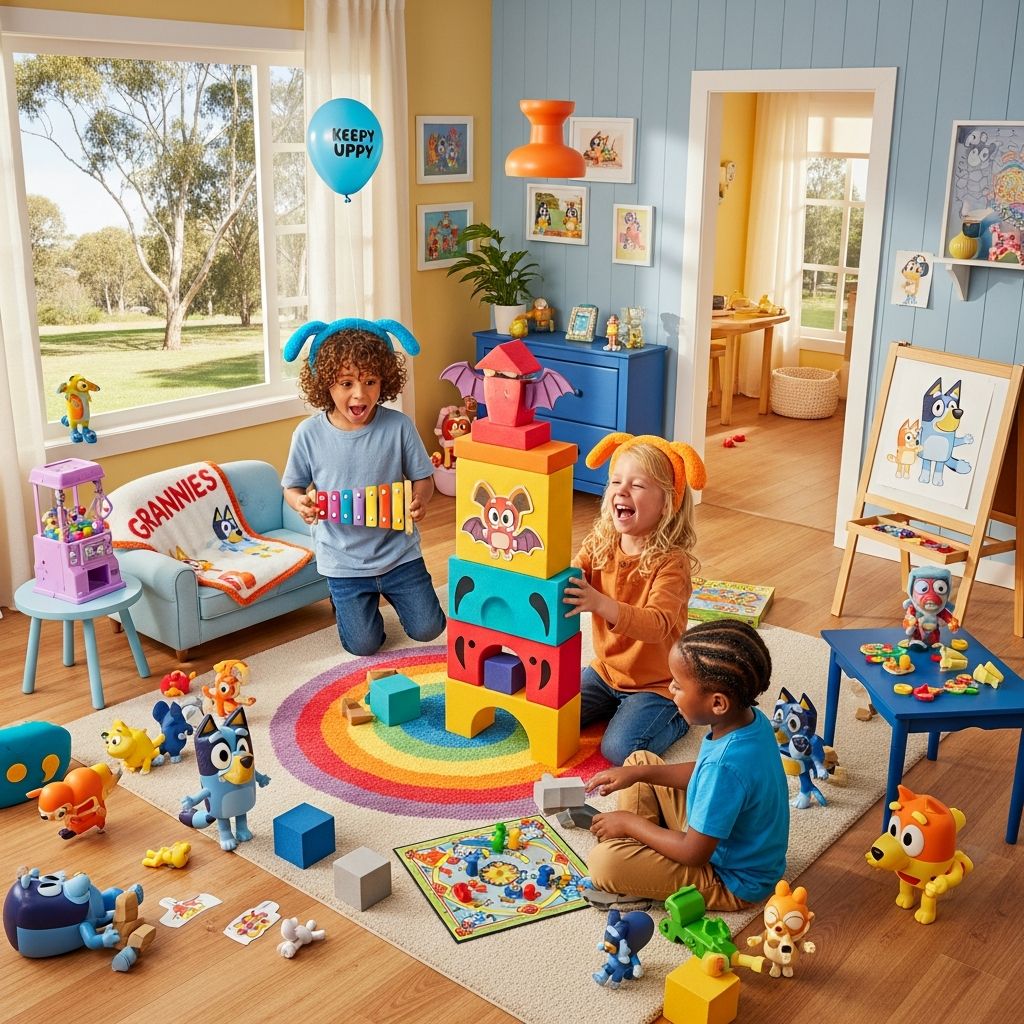
“Bluey: Let’s Play!” is a mobile game for young children featuring Bluey the Blue Heeler, her family, and familiar locations like the Heeler house and backyard. It is designed as an open-ended, sandbox-style experience where kids tap, drag, and move characters around different rooms to create their own pretend stories, instead of following strict levels or missions.
The app is developed and published by Budge Studios, a company known for children’s interactive games tied to popular TV properties.
| Feature | What Parents Should Know |
|---|---|
| Target age | Roughly preschool to early elementary (about 2–9 years), with a focus on simple interactions and imaginative play. |
| Gameplay style | Free-form play: kids make up stories, move characters, and interact with objects. No win/lose conditions. |
| Platforms | Mobile devices (iOS and Android). |
| Business model | Free download with limited content; additional rooms and items unlocked via subscription or purchase. |
How The Game Feels To A Child
From a child’s perspective, the app is basically “Bluey’s house as a toy set.” When kids open the game, they see an animated version of Bluey’s home. They can:
- Drag Bluey, Bingo, and other characters into different rooms.
- Tap furniture, toys, and objects to trigger short, playful animations or sounds.
- Act out familiar moments from the show or invent new adventures.
Because there are no formal goals or scores, the fun comes from pretend play and experimentation. Research on early childhood learning shows that unstructured, imaginative play supports language, social skills, and problem-solving. The game leans into that philosophy by leaving most of the storymaking to the child.
Rooms, Activities, And Interactions
One of the game’s main hooks is that each room acts like a mini interactive scene. However, only a small part of this is available for free at first.
The Free Spaces
Parents report that at launch, children can typically access a very limited number of rooms without paying—commonly the kitchen and the backyard.
- Kitchen: Kids might tap appliances, open doors, and pretend to cook or serve food.
- Backyard: Children can move characters to a trampoline, swing, or small toys like ride-on vehicles or a paddling pool, then tap to watch small animations.
Each object has a simple interaction: a sound, a motion, or a quick visual effect. The design is intentionally minimal to keep it accessible for very young players, similar to other toddler-focused apps.
Locked Content And Subscription Walls
Beyond the free rooms, most of the house and many props are locked behind a paywall that requires either a subscription or one-time unlocks. A child, seeing the entire house on-screen, can easily tap on doors that do not open or icons marked with padlocks. That mismatch—between what is visible and what is accessible—frequently becomes the starting point for parent frustration.
This kind of design, where a free app heavily advertises or showcases premium content inside the play space, is common in children’s mobile games but has drawn increasing criticism from child-rights and consumer-advocacy organizations.
The Pricing Model: Why Parents Are Upset
Although the exact prices may change by region or over time, the structure generally follows this pattern:
- Free download with access to a small starter portion of the content.
- Additional rooms, toys, and characters available via subscription or bundled in-app purchases.
For families expecting a one-time purchase or a more generous free tier, the impression can be that the game is “teasing” kids with content that is visible but not usable without ongoing payment.
How This Compares To Best Practices
International guidelines increasingly emphasize that digital products for kids should avoid manipulative design that nudges children into purchases they cannot understand. The United Nations Committee on the Rights of the Child has also called for stronger safeguards against commercial exploitation in online environments, especially where children might feel pressured to buy access to fully participate in play.
When a preschooler taps on a room they see on-screen and encounters a subscription prompt, families experience:
- Repeated negotiations: Children may repeatedly ask for upgrades they see but do not understand as paid features.
- Confusing boundaries: Kids cannot easily tell which parts are included and which cost money.
- Emotional friction: Parents become the “bad guy” by saying no to the content the app is showing their child.
Play Value: What The Game Does Well
Despite complaints about pricing, many parents acknowledge that the core play experience is enjoyable for the target age group.
Strengths Of The Game
- Familiar characters and settings: Kids who love “Bluey” are immediately engaged by seeing the same house and family dynamics they recognize from TV.
- Open-ended play: The lack of scores or time limits aligns with research that free play is central to healthy development and creativity.
- Simple, intuitive controls: Tapping and dragging are easy even for toddlers, lowering the barrier to entry.
- Short, repeatable sessions: The game works well in small bursts, which can fit into family routines like waiting rooms or car rides.
Common Parental Concerns Beyond Price
Price is only one piece of the puzzle. Parents considering “Bluey: Let’s Play!” raise several broader questions: about screen time, advertising, and privacy.
Screen Time And Young Children
Health organizations like the American Academy of Pediatrics (AAP) advise that quality and context matter more than raw screen-time numbers. For preschoolers, the AAP suggests:
- Co-view or co-play when possible so adults can help children make sense of what they see.
- Choose high-quality, age-appropriate content that encourages interaction rather than passive watching.
- Avoid screens an hour before bedtime and keep devices out of bedrooms.
Because “Bluey: Let’s Play!” is interactive and story-driven, it can fit better within these recommendations than purely passive video, especially if adults occasionally join in the play.
In-App Purchases And Young Users
Children often do not fully understand the concept of money or digital purchases, which is why regulators highlight the need for parental controls and clear consent mechanisms. App stores now offer features like:
- Password or biometric confirmation before any purchase.
- Family sharing settings that centralize billing.
- Options to disable in-app purchases entirely.
Parents who choose to install “Bluey: Let’s Play!” can reduce conflicts by configuring these controls in advance so that a curious tap on a locked room never results in an accidental charge.
Tips For Parents To Make The Most Of The Game
If you decide to allow “Bluey: Let’s Play!” in your household, a few strategies can help you maintain balance and reduce frustration.
1. Explore Together The First Time
Sit with your child for the first session. Walk through:
- Which rooms and items are available to use right now.
- What the padlock icon means, in age-appropriate language.
- How to move characters and interact with toys.
This shared orientation sets expectations and transforms the game into a joint activity instead of an isolated one, echoing recommendations from pediatric experts for co-use of media.
2. Decide In Advance About Payment
Before your child becomes attached, decide where you stand:
- Will you keep the game on the free tier only?
- Are you comfortable with a one-time purchase but not a recurring subscription?
- Do you prefer to avoid any app with heavy in-app purchasing altogether?
Having a clear family policy makes it easier to respond consistently when your child asks for locked content.
3. Turn Off Or Limit Purchases On The Device
Most mobile operating systems let you disable in-app purchases or require strong authentication. Doing this:
- Prevents accidental charges if a child taps a subscription screen.
- Removes pressure to respond quickly to purchase prompts.
- Lets you revisit the decision about unlocking content later, on your own timeline.
4. Use The Game As A Springboard For Offline Play
One of the best ways to keep screen time in check is to let the digital game inspire real-world play. Families might:
- Recreate favorite moments with physical toys (blocks, stuffed animals, dress-up clothes).
- Act out Bluey-style games in the living room or backyard, using simple rules similar to the activities in the app.
- Ask children to draw a map of Bluey’s house or invent a new room that doesn’t even exist in the app.
This kind of hybrid play supports creativity while keeping the app just one part of a broader play ecosystem.
Weighing The Pros And Cons
Parents often end up performing a mental cost–benefit analysis about “Bluey: Let’s Play!” compared with other apps and offline toys.
| Pros | Cons |
|---|---|
| Beloved characters and gentle tone, matching the TV show. | Most content is locked behind ongoing payment. |
| Encourages imaginative, non-competitive play. | Children may be upset by visible but inaccessible rooms and items. |
| Easy controls for very young children. | Risk of repeated pressure on parents to subscribe or unlock features. |
| Short sessions fit well into daily routines. | Requires parental setup of purchase controls to avoid surprises. |
Frequently Asked Questions (FAQs)
Q: Is ‘Bluey: Let’s Play!’ safe for young kids?
A: The gameplay itself is simple and designed for children, but parents should review the app’s privacy policy and use device-level controls to manage purchases and data, in line with general recommendations for children’s digital media use.
Q: Does the game have advertisements?
A: Many children’s apps use either ads, in-app purchases, or both. Parents should check the current version’s description and app-store labels, as app-store policies require disclosures about in-app purchases and certain types of advertising.
Q: Can my child fully enjoy the game without paying?
A: Kids can experiment with the limited free rooms and still have some fun, but much of the house and many toys remain locked. This often leads to requests for additional content, so it helps to set expectations early.
Q: How much screen time with this game is appropriate?
A: Organizations like the American Academy of Pediatrics advise parents to create a family media plan instead of focusing on a single number, balancing screen use with sleep, physical activity, and in-person play. Using the app in short, intentional sessions is generally considered healthier than letting it run indefinitely in the background.
Q: Are there non-digital alternatives that capture the same ‘Bluey’ spirit?
A: Yes. Many families choose to emphasize watching the show together and then reproducing Bluey-style games offline, such as imaginative storytelling, role-play, and simple rule-based games, which researchers and educators highlight as powerful tools for early childhood development.
References
- Media and Young Minds — American Academy of Pediatrics. 2016-10-21. https://publications.aap.org/pediatrics/article/138/5/e20162591/60602/Media-and-Young-Minds
- Protecting children’s privacy in the digital environment — OECD. 2021-03-04. https://www.oecd.org/sti/ieconomy/children-privacy-digital-environment.htm
- Tips and Tricks for All New Players in Bluey: Let’s Play! — LDPlayer Blog. 2023-11-08. https://www.ldplayer.net/blog/tips-and-tricks-for-all-new-players-in-bluey-lets-play.html
- Bluey: Let’s Play! — Budge Studios Wiki. 2023-10-01. https://budge-studios.fandom.com/wiki/Bluey:_Let%27s_Play!
- General comment No. 25 (2021) on children’s rights in relation to the digital environment — UN Committee on the Rights of the Child. 2021-03-02. https://digitallibrary.un.org/record/3914923
- Online Games, How to Play and More! (Bluey official) — BBC Studios/Bluey. 2022-06-01. https://www.bluey.tv/play/