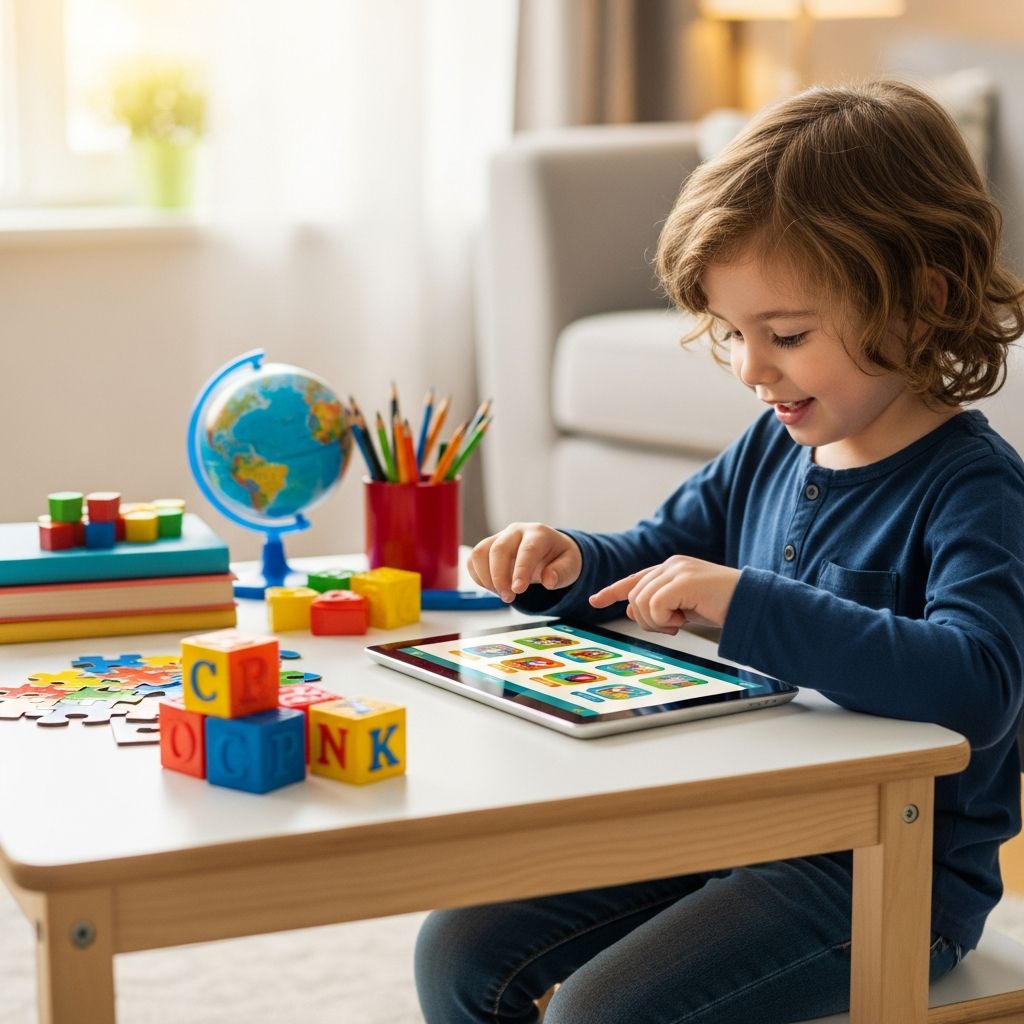
Learning tablets designed for children promise to teach letters, numbers, problem-solving skills, and more, all while keeping kids happily occupied. But when you stand in front of a shelf of colorful devices, each one claiming to be “the most educational,” it can be hard to know what is truly worth your money and your child’s time.
Why Parents Consider Learning Tablets
Many parents are drawn to learning tablets because they combine entertainment with structured educational content. Instead of passively watching shows, children tap, trace, listen, and respond, which often keeps them more engaged and can support early literacy and numeracy skills.
At the same time, a child-specific tablet can feel safer and more controlled than handing over a full-featured adult device. These products generally offer simplified interfaces, rugged designs, and content aimed at preschool and early-elementary ages, making it easier to introduce technology in a more intentional way.
Key Benefits of Kid-Focused Tablets
Not every family needs a dedicated learning tablet, but many toddlers and young children can benefit from having a device created with their developmental stage in mind. Below are some of the most common advantages parents look for when shopping.
- Age-appropriate content: Learning tablets usually ship with preloaded games, e-books, and activities that are aligned with early-learning concepts such as phonics, letter recognition, counting, patterns, and simple problem-solving.
- Built-in structure and routines: Activities are often organized into paths or levels, nudging children to progress from easier skills to more challenging ones instead of jumping randomly between unrelated apps.
- Reduced setup time for adults: Because child-oriented devices come pre-curated, parents do not need to spend hours researching, downloading, and configuring educational apps before the device feels useful.
- Physical durability: Thicker cases, plastic shells, and reinforced screens are common, which helps these tablets survive drops from kid-height tables and couches.
- Kid-friendly price point: Learning tablets generally cost less than premium mainstream tablets, which can make them a more comfortable “starter” option.
Potential Drawbacks to Keep in Mind
A child’s tablet is not a magic solution and does come with trade-offs. Thinking about these limitations in advance will help you decide whether to buy a dedicated learning device, a general-purpose tablet, or skip tablets altogether for now.
- Limited long-term use: Many kid-branded tablets are designed for a narrow age band, so children may outgrow the content in a couple of years, especially if they pick up skills quickly.
- Slower hardware: To hit a lower price, manufacturers sometimes use slower processors and smaller storage, which can mean longer loading times and less ability to expand the library of apps.
- Extra content costs: Some ecosystems charge additional fees for new games, e-books, or subscriptions, so the real cost of ownership can be higher than the price printed on the box.
- Screen time temptations: Even educational screens are still screens. Without clear rules, it can be easy for tablet sessions to stretch longer than intended, leading to battles when it is time to turn the device off.
- Less flexibility than open tablets: Compared with a standard Android tablet or an iPad, dedicated learning tablets can feel closed off, with fewer third-party apps and a narrower range of uses.
How Old Should a Child Be for a Learning Tablet?
Different families will have different comfort levels, but many starter learning tablets are marketed to ages 3–7. Older toddlers may be interested too, particularly if an older sibling already uses a device and the younger child wants to “do school” like their brother or sister.
For the youngest children, it is helpful to think of the tablet as an occasional tool rather than a constant companion. Short sessions of supervised use—mixed with books, building toys, pretend play, and time outside—tend to support healthier overall development than long stretches of solo screen time.
Essential Features to Look For
When comparing learning tablets on a website or store shelf, it is easy to get distracted by colorful branding and character tie-ins. Focusing on a small set of core features will help you make a clear decision for your child and your budget.
1. Educational Content Quality
Content is the heart of any learning tablet. Instead of simply counting how many apps come preloaded, consider what those apps are trying to teach and how they go about it.
- Look for activities that involve listening, speaking, tracing, matching, and problem-solving, not just tapping random objects for sound effects.
- Check whether skills progress in difficulty—moving, for example, from letter naming to simple spelling or from counting objects to basic addition.
- Consider whether the device supports multiple learning areas such as literacy, math, creativity, science exploration, and logic puzzles.
2. Parental Controls and Profiles
Good parental controls not only keep children away from inappropriate content, they also make it easier to guide how the device is used day to day. If you have more than one child, separate profiles can be especially helpful.
- Seek options to set usage limits by day or by session, such as 20–30 minutes at a time.
- Check whether progress reports are available so you can see which skills your child practices most often.
- Verify that in-app purchases or external links, if any, can be blocked or at least require a parent password.
3. Durability and Design
Young users are not gentle. A learning tablet that cannot withstand a fall onto hardwood floors will quickly become an expensive regret. Pay close attention to physical design choices and accessories.
- Look for thick bumpers or rubberized cases included in the box, not sold separately.
- Prefer tablets with slightly recessed screens and raised edges to help protect against scratches and cracks.
- If the tablet uses cartridges or memory cards, check how securely these are seated so they do not pop out during play.
4. Battery Life and Charging
Battery life tends to matter more than many parents expect. Few things are more frustrating than having a device die midway through a car ride or during a few treasured minutes of quiet time.
- Look for realistic estimates of usage time, ideally at least 4–6 hours of mixed play.
- Note the charging method—standard cables are easier to replace than proprietary chargers if they are lost or damaged.
- Consider whether the tablet allows you to disable sound or dim the screen while still remaining usable, which can prolong battery life.
5. Expandability and Value
Even if your main goal is educational play, it is worth thinking about how the device might be used six or twelve months from now. Some learning tablets allow you to add new apps, e-books, or cartridges, while others are largely fixed.
- Check whether additional games are available individually, in bundles, or via a subscription service.
- If the tablet accepts a memory card or has an app store, note how easy it is to manage storage space as your library grows.
- Compare the cost of expanding content on a kid-specific system versus purchasing a more flexible mainstream tablet and building your own app collection.
Comparing Learning Tablets to General Tablets
Some parents debate whether to purchase a child-specific system or simply use a general tablet (such as an Android tablet or iPad) with parental controls turned on. Each approach has pros and cons, and the right choice may depend on your budget and how you envision your child using the device over time.
| Aspect | Child-Focused Learning Tablet | General-Purpose Tablet (with Kids Mode) |
|---|---|---|
| Content | Preloaded with curated educational games and e-books, often organized by age and subject. | Requires parents to choose and install apps; much wider range of options, varying in quality. |
| Ease of Setup | Usually ready to use out of the box; minimal account setup needed. | Needs accounts, app store setup, and parental-control configuration before use. |
| Durability | Typically includes rugged casing designed for preschoolers and early elementary students. | Depends on the case you buy; bare tablets are more fragile. |
| Flexibility | More limited app ecosystem; focused on early-learning content. | Highly flexible; can be used for schoolwork, streaming, drawing, and family use over many years. |
| Cost Over Time | Lower upfront device cost; additional learning cartridges or apps may add up. | Higher initial hardware price; many free or low-cost educational apps available. |
| Longevity | Often outgrown in a few years as content tops out at early grades. | Can grow with the child through elementary and beyond, depending on performance. |
Practical Buying Checklist for Parents
Before clicking “add to cart,” walk through a short checklist to avoid some of the common frustrations other parents report after buying the wrong tablet for their family.
- Clarify your main goal: Are you hoping to keep your child occupied during travel, support early reading, give them a sense of independence, or all of the above?
- Set a realistic budget: Consider not only the device price but also any subscriptions or extra games you are likely to purchase over time.
- Match the age range: Choose a device where your child is near the lower middle of the recommended age band, allowing room to grow.
- Check included content: Read the description carefully to understand which apps or e-books are included at no extra cost.
- Confirm warranty and return policy: Especially with kids’ devices, a solid warranty and a clear return window can offer peace of mind.
- Plan where and when it will be used: If you mainly need it for travel, battery life and headphones matter more; if it will stay at home, charging convenience may outweigh other concerns.
Setting Healthy Screen-Time Habits
Even the best educational tablet is just one piece of your child’s world. The way the device is used—from the rules around it to the conversations you have about what they are learning—matters just as much as the device you buy.
- Create clear rules: Decide in advance when the tablet can be used, such as after school, on weekends, or during travel, and communicate those expectations consistently.
- Prefer short, focused sessions: Many families aim for brief bursts of 15–30 minutes, with breaks in between so kids can move their bodies and switch to hands-on activities.
- Co-play when possible: Occasionally sit with your child, ask what they are doing, and connect on-screen lessons to real-life examples, like counting fruit at the table or reading signs on a walk.
- Use built-in timers: If your chosen device offers time limits, make use of them so that the tablet—not the parent—is the one signaling that playtime is over.
- Protect sleep: Keep tablets out of bedrooms and avoid screen use right before bedtime to encourage healthier sleep routines.
FAQs About Learning Tablets for Young Children
Are learning tablets really educational or just toys with screens?
Most learning tablets land somewhere in the middle—they are more purposeful than simple toys but not a replacement for reading together, hands-on play, or classroom experiences. The best ones encourage children to practice foundational skills such as letter sounds, counting, and pattern recognition while still feeling like play. The more you connect on-screen activities to off-screen life, the more educational value your child will get from the device.
Should I choose a brand-name learning tablet or a generic kids’ tablet?
Brand-name learning tablets often come with stronger content libraries and better-tested parental controls, while generic tablets may offer attractive prices and basic kid modes. If your priority is high-quality educational games and fewer setup headaches, a well-known learning brand can be worth the extra cost. If you are comfortable curating your own apps and configuring settings, a generic or mainstream tablet with a sturdy case can provide more flexibility in the long run.
How much storage space does a child’s tablet need?
Storage needs depend on how you plan to use the device. For a tablet that relies mostly on preinstalled learning games, modest storage is often enough. If you want to add many new apps, downloaded videos, or offline e-books, consider stepping up to a larger capacity or a device that accepts a memory card.
Can siblings share a single learning tablet?
Many families successfully share one tablet among multiple children, especially when the device supports separate profiles. Look for systems that can save each child’s progress and difficulty level independently so a younger sibling is not thrown into advanced content meant for an older child. Just keep in mind that sharing may require thoughtful scheduling during busy times like long car trips or school breaks.
What if my child gets bored of the learning apps?
Children’s interests change quickly, and even the most engaging app can lose its novelty after a while. You can rotate content by disabling some games for a week and then bringing them back, adding new apps gradually, or pairing tablet time with related off-screen activities. Asking your child to explain or “teach back” what they have learned can also make familiar apps feel more meaningful.
Making a Confident Choice
Choosing a learning tablet for a young child is less about finding one perfect device and more about choosing a tool that fits your child’s age, your family’s routines, and your comfort with technology. When you focus on educational quality, durability, and realistic usage habits instead of marketing claims alone, it becomes much easier to feel confident in your purchase.
With clear expectations and healthy boundaries, a learning tablet can become a helpful ally—one that supports early skills, makes long car rides easier, and gives your child a taste of technology in a space that is designed for them.