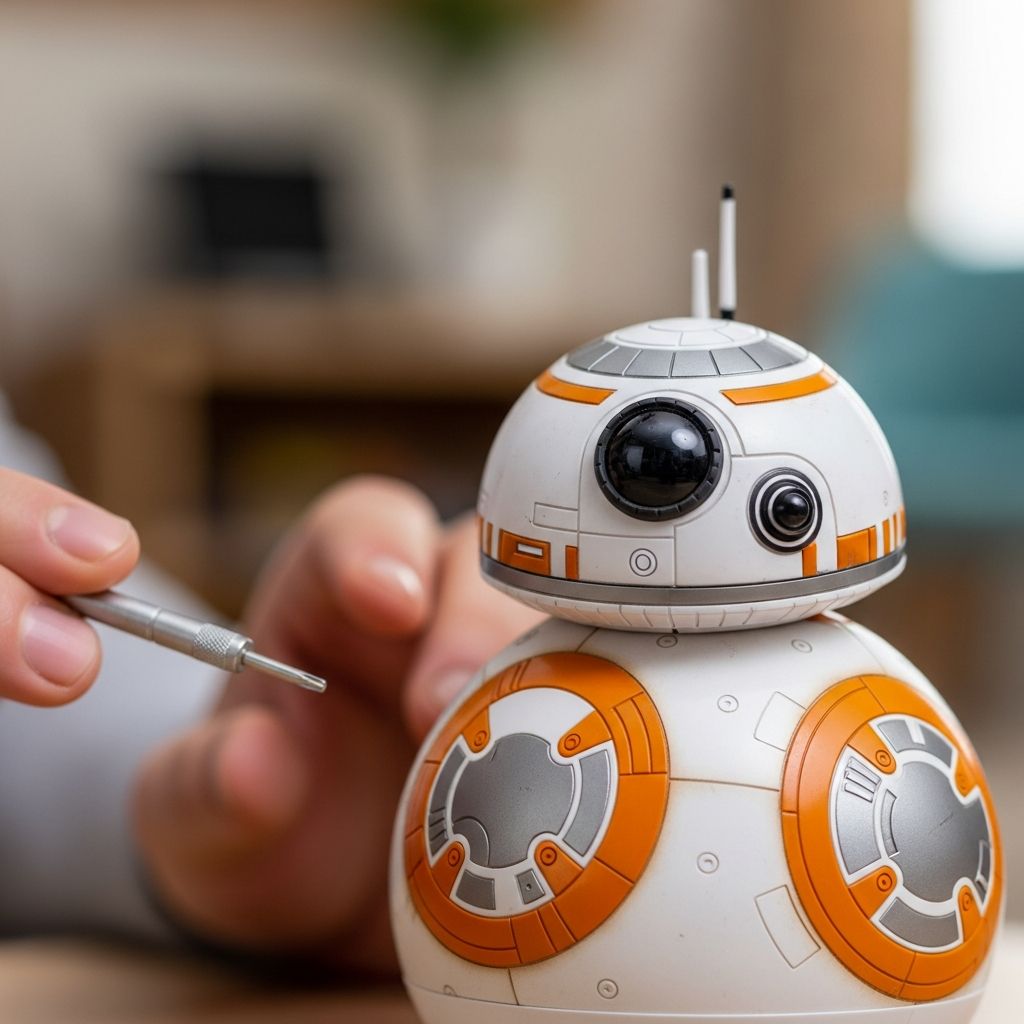
Remote-control and app-controlled BB-8 droids are exciting for kids, but they can also be frustrating when they suddenly stop responding, fail to charge, or move in strange ways. This guide gives parents clear, practical steps to diagnose and fix the most common problems at home, using simple language and structured troubleshooting.
Before You Start: Safety and Expectations
Before opening anything, pressing hidden buttons, or trying DIY fixes, focus on safety and realistic expectations. These toys contain electronics and small parts that can be damaged by force, moisture, or incorrect chargers.
- Always supervise young children when troubleshooting or charging the droid.
- Use only recommended or equivalent chargers and batteries to reduce fire and damage risks.
- If the toy is within its return or warranty period, consider exchanging it rather than attempting internal repairs.
Quick Checklist: Simple Fixes to Try First
Many BB-8 issues come from small, easily fixed causes. Before diving into detailed steps, run through this rapid checklist.
- Verify batteries or charging: Are the batteries fresh or fully charged? Is the USB cable or charging base firmly connected?
- Check the power or wake method: Some models turn on with a shake, some with a button, and some when placed in the charging base.
- Confirm the app or remote: Is the correct app installed or the right remote being used? Are remote batteries working?
- Check distance and obstacles: Is the child too far away or are there walls, furniture, or bright lights interfering?
Understanding Different BB-8 Types
Not all BB-8 toys behave the same way. Some use a smartphone app and Bluetooth, while others use a simple infrared or radio-frequency remote. Understanding which type you have makes troubleshooting easier.
| Feature | App-Controlled BB-8 | Remote-Control BB-8 |
|---|---|---|
| Control method | Smartphone or tablet app via Bluetooth | Handheld remote with buttons |
| Power source | Internal rechargeable battery and charging base or cable | Replaceable batteries in droid and often in the remote |
| Typical issues | Connection failures, app crashes, Bluetooth pairing trouble | No response due to dead batteries or blocked line of sight |
| Setup difficulty | Higher: requires downloads, permissions, and pairing | Lower: usually works once batteries are installed correctly |
BB-8 Will Not Turn On
One of the most common complaints is that BB-8 seems completely dead: no lights, no sounds, and no movement. Work methodically to rule out power, batteries, and wake methods.
Step-by-Step Checks
- Confirm the power source. For battery-operated models, replace all batteries at the same time, following the polarity icons. For rechargeable models, charge for at least 60–90 minutes before retesting.
- Inspect the charging base or cable. Look for loose plugs, bent USB connectors, or debris under the droid contact points. Try a different outlet or USB power adapter if possible.
- Check how your model wakes up. Some BB-8 units wake when shaken, others with a small button on the base or droid, and some wake as soon as they are removed from or placed in the charger. Try each of these methods calmly and deliberately.
- Look for indicator lights. If the base lights up but the droid does not respond, the problem may be inside the droid. If nothing lights up at all, the problem is more likely in the power path or charger.
BB-8 Not Charging or Losing Charge Quickly
If BB-8 turns on briefly and then shuts down, or will not hold a charge, focus on the charging environment and the condition of the battery. Heavy use, long storage, or incorrect chargers can all shorten battery life.
- Charge the droid on a stable, flat surface away from heat, moisture, and metal surfaces that could interfere with a wireless base.
- Clean the contact points on both the droid and charging base with a dry cloth to remove dust or fingerprints.
- Avoid overcharging for very long periods; unplug after a full charge to prolong battery life.
- If the droid is old and charges only for a few minutes of play, the internal battery may be worn out; at that stage, a professional repair or replacement toy is usually more practical.
Connection Problems with Phone or Tablet
For app-controlled BB-8 toys, Bluetooth connection failures are another major frustration. These often stem from app issues, Bluetooth conflicts, or low battery on either device.
Bluetooth Troubleshooting Steps
- Ensure Bluetooth is turned on in the phone or tablet settings and that no airplane mode is active.
- Fully close the BB-8 app, then reopen it before attempting to connect again.
- Move away from other Bluetooth devices and routers that may cause interference, and stay within a few meters of the droid.
- If the app lists an old BB-8 connection, remove or “forget” that device in Bluetooth settings, then pair again from scratch.
- Restart both the mobile device and the droid, then retry the pairing process following the official app instructions.
Remote-Control BB-8 Not Responding
For models that use a handheld remote, unresponsiveness is usually due to dead or weak batteries, blocked signals, or bright lighting that interferes with infrared remotes.
- Replace the batteries in both the remote and the droid at the same time using good-quality batteries.
- Ensure the remote has a clear line of sight to the droid if it uses infrared; avoid pointing through furniture or glass.
- Reduce strong sunlight or direct bright lamps that can interfere with remote signals.
- Move closer to the droid; many remotes have a limited effective range.
BB-8 Moves in Circles or Not Straight
When BB-8 only turns in one direction, spins in circles, or refuses to drive straight, the cause is often uneven surfaces, misalignment, or internal wheel problems.
How to Improve Movement
- Test the droid on a smooth, flat indoor surface such as hardwood, tile, or low-pile carpet rather than thick rugs or grass.
- Use any alignment functions in the app or remote (sometimes a button or slider that adjusts direction) to point the droid forward before driving.
- Listen for unusual grinding or clicking sounds that may suggest a mechanical issue inside; if present, stop using the toy until it can be inspected by a professional.
- If the toy was dropped or hit a hard object and the problem started afterward, internal damage is likely. In-warranty toys should be returned or evaluated by support rather than opened by a parent.
BB-8 Head Keeps Falling Off
Many BB-8 toys use magnets to attach the head to the body. The head is designed to pop off rather than break when the droid stops suddenly or collides with objects.
- Explain to children that the head popping off is normal and usually not a sign of damage.
- Check the magnets and rolling surface for dust or hair that might weaken the magnetic grip.
- Encourage gentler play on smooth floors to reduce sudden impacts that knock the head off.
Sound or Light Problems
Sometimes BB-8 still moves correctly but has no sound, no lights, or lights that behave strangely. Begin by checking power and any volume or mute settings within the app or on the remote.
- Confirm the droid is fully charged; some toys disable sound or dim lights when the battery is critically low.
- Open the app settings and look for sound or volume controls that might have been turned down during previous play.
- For remote models, check that your child is pressing the correct buttons for sound effects, as some buttons control only movement.
- If lights flicker irregularly or the droid becomes very hot, stop using it immediately and contact the manufacturer or retailer.
Soft Reset and Harder Recovery Options
Many electronic toys support a basic reset that clears minor glitches without deleting essential data. This may involve pressing and holding a small button, lifting the droid from the charger in a particular way, or turning a hidden switch off and on again.
- Look for an obvious reset method in the manual, such as holding a base button, toggling a switch, or performing a timed sequence.
- Turn the droid off completely, if possible, and leave it off for at least 30 seconds before turning it back on.
- Uninstall and reinstall the official app if connection problems or software glitches continue.
- Avoid inserting sharp objects into holes or seams to “press” imaginary buttons; this often causes more harm than good.
Preventing Future BB-8 Problems
Once BB-8 is working again, teach your child small habits that extend the life of the toy. Many failures come from rough handling, poor storage, or constant overcharging.
- Store BB-8 and its charger together in a dry, cool location out of reach of very young children and pets.
- Encourage gentle play, avoiding throws, kicks, or use on wet or sandy surfaces.
- Charge the droid only as long as necessary and unplug when full.
- Clean the shell and magnetic head occasionally with a dry or slightly damp cloth, avoiding harsh cleaners.
When to Stop and Call Support
Not every problem can or should be fixed at home. If the toy shows signs of overheating, burnt smells, or visible internal damage, discontinue use immediately.
- Contact the retailer or manufacturer with the model number, purchase date, and a clear description of the symptoms.
- Ask about warranty coverage, recall notices, or known issues that might apply to your specific toy.
- If the toy is out of warranty and repair would be expensive, compare the cost of a new unit before committing to service.
Frequently Asked Questions (FAQs)
1. How long should I charge BB-8 before first use?
Most rechargeable BB-8 droids need at least one to two hours of initial charging, but actual times vary by model. Check the printed manual or packaging for the recommended first-charge duration, and avoid leaving it plugged in for days at a time.
2. Can BB-8 be used outside?
Some BB-8 toys can roll on smooth outdoor surfaces, but most are designed for indoor use. Rough ground, water, dirt, or sand can damage the mechanism, weaken magnets, and scratch the shell, so indoor play on clean floors is usually safest.
3. Why does BB-8 turn off by itself?
Many droids shut down automatically after a period of inactivity to preserve battery life. If your child sets the toy down without pressing buttons or moving it, the automatic sleep feature is likely working as designed, not malfunctioning.
4. Is it safe to open BB-8 to look inside?
Unless the manufacturer explicitly says the toy is user-serviceable, opening BB-8 can void the warranty and create safety risks. Internal parts are often delicate and not intended for home repair, so contacting customer support or using a professional service is usually the better option.
5. What if my child lost the remote or deleted the app?
If the toy uses a physical remote, a replacement may be available from the manufacturer or third-party sellers, but compatibility is not guaranteed. For app-controlled models, simply download the official app again from the appropriate app store, making sure it matches the correct brand and model name.
Helping Kids Enjoy BB-8 Longer
With a bit of patience and the right troubleshooting steps, most common BB-8 issues can be fixed at home without drama. Use problems as an opportunity to teach kids about caring for electronics, following instructions, and handling their favorite droid with respect so it can roll, beep, and explore for as long as possible.