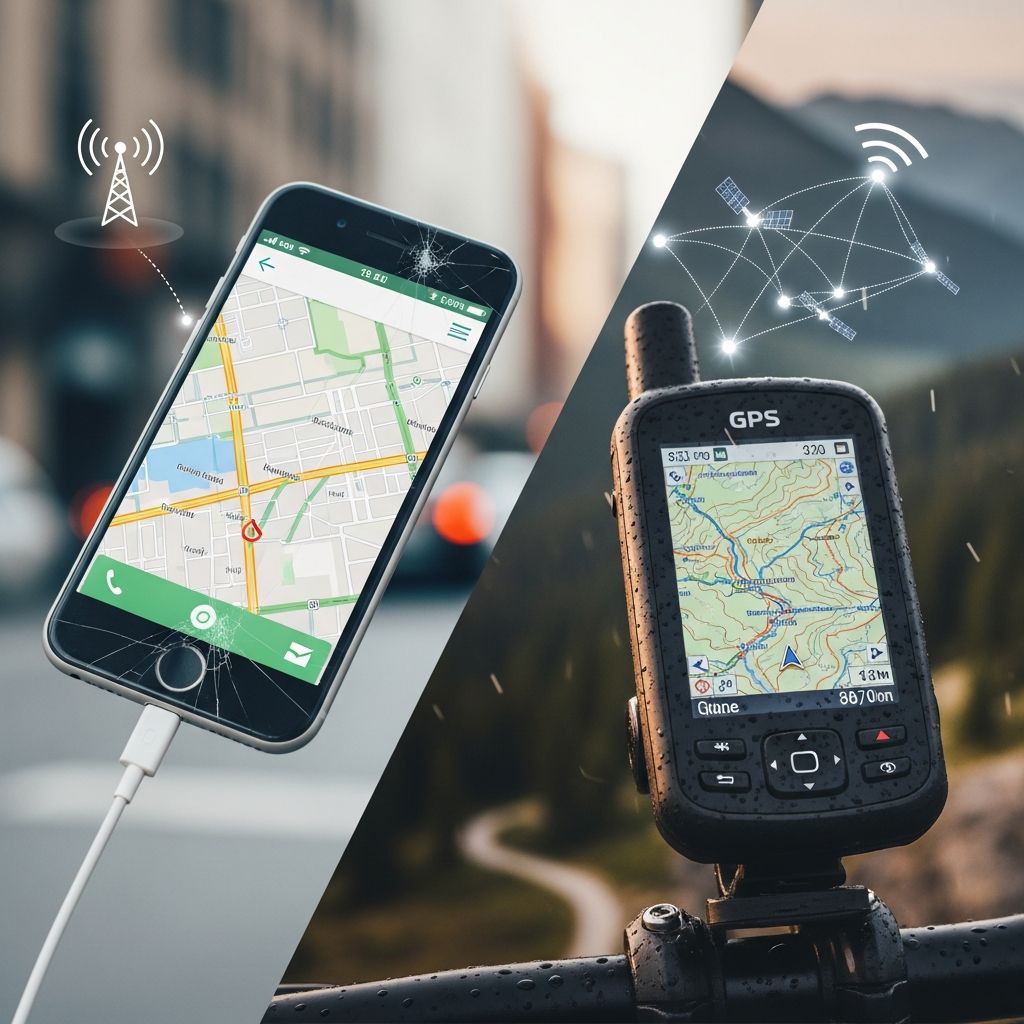
Smartphones may have claimed the navigation crown, but for many drivers, a small box stuck to the windshield quietly does the job better. A dedicated GPS device can simplify daily errands, transform stressful road trips into relaxed adventures, and even change how you feel about driving altogether.
This article explores the emotional side of relying on a dedicated navigation device, along with the practical reasons why a dedicated GPS still earns a permanent place in the car. You will also find setup tips, feature breakdowns, a comparison table, and FAQs to help you decide if a standalone GPS is right for you.
The Emotional Side of Navigation
Navigation is not just about coordinates and turn-by-turn directions; it is often about confidence, independence, and peace of mind. For many drivers, especially those who dislike getting lost or managing directions under pressure, a dedicated GPS can feel like an unexpected companion.
- Confidence booster: Knowing that route recalculation is automatic removes much of the anxiety of wrong turns.
- Freedom to explore: With a reliable device, detours and spontaneous side trips feel less risky.
- Reduced arguments: On family trips, the GPS becomes the neutral voice of authority, easing tension over directions.
Over time, this sense of reassurance can turn into genuine affection for the device. It becomes part of the routine: mount, power on, select destination, and drive. That simple ritual can make each outing feel more manageable and less chaotic.
What a Dedicated GPS Does Differently
At a glance, a dedicated GPS and a smartphone app may look interchangeable. Both show maps, suggest routes, and speak directions. The difference lies in what they prioritize and how they fit into daily driving habits.
- Always focused on navigation: A dedicated GPS is not competing with messages, notifications, or social apps.
- Optimized interface: Buttons, fonts, and menus are designed specifically for drivers who glance at the screen for a second at a time.
- Hardware tuned for the task: Bright screens, loud speakers, and vehicle-friendly mounts are built in from the start.
While phones can be adapted to the car with mounts and apps, a dedicated GPS starts from the assumption that it will live there, always ready for the next drive.
Core Features That Make Daily Driving Easier
Modern GPS devices, such as many TomTom units, offer more than a moving arrow on a map. Their features are meant to reduce friction at every stage of a trip, from planning to parking.
- Turn-by-turn voice guidance: Clear spoken instructions help keep your eyes on the road.
- Real-time traffic routing: Some models use live traffic data (often via a connected smartphone) to avoid congestion and estimate realistic arrival times.
- Frequent map updates: Regular map updates ensure new roads, roundabouts, and speed changes are accurately reflected.
- Points of interest: Built-in databases of gas stations, restaurants, and attractions help when you need to stop quickly.
- Lane guidance: Visual cues indicate which lane to use for upcoming exits or complex junctions.
These features are especially helpful when driving in unfamiliar cities, navigating multi-lane highways, or planning long journeys through several regions.
Dedicated GPS vs Smartphone Navigation
Both dedicated GPS devices and smartphone apps can get you to your destination, but they serve slightly different types of drivers and situations. Understanding the trade-offs helps you decide which should be your primary guide.
| Aspect | Dedicated GPS Device | Smartphone Navigation App |
|---|---|---|
| Primary Purpose | Built only for navigation, minimizing distractions | Multipurpose device also handling calls, texts, and apps |
| Screen & Visibility | Optimized brightness, anti-glare design for dashboards | Varies by phone; may dim to save battery or overheat in sun |
| Data Usage | Often uses preloaded maps; some traffic services need minimal data | Typically requires constant data for maps and live features |
| Battery Impact | Runs on car power; does not drain phone battery | Continuous navigation can quickly deplete phone battery |
| Distractions | No social media or message notifications to tempt attention | Notifications, calls, and alerts can steal focus |
| Setup & Mounting | Includes a purpose-built mount that stays in the car | Needs a separate phone mount; may be unstable or poorly placed |
| Long-Trip Reliability | Designed for hours of continuous use | Can overheat or lag with long, intensive usage |
In practice, many drivers carry both but lean on the dedicated GPS for longer trips or commutes, reserving the phone as a backup or for quick address lookups.
How a GPS Changes the Driving Experience
The impact of a dedicated GPS goes beyond technology specs. It reshapes how you behave in the car from the moment you step in to the moment you park.
- Before you start: You enter your destination once, review the route, and then mentally relax, knowing that rerouting is automatic if you miss a turn.
- While driving: You focus more on traffic and surroundings, responding to voice prompts rather than constantly checking street names.
- At your destination: Features such as parking suggestions or last-mile walking guidance (on some models) make the final approach less stressful.
This subtle shift—from worrying about directions to simply following them—can make driving feel more approachable, particularly for new drivers, anxious drivers, or anyone frequently venturing into unfamiliar areas.
Essential Features to Look For
Not all GPS units are created equal. When shopping for a dedicated device, certain features make a meaningful difference in daily use. Instead of focusing only on screen size or price, consider how you actually drive.
- Screen size and clarity: Larger screens make lane guidance and junction views easier to read, but very large units may obstruct the windshield.
- Map coverage: Ensure the regions where you regularly travel are fully covered, and check whether map updates are included or require a subscription.
- Traffic services: Real-time traffic information can save significant time on commutes; confirm whether it works via built-in connectivity or a paired smartphone.
- Speed alerts: Warnings when approaching speed cameras or entering different speed zones help you stay mindful and avoid tickets.
- Interface simplicity: Look for intuitive menus, large on-screen buttons, and clear voice prompts in the language and accent you prefer.
Choosing a device with the right balance of features ensures you will actually use it instead of relegating it to a glove compartment.
Setting Up Your GPS for Success
Even the best navigation device will frustrate you if it is poorly mounted, misconfigured, or rarely updated. A few deliberate setup steps can make day-to-day use nearly effortless.
1. Mounting and Power
- Place the device where you can glance at it without moving your head significantly, typically near eye level.
- Avoid blocking your view of traffic lights, pedestrians, or mirrors.
- Use the included power cable so the device remains charged on long drives.
2. Initial Configuration
- Set your home location once so you can return with a single tap.
- Adjust voice volume and brightness to suit daytime and nighttime conditions.
- Customize route preferences, such as avoiding toll roads or ferries when possible.
3. Map and Software Updates
- Schedule time every month or quarter to check for map updates.
- Use built-in Wi-Fi when available to simplify updates without connecting to a computer.
- Regular updates help reflect new construction, roundabouts, and changed traffic patterns.
Once configuration is complete, using the GPS should feel like a natural part of starting the car, not an extra chore.
Safety and Distraction: Why Dedicated Still Wins
Driver distraction is one of the main arguments in favor of a standalone navigation device. While nothing eliminates risk entirely, a purpose-built GPS is generally easier to manage safely than a general-purpose smartphone.
- No messaging temptations: Your GPS will not buzz with group chats or social media alerts while you negotiate traffic.
- Simple input: Address entry is often easier to perform while parked thanks to large, finger-friendly buttons.
- Predictable behavior: Screen and audio are consistent and do not unexpectedly change because another app demands attention.
Used correctly—set up before driving, adjusted only while stopped—a dedicated GPS can be one of the safer ways to get directions on the road.
When a Dedicated GPS Is Especially Helpful
Some drivers can get by with a phone app for occasional trips. Others will see a large quality-of-life improvement from a permanent GPS companion in the car. Certain situations highlight the advantages clearly.
- Frequent business travel: Sales professionals, service technicians, and delivery drivers benefit from reliable routing and rerouting without worrying about phone battery or data caps.
- Family road trips: Long journeys with children are easier when one device handles navigation and the phone remains free for entertainment or emergencies.
- Driving in unfamiliar countries: Preloaded regional maps and localized speed limits reduce surprises when traveling abroad.
- Areas with weak mobile coverage: Dedicated GPS units that rely mainly on satellite signals can keep navigating even when mobile data is limited or unavailable.
If any of these scenarios sound familiar, a dedicated navigation device can pay for itself in saved time, reduced stress, and fewer arguments over which exit to take.
Getting More Value from Your GPS
Once your device is installed, you can turn it into an even more powerful travel partner with a few habits and small tweaks. These optimizations can make navigation more accurate and trips more enjoyable.
- Save frequent destinations: Store your workplace, school, gym, relatives, and favorite restaurants as favorites for one-tap access.
- Use multi-stop routing: Plan errands as a single trip with several stops so the GPS can optimize the order and save fuel.
- Experiment with alternate routes: When traffic is light, test suggested alternate routes to discover new shortcuts or scenic options.
- Leverage voice guidance fully: Try driving while looking at the screen less and listening more, training yourself to trust the audio instructions.
With time, many drivers find that the GPS anticipates their needs so well that using it becomes second nature, much like fastening a seat belt.
SEO-Friendly FAQs About Dedicated GPS Devices
Do I still need a GPS if my phone has maps?
A dedicated GPS is not strictly necessary, but it can be significantly more convenient and safer for frequent drivers. It keeps navigation separate from communication and entertainment, reducing distractions and preserving phone battery life.
Are dedicated GPS devices still updated regularly?
Most modern GPS brands continue to provide map and software updates, often for many years after purchase. Some models include lifetime map updates or several years of traffic and speed camera services, which greatly extend their usefulness.
Will a GPS work without mobile data?
Yes, a dedicated GPS primarily relies on satellite signals for positioning. Many units store maps locally on the device, allowing full navigation without mobile data, though some advanced traffic or services may require a connection through a paired phone or built-in connectivity.
Is a GPS device hard to install?
Installation usually involves attaching a supplied mount to the windshield or dashboard, connecting the power cable, and performing an initial setup wizard. The process typically takes only a few minutes and does not require any tools.
Can I use my GPS in multiple cars?
Yes, most portable GPS units are designed to be moved between vehicles. By purchasing an extra mount and power cable, you can quickly transfer the device from one car to another while keeping each setup tidy.
How do I know when to replace my GPS?
Consider replacing your device when it no longer receives map updates, struggles to calculate routes quickly, or lacks safety features that are important to you, such as lane guidance or reliable traffic data. If the device becomes noticeably slower or its maps feel outdated, an upgrade may be worthwhile.
In the end, a dedicated GPS device is less about screen size and specifications and more about how it changes your relationship with the road. For many drivers, that small, persistent voice saying “Turn right in 500 meters” becomes a trusted partner—one that makes every journey a little calmer, a little clearer, and a lot more enjoyable.