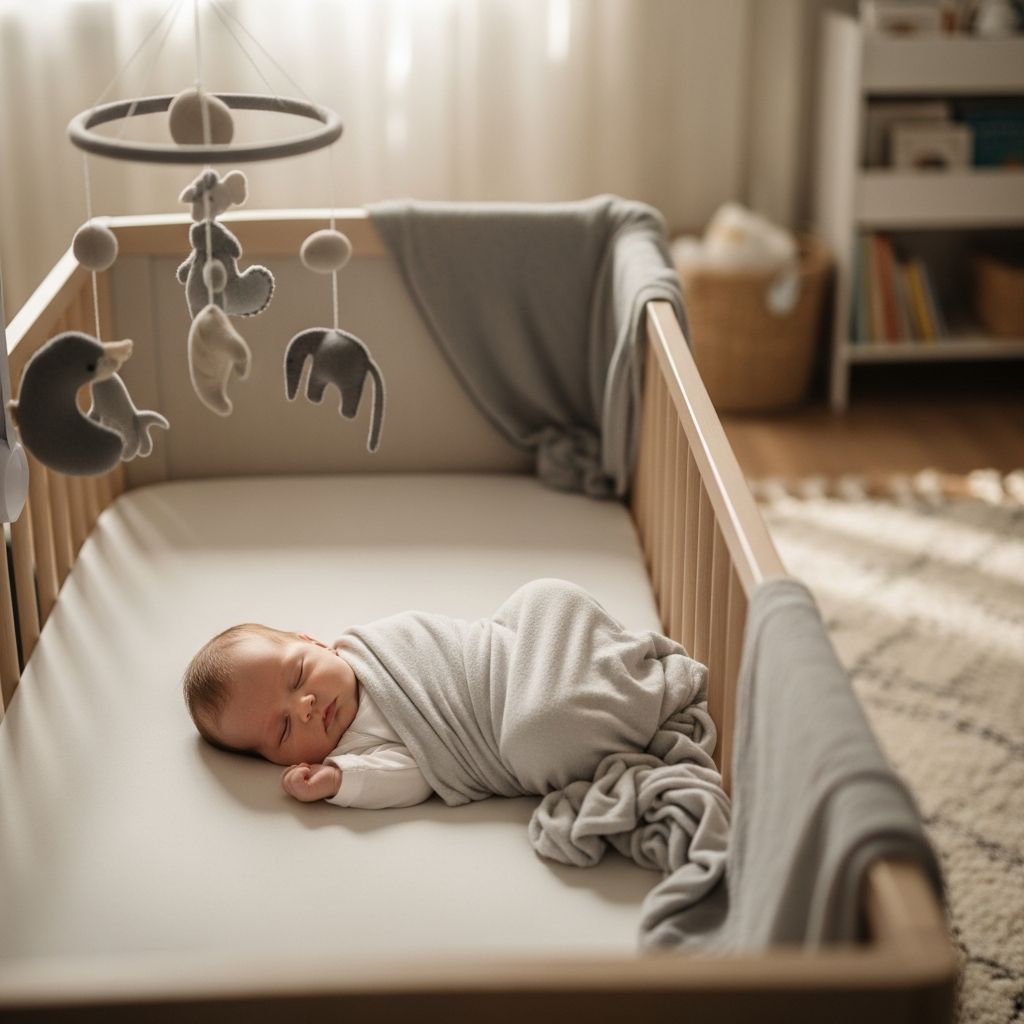
Bringing a new baby home changes what safety and peace of mind mean in everyday life. For many families, a smart baby monitor camera has become as essential as the crib or the car seat, offering a window into the nursery when parents are in another room or even away from home.
Why Parents Are Choosing Smart Baby Cameras
Traditional audio monitors let you hear your baby, but modern camera-based monitors add live video, app alerts, and sleep data that can help you feel more connected and informed. Instead of wondering whether a sound is just a rustle or a real cry, you can quickly glance at your phone and see exactly what is happening.
These devices are not meant to replace safe-sleep practices or attentive caregiving, but they can reduce the anxiety of constant checking and allow caregivers to rest or work while still keeping a close eye on their baby. Used thoughtfully, they become one piece of a broader sleep and safety plan.
How Modern Baby Monitor Cameras Work
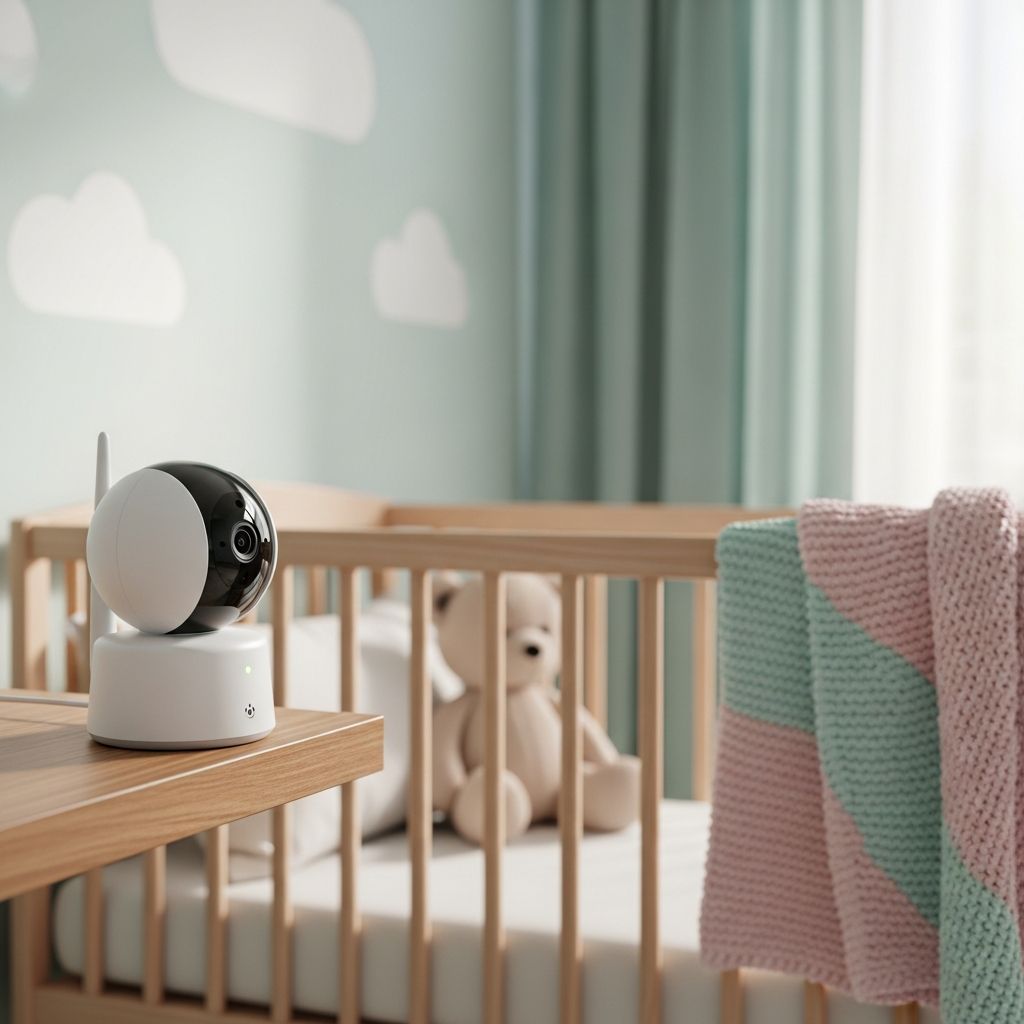
Most smart nursery cameras pair a compact camera unit in the baby’s room with an app or a dedicated parent screen. The camera captures video and audio, then sends it to your phone or monitor over your home Wi-Fi or a direct radio connection, depending on the model.
On the parent side, an app or handheld unit lets you see live video, hear audio, speak back through two-way audio, review short clips, and sometimes track sleep or movement metrics. This combination of hardware and software is designed to deliver reassurance without requiring you to physically enter the room every time you have a question about how your baby is doing.
Key Features That Actually Matter
Baby monitors now come with long feature lists, but not every option is essential. Focusing on a few core capabilities makes it easier to choose a device that fits your family instead of simply picking the most complex or expensive model.
Below are some of the features that usually have the biggest impact on everyday use and peace of mind, especially during those exhausting early months.
Video and Night Vision Quality
- Resolution: A clear image helps you see chest movement, sleep position, and what your baby is holding or lying on.
- Low-light performance: Good night vision matters more than daytime sharpness, since many parents check the monitor most often in the dark.
- Field of view: A wide-angle lens can cover the full crib and some of the room, giving context for movement and sounds.
Audio and Two-Way Talk
- Clear sound: Subtle breathing sounds or changes in crying can indicate whether your baby is settling or waking fully.
- Two-way audio: Being able to speak or sing softly through the monitor can soothe an older baby without entering the room.
- Adjustable sensitivity: Noise filters help reduce false alerts from fans, humidifiers, or street noise.
Smart Alerts and Motion Detection
Many modern cameras use motion and sound detection or basic algorithms to decide when to send a notification. Rather than streaming constantly, you may receive an alert for a loud cry, significant movement, or leaving a defined area in the crib.
- Custom zones: Some monitors let you mark “danger” or “no-go” areas in the crib or room and notify you if the baby moves there.
- Sensitivity controls: Tuning detection levels can prevent feeling overwhelmed by minor rustles or routine sleep movements.
- Activity snapshots: Short clips or still images help you understand what triggered an alert without replaying long recordings.
Sleep Insights and Activity History
Higher-end models may compile simple sleep analytics such as total hours slept, number of wake-ups, or average time to fall asleep. These tools are best used as broad trends rather than medical-grade data.
- Sleep summaries: Daily or weekly overviews can help you recognize patterns like late bedtimes or early wakes.
- Timeline view: Being able to scroll through a night’s activity lets you see when interventions actually helped.
- Highlight reels: Automatically saved “moments” can capture first smiles, rolls, or other milestones.
Privacy and Safety: What You Need to Know
Because many baby cameras connect to the internet, parents often worry about privacy and data security. That concern is valid, and it is important to understand how to protect your family’s video feed and personal information.
Choosing reputable brands, using strong passwords, and keeping software up to date go a long way toward reducing risk. Being thoughtful about how and when you share recorded clips or photos also helps maintain your child’s digital privacy over time.
| Aspect | What It Means | What Parents Can Do |
|---|---|---|
| Encrypted video stream | Video data is scrambled so outside viewers cannot easily watch. | Check that the device uses current encryption standards and install firmware updates. |
| Account security | How you log in and who can access the feed. | Use unique, strong passwords and turn on multi-factor authentication when available. |
| Cloud storage policies | Whether clips or images are stored remotely and for how long. | Review retention settings and disable cloud storage if you prefer local-only recording. |
| Shared access | Inviting partners, relatives, or caregivers to view the monitor. | Limit access to trusted adults and periodically audit shared accounts or links. |
Benefits and Drawbacks in Real Life
Nursery cameras can be incredibly helpful, but they are not perfect. Thinking clearly about both sides makes it easier to set realistic expectations and prevent the technology from adding stress instead of reducing it.
In day-to-day parenting, the value of a baby monitor is less about fancy features and more about how well it fits your routines, your home, and your comfort level with technology.
Everyday Advantages
- Peace of mind: A quick glance at the screen can reassure you that your baby is breathing comfortably and sleeping safely.
- Flexible supervision: You can cook, shower, or work in another room without constantly opening the nursery door.
- Co-parenting support: Multiple caregivers can share access, making handoffs smoother and keeping everyone informed.
- Memory keeping: Captured videos sometimes preserve firsts you might have otherwise missed.
Potential Downsides
- Over-monitoring: Constantly watching the live feed can make it hard to relax and may heighten anxiety instead of easing it.
- False security: No camera can replace safe sleep practices like proper crib setup and appropriate sleepwear.
- Tech friction: Wi-Fi outages, app glitches, or low batteries can interrupt monitoring at inconvenient times.
- Privacy trade-offs: Internet-connected devices always require some trust in the manufacturer and your own digital habits.
Choosing the Right Monitor for Your Family
Selecting a baby monitor can feel overwhelming, but breaking the decision into a few clear questions makes it simpler. Thinking through your home layout, daily routines, and personal comfort with technology helps narrow options quickly.
Instead of chasing the longest feature list, consider what will genuinely make nights and naptimes feel calmer and safer for you.
Guiding Questions Before You Buy
- Do you want Wi-Fi access (viewing from anywhere) or a closed, non-Wi-Fi system that only works within your home?
- Will you mainly view on a smartphone or do you prefer a dedicated parent unit with no apps required?
- Is your priority video quality, smart alerts, portability, or cost?
- How important are extras like lullabies, night lights, or sleep analytics?
- Do you plan to monitor more than one child or room in the future?
At-a-Glance Comparison of Common Types
| Monitor Type | Best For | Key Strength | Key Limitation |
|---|---|---|---|
| Wi-Fi video monitor | Parents who travel or move around the house with phones. | View from virtually anywhere with an internet connection. | Depends on network reliability and online security. |
| Non-Wi-Fi video monitor | Families who prioritize privacy and simplicity. | Closed connection that is less exposed to the internet. | Limited range to the house or yard; no remote viewing. |
| Audio-only monitor | Minimalists or those in small homes or apartments. | Low cost, long battery life, very simple to use. | No visual context; may require more room checks. |
| Multi-camera system | Families with multiple children or large homes. | Covers several rooms or angles with one system. | Can be more expensive and complex to configure. |
Setting Up a Baby Monitor Safely
Even the best device needs a safe, thoughtful installation to work well. The goal is to position the camera so it clearly captures the crib while keeping cords and hardware far from your baby’s reach.
Taking a few extra minutes at setup can prevent hazards and reduce annoying issues like glare, poor angles, or unstable mounts that move out of place.
Practical Setup Tips
- Mount the camera high enough (for example, on the wall or a secure stand) to show the entire crib, not just part of the mattress.
- Keep all cables firmly secured to walls or furniture and never dangling within reach of the crib or changing table.
- Avoid pointing the camera directly at bright windows or lights, which can wash out the image or reduce night-vision quality.
- Test audio and video at common times, such as nap and bedtime, to ensure alerts and sound levels fit your preferences.
- If your model connects to Wi-Fi, place your router where it provides strong coverage to the nursery to avoid disconnections.
Using Baby Monitors in a Healthy Way
It is easy to start relying on constant monitoring, especially for first-time parents. Balancing the reassurance of the monitor with trust in your baby’s abilities and your instincts can keep the technology in its proper role.
Think of your camera as a supportive tool rather than a guarantee of safety. Combining it with safe-sleep practices and regular check-ins creates a more complete approach than any single gadget can offer.
Healthy Habits Around Monitoring
- Use alerts and quick checks instead of watching the live feed for long stretches.
- Periodically revisit safe-sleep guidelines, including crib setup, sleep position, and room temperature.
- Adjust notification settings if you find yourself reacting to every minor movement or sound.
- Talk openly with your partner or co-caregiver about how you want to use the monitor so everyone has the same expectations.
Frequently Asked Questions About Baby Monitor Cameras
Do I really need a video monitor, or is audio enough? It depends on your home layout, your comfort level, and your budget. Many parents like seeing what is happening in the crib, especially in a larger home or when using white noise machines that can mask subtle sounds. Others in small apartments may feel perfectly comfortable with audio-only monitoring. Are Wi-Fi baby monitors safe to use? Wi-Fi monitors can be used safely if you take basic precautions such as using strong, unique passwords, updating firmware, and enabling extra login security when available. If internet connectivity or privacy is a major concern, you may prefer a non-Wi-Fi model that uses a closed connection between camera and parent unit. Will a camera prevent sleep-related emergencies? No monitor can replace safe-sleep practices or medical care. A camera can help you observe your baby more easily and catch changes in position or distress sooner, but it is not a guarantee of safety. Always follow up-to-date sleep-safety recommendations from your pediatrician. What range do I need? For non-Wi-Fi models, look for a range that comfortably covers your home and any outdoor spaces you plan to use while the baby sleeps. Wi-Fi models typically allow viewing from anywhere you have internet access, but still require a strong signal in the nursery for reliable performance. Can I use the camera after the baby phase? Yes, many families repurpose baby monitors as toddler room cameras, playroom viewers, or even basic home-security cameras. Features like two-way audio and motion alerts can remain useful long after the crib stage.
Bringing It All Together
A smart baby monitor camera can be a powerful ally in the first months and years of parenting, offering quick reassurance and flexibility when you need it most. Choosing a model that fits your routines, setting it up safely, and using it with intention helps ensure that it supports your family instead of demanding constant attention.
When treated as one part of a broader approach to safe sleep, rather than the centerpiece, a well-chosen nursery camera can lighten the mental load and allow everyone in the household to rest just a little easier.