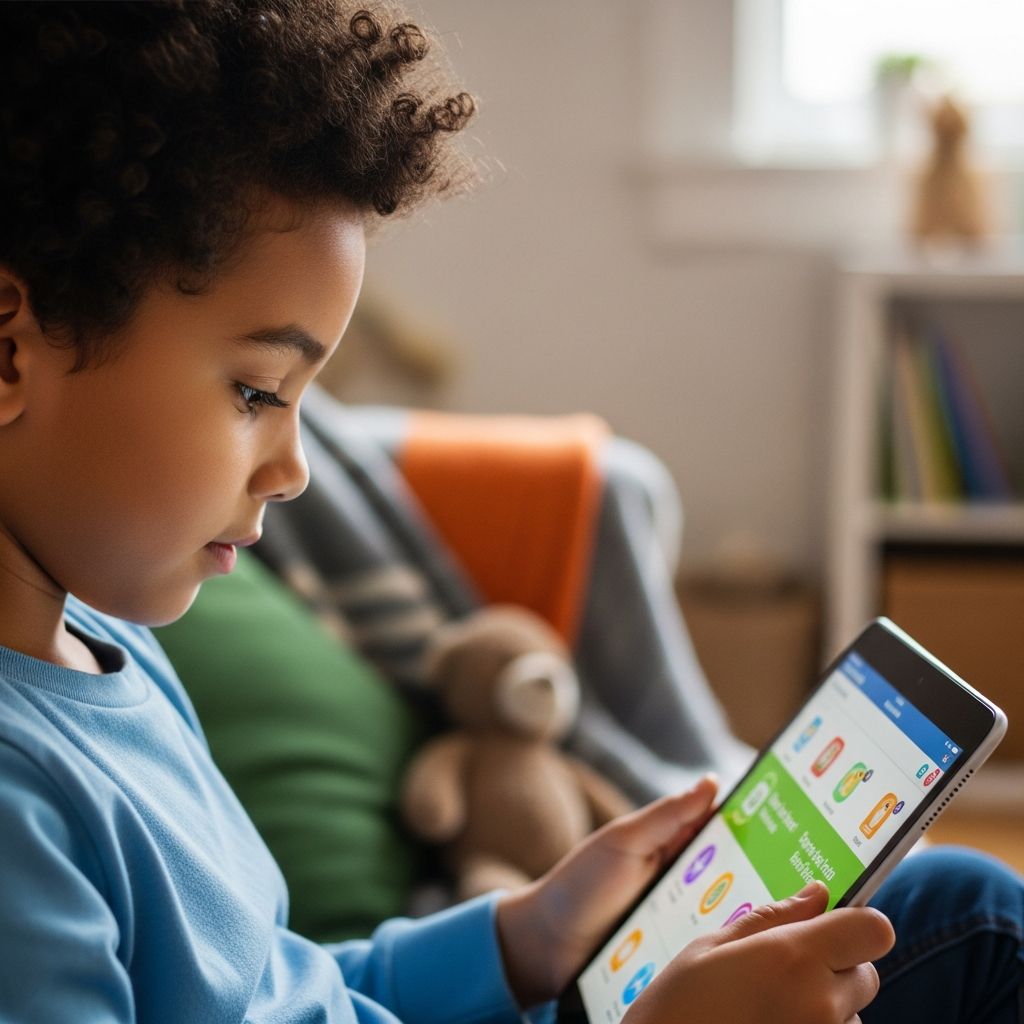
In today’s tech-saturated world, children as young as toddlers routinely engage with iPads for entertainment, education, and social interaction. These “iPad kids” represent a generation immersed in touchscreens from infancy, raising vital questions about cognitive, social, and physical development. While tablets offer unparalleled access to learning apps and creative tools, excessive use can hinder essential skills like face-to-face communication and imaginative play. This comprehensive guide examines the phenomenon, drawing on expert research and practical advice to help parents harness technology’s benefits while mitigating risks.
The Rise of Touchscreen Toddlers
The term “iPad kids” captures a cultural shift where tablets have become ubiquitous babysitters and learning aides. Surveys indicate that by age two, over 60% of children in developed nations have used a tablet, often for hours daily. This trend accelerated during the pandemic, as parents sought distractions amid remote work and lockdowns. Apple’s iPad, with its intuitive interface and vast app ecosystem, dominates this space, appealing to young users who swipe and tap with native ease.
Proponents argue that interactive apps boost early literacy and math skills. Educational platforms like ABC Mouse or Khan Academy Kids provide structured content aligned with developmental milestones. However, critics warn of “digital pacifiers,” where passive video consumption supplants active exploration. The American Academy of Pediatrics recommends no screens for children under 18 months (except video chatting) and limited, high-quality use thereafter, emphasizing co-viewing with parents.
- Early Adoption Stats: 90% of children under eight use tablets weekly.
- Daily Average: Kids aged 2-5 spend up to 2.5 hours on screens.
- Parental Rationale: Convenience (42%), education (38%), and calming effects (25%).
Developmental Impacts: Gains and Concerns
Research reveals a double-edged sword. On the positive side, fine motor skills improve through precise touching and dragging gestures, potentially aiding handwriting readiness. Spatial awareness and problem-solving also benefit from puzzle apps. A study from the Journal of Pediatrics found that moderate, interactive screen time correlated with better vocabulary in preschoolers when paired with parental discussion.
Yet, concerns loom large. Prolonged close-range viewing strains developing eyes; experts advise a minimum 16-inch distance to prevent myopia. Blue light disrupts melatonin, contributing to sleep delays—vital for brain growth. Socially, iPad-centric play reduces peer interactions, potentially stunting empathy and negotiation skills. Attention spans may fragment from rapid content switches, with some children exhibiting ADHD-like symptoms after heavy use.
| Potential Benefits | Associated Risks |
|---|---|
| Enhanced digital literacy | Reduced physical activity |
| Access to global educational resources | Eye strain and sleep disruption |
| Customized learning paces | Diminished social skills |
| Creative expression via drawing apps | Overstimulation and attention issues |
Long-term data is emerging but suggests balanced use is key. Neuroscientists note that neural pathways for impulse control and emotional regulation form best through unstructured play, not algorithms.
Parental Perspectives: Real Stories from the Trenches
Mothers and fathers grapple with guilt and practicality. One parent shared, “My three-year-old mastered shapes on Prodigy before recognizing them in blocks.” Others lament tantrums when devices are pried away, dubbing it “tablet withdrawal.” Generational divides appear: millennial parents, digital natives themselves, are more lenient than Gen X counterparts, yet all seek equilibrium.
Common challenges include negotiating time limits amid homework demands and modeling healthy habits—parents average 7 hours of personal screen time daily, per Nielsen reports. Success stories highlight routines: device-free dinners, outdoor mandates, and “tech treasure hunts” where screens aid nature scavenger hunts.
Mastering Apple’s Built-In Safeguards
Apple equips iPads with robust parental controls via Screen Time, empowering families to enforce boundaries. Start by navigating Settings > Screen Time > Turn On Screen Time, selecting “This is My Child’s iPad.” Set a passcode to prevent overrides. Key features include:
- Downtime: Schedules blocking non-essential apps during bedtime or meals.
- App Limits: Caps daily use per category, like 1 hour for games.
- Content Restrictions: Filters explicit media, web access (limit to approved sites), and app downloads.
Communication Safety, default for under-18s, scans Messages for nudity, blurring images and prompting guidance without parental notification for privacy. Guided Access locks to one app, ideal for focused play. For Family Sharing setups, manage multiple devices centrally.
Third-party apps like Aura enhance monitoring with location tracking and cyberbullying alerts, integrating via QR code linking. Always enable VPN for full functionality.
Optimizing Device Setup for Young Users
Beyond software, hardware tweaks matter. Activate True Tone to adjust display warmth, curbing blue light. Night Shift further aids evenings. Use stands for ergonomic positioning, enforcing arm’s-length viewing. Sturdy cases prevent drops, and matte screen protectors reduce glare.
Secure accounts in parental names, enable two-factor authentication, and teach passphrases early. Monitor for data leaks via identity tools.
- Update to latest iPadOS for security patches.
- Set Face ID over passcodes for kids over 13.
- Disable Siri for under-13s to avoid unintended queries.
- Review weekly Screen Time reports collaboratively.
Strategies for Balanced Digital Diets
Foster intentional use: curate app libraries with vetted educational tools, avoiding YouTube rabbit holes. Co-engage—discuss app narratives to build comprehension. Alternate with analog joys: puzzles, books, and park romps. The 20-20-20 rule (every 20 minutes, view 20 feet away for 20 seconds) protects vision.
Incorporate tech mindfully: coding apps like Swift Playgrounds teach logic without addiction. Limit multiplayer games to supervised sessions, discussing online stranger dangers.
Expert Recommendations and Future Outlook
Pediatricians advocate the “2-1-2-5” rule post-2024 updates: under 2, none; 2-5 years, 1 hour max interactive; school-age, 2 hours recreational; teens, under 5 hours with breaks. Schools increasingly integrate iPads, necessitating home policies alignment.
As AI evolves, expect smarter controls: predictive overuse alerts and content personalization. Parents must lead by example, prioritizing presence over pixels.
Frequently Asked Questions
Is occasional iPad use harmful for toddlers?
Minimal, interactive sessions with parental involvement are generally safe, but avoid under 18 months per AAP guidelines.
How do I block inappropriate apps on iPad?
Use Screen Time > Content & Privacy Restrictions > iTunes & App Store Purchases > Installing Apps: Don’t Allow.
Can iPads cause speech delays?
Excessive passive viewing may contribute; prioritize conversation-rich activities.
What if my child begs for more screen time?
Offer choices: “Park or puzzle first?” and use visual timers for transitions.
Are parental control apps necessary with Apple’s tools?
Apple’s suffice for most; apps add advanced monitoring like geofencing.
References
- About Communication Safety on your child’s Apple device — Apple Support. 2024-10-15. https://support.apple.com/en-us/105069
- Use parental controls to manage your child’s iPhone or iPad — Apple Support. 2025-03-22. https://support.apple.com/en-us/105121
- Child Safety — Apple. 2025-01-10. https://www.apple.com/child-safety/
- Apple iPhone and iPad parental controls — Internet Matters. 2024-11-05. https://www.internetmatters.org/parental-controls/smartphones-and-other-devices/apple-iphone-and-ipad-parental-control-guide/
- How To Put Parental Controls On Your Child’s iPad — Aura. 2025-02-14. https://www.aura.com/learn/how-to-put-parental-controls-on-ipad
- All About iPhone and iPad Parental Control Settings — Security.org. 2024-12-01. https://www.security.org/digital-safety/iphone-ipad-parental-controls/