Creating home videos has never been easier with smartphones in every pocket, yet many parents end up with endless shaky footage that gathers digital dust. This guide empowers you to craft polished, emotional videos that preserve your family’s joy, from first steps to holiday gatherings. Drawing on proven techniques, we’ll explore planning, shooting, and editing to make your clips shine without professional equipment.
Why Home Videos Matter More Than Ever
In a fast-paced world, home videos serve as irreplaceable time capsules. They don’t just record events; they evoke the laughter, tears, and nuances of daily life that photos can’t fully capture. According to family storytelling experts, well-crafted videos boost emotional connections, helping children later appreciate their roots. Start by shifting your mindset: treat every recording session as storytelling, not mere documentation.
Imagine showing your grown kids a video of their chaotic birthday parties or quiet bedtime routines. These aren’t random clips—they’re narratives with a clear arc: setup, action, and heartfelt close. Poorly shot videos overwhelm viewers with monotony, but intentional filming creates engagement.
Essential Gear: Keep It Simple and Effective
You don’t need a Hollywood budget to produce pro-level results. Your smartphone is the best camera available, as emphasized by filmmakers like Casey Neistat. Focus on these basics:
- Stabilization: A $20 tripod or gimbal eliminates shaky hands. Clip your phone securely for steady shots.
- Audio Boost: Use your phone’s mic initially, but upgrade to a lavalier mic for clear voices during interviews or narrations. Clap loudly at the start to sync audio in editing.
- Storage: Free up space and shoot in 4K if your device supports it for flexibility in edits.
Avoid fancy DSLRs unless you’re committed; phones excel in low light and portability, ideal for family chaos.
Mastering Lighting for Vibrant Family Scenes
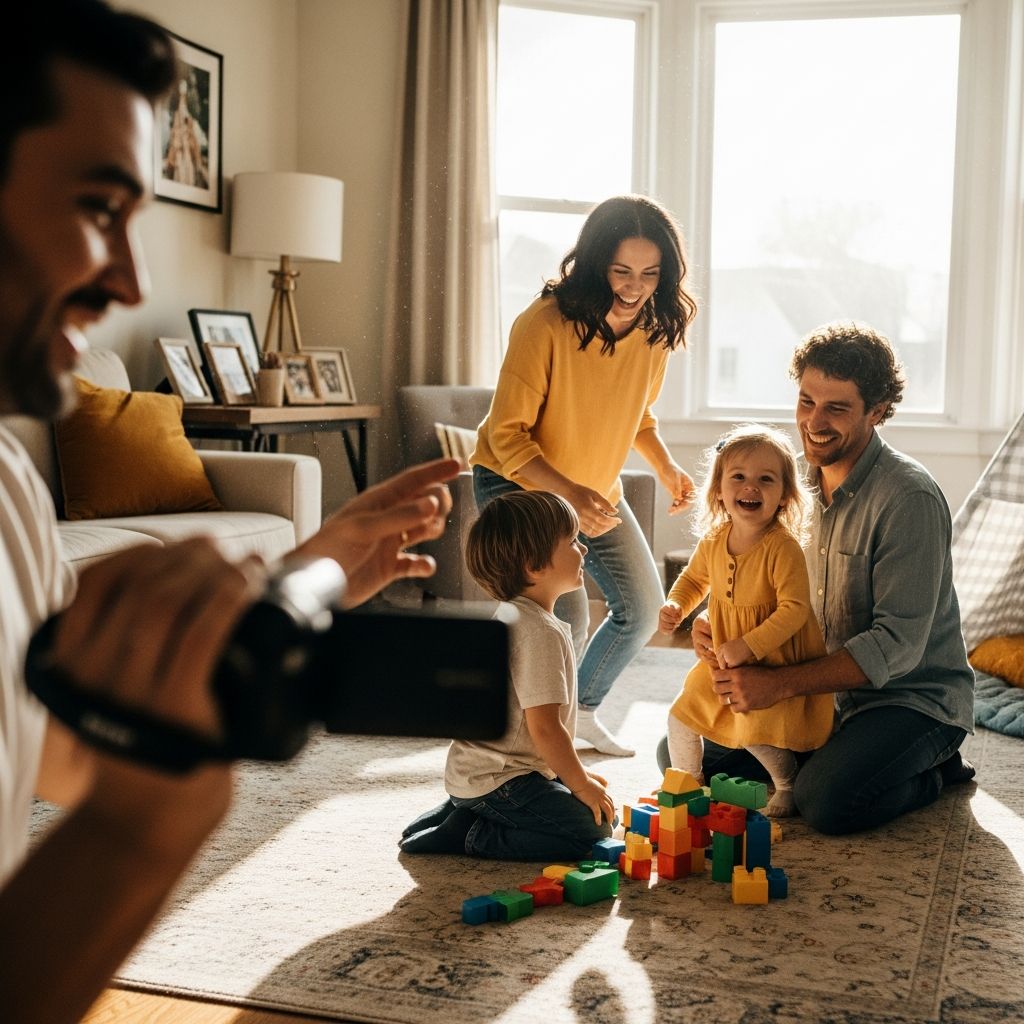
Lighting transforms dull indoor clips into glowing memories. Harsh overhead bulbs cast unflattering shadows, but natural light works wonders.
- Position subjects facing a window during soft, overcast days for even illumination.
- Avoid direct sun to prevent squinting and harsh contrasts.
- For evenings, use affordable ring lights or position lamps at 45-degree angles to mimic professional setups.
Test your setup: film a quick 10-second clip and review on a larger screen. Good lighting highlights expressions, making videos feel alive and professional.
Composition Techniques: Frame Like a Pro
Great videos prioritize faces and emotions over wide chaos. Shoot from eye level for intimacy, waist-up for context. Key rules:
| Shot Type | Purpose | Example |
|---|---|---|
| Wide Shot | Set the scene | Full room during a party |
| Medium Shot | Capture action | Child opening gifts |
| Close-Up | Emphasize emotion | Laughing faces or tiny hands |
Follow the rule of thirds: imagine a tic-tac-toe grid and place subjects off-center. Move your feet instead of zooming to keep footage sharp. Vary angles—low for kids’ play, high for overviews—to add dynamism.
Planning Your Video Story
Every video tells a story with a beginning, middle, and end. Mentally outline before hitting record:
- Beginning: Establish location and mood with a wide establishing shot.
- Middle: Sequence key moments—build tension or joy progressively.
- End: Close with a reaction shot or group hug for emotional payoff.
Don’t film everything; select 5-10 magical snippets per event. This curates a narrative, making edits flow naturally. For themed videos, like ‘A Day in Our Home,’ assign roles to family members for consistent orientation.
Shooting Strategies for Authentic Moments
Capture genuine interactions by staying unobtrusive. Tips include:
- Sequences: Start wide, zoom in gradually on faces to draw viewers into the emotion.
- Movement: Walk smoothly or use a slider app for pans; avoid run-on shots longer than 10 seconds.
- Portrait vs. Landscape: Use portrait for social media stories, landscape for YouTube or full edits.
- Action Triggers: Film spontaneous play—kids building forts or baking cookies—for raw joy.
Direct gently: ‘Smile at the camera!’ but let natural behavior shine. Multiple short takes give editing options.
Creative Ideas to Spark Family Filmmaking
Beyond events, try these home-based projects inspired by creative pros:
- Room Stories: Time-lapse one spot, like the dinner table, over a day. Speed up in editing for charm.
- How-To Demos: Kids teaching toy assembly with voiceover and upbeat music.
- Interviews: Ask grandparents ‘What was childhood like?’ Intersperse with old photos.
- Reflective Montages: Blend new clips with archive footage, narrated thoughtfully.
- Day-in-Life: Everyone films vertically; compile unscripted family routines.
These build a video library, turning ordinary days into treasures.
Editing: Polish Your Masterpiece
Editing elevates raw footage. Free apps like iMovie or CapCut suffice:
- Trim ruthlessly—aim for 2-5 minutes total.
- Add transitions, text overlays for context (e.g., ‘First Snow 2026’).
- Layer royalty-free music to set mood; match tempo to action.
- Color correct for consistency; boost warmth for cozy feels.
Export in HD and back up to cloud storage. Share via family groups for instant feedback.
Common Pitfalls and How to Avoid Them
Steer clear of these errors for smoother results:
- Over-Filming: Leads to boredom; focus on peaks.
- Poor Audio: Wind noise or echoes—film in quiet spots, use external mics.
- Inconsistent Orientation: Brief family on horizontal for edits.
- Forgetting Faces: Always prioritize expressions over backs.
Review footage daily to refine your eye.
Frequently Asked Questions (FAQs)
Q: What’s the best smartphone setting for home videos?
A: Shoot in 4K at 60fps for smooth slow-motion options, and enable grid lines for better composition.
Q: How do I involve shy kids in filming?
A: Start with behind-the-scenes roles, like holding the tripod, then ease into on-camera fun with prompts like ‘Show your favorite toy.’
Q: Can I make videos without editing skills?
A: Yes, apps auto-compile clips with music; focus on quality shooting upfront.
Q: How much should I spend on accessories?
A: Under $50: tripod ($15), mic ($20), ring light ($15) yield huge improvements.
Q: Tips for low-light family dinners?
A: Use multiple soft lamps; apps like FiLMiC Pro control exposure manually.
Building a Legacy of Family Videos
Consistent practice turns novice clips into heirlooms. Schedule monthly ‘video days’ for themes like seasons or milestones. Over time, your collection will narrate your family’s unique journey, fostering bonds across generations. Start small today—your future self will thank you.
References
- 5 Free Tips on How to Make Better Home Movies — YouTube. 2023. https://www.youtube.com/watch?v=vptKsqI7LpQ
- 10 Video Ideas to Create at Home — Xanthe Berkeley. 2022. https://www.xantheberkeley.com/10-video-ideas-to-create-at-home/
- 8 Great Ways to Shoot Pro-Level Video Content at Home — Creative Commission. 2023. https://creative-commission.com/news/8-great-ways-shoot-pro-level-video-content-home
- A Tutorial Series on Shooting Better Home Videos — DIY Video Editor. 2021. https://diyvideoeditor.com/shooting-better-home-videos/
- Simple Guide on How to Shoot Home Movies with a Camcorder — Advancing Women. 2020. https://www.advancingwomen.com/photography/54980.php