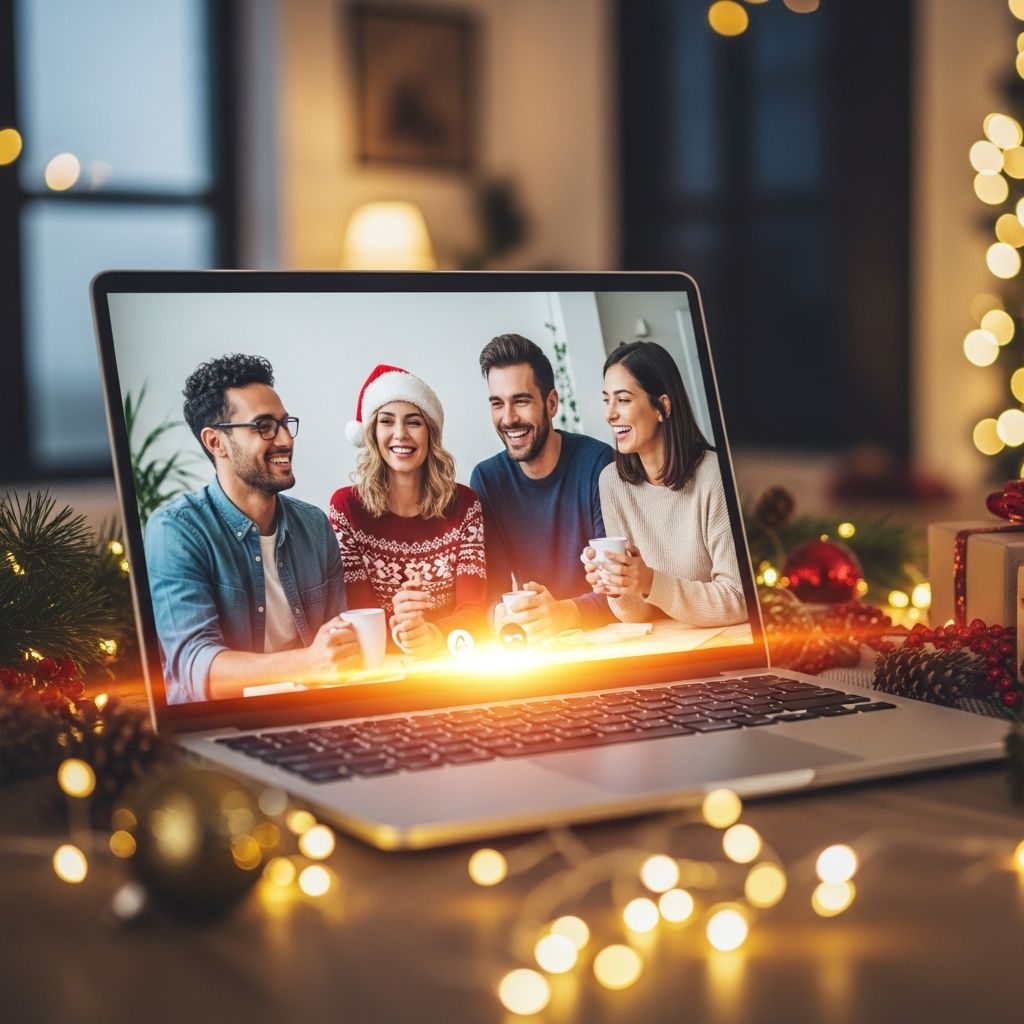
Virtual holiday gatherings have become the new norm, offering a safe way to connect with loved ones during festive seasons. Whether it’s a family toast or a work celebration, appearing camera-ready while staying comfortable at home is key. This guide provides fresh, actionable advice to help you craft a polished on-screen presence that captures the holiday spirit without sacrificing ease.
Perfecting Your On-Camera Setup
Your environment sets the stage for how you appear on video calls. Start by positioning your camera at eye level using books or a stand to avoid unflattering angles that distort your face. A clean, festive backdrop—like string lights, a holiday wreath, or a neatly arranged shelf—adds warmth without overwhelming the frame.
Lighting is crucial for a professional glow. Face a window for natural light during daytime calls, or invest in a ring light for evenings. Avoid overhead lamps that cast harsh shadows; instead, use soft, diffused sources from the front to highlight your features evenly. Test your setup in advance by recording a short video to check clarity and color balance.
- Position camera at eye level for natural perspective.
- Use natural or ring lighting from the front.
- Choose a simple, themed background to enhance festivity.
Outfit Strategies for Effortless Elegance
The beauty of virtual parties lies in the ‘top-half focus’ rule: prioritize eye-catching upper-body attire while keeping the lower half cozy. Opt for structured blouses, silky tops, or festive sweaters in jewel tones like emerald, ruby, or gold to evoke holiday cheer. Layer with a tailored blazer or cardigan for dimension that pops on camera.
For fun twists, incorporate playful elements like velvet bows or metallic threads. If the event calls for whimsy, themed accessories such as elf ears or Santa hats can spark joy, but balance them to avoid distraction. Remember, bold patterns photograph well but test them first to prevent moiré effects on screen.
| Occasion | Top Recommendation | Bottom Pairing | Pro Tip |
|---|---|---|---|
| Family Gathering | Cozy knit sweater | Leggings or PJs | Add a scarf for texture |
| Work Party | Silk blouse + blazer | Sweatpants | Choose solid colors |
| Casual Friends | Graphic tee under jacket | Yoga pants | Incorporate holiday prints |
Skincare and Makeup for Flawless Video Skin
A radiant complexion is the foundation of any great video look. Begin with hydration: drink water and apply a moisturizer hours before to plump skin. Use a primer to smooth texture and fill pores, creating a silky base that reflects light beautifully on camera.
For makeup, focus on even coverage with a lightweight foundation or tinted moisturizer. Contour lightly under cheekbones and jawline to add structure, as flat lighting can wash out definition. Set with translucent powder to combat shine from screen heat. Eyes deserve attention—smoky neutrals or metallic shadows paired with mascara make them pop. Lips in berry or red shades provide a festive punch without overpowering.
- Hydrate skin internally and externally.
- Apply primer for smooth base.
- Contour and powder for dimension.
- Bold lips and eyes for holiday flair.
Hairstyles That Steal the Show
Great hair frames your face and elevates the entire look. Loose waves or sleek ponytails offer versatility and movement that translates well on video. Accessorize with barrettes, headbands, or holiday pins in metallic finishes to add sparkle.
Volume at the roots combats the flattening effect of cameras; use dry shampoo or a teasing brush. For short styles, tousle for texture. Quick updos like a messy bun with tendrils work for last-minute prep, ensuring strands stay put during animated chats.
Tech Tricks and Virtual Party Enhancers
Boost your professionalism with software filters sparingly—soften skin subtly but avoid over-editing. Custom backgrounds can set a merry tone, like a virtual fireplace or snowy scene. For group calls, enable gallery view to stay engaged.
Make parties interactive: host virtual trivia, cookie swaps via mail, or playlist shares. Dress codes like ‘ugly holiday sweater’ or ‘pajama glam’ build excitement. Time events to 45-60 minutes to prevent fatigue, and send digital invites with themes in advance.
Common Pitfalls and Quick Fixes
Avoid backlighting by not sitting against windows. Mute when not speaking to reduce echo. Stand occasionally to refresh posture. If glitches occur, have a phone hotspot ready. Practice your smile and energy—enthusiasm shines brighter than perfection.
Frequently Asked Questions (FAQs)
What should I wear below the waist for comfort?
Cozy options like leggings, sweatpants, or fuzzy socks ensure you stay relaxed without anyone noticing.
How do I fix bad lighting quickly?
Move to face a lamp or window, or clip a small LED light near your screen for instant improvement.
Can I use makeup filters on professional calls?
Keep them minimal; natural enhancements work best to maintain authenticity.
What hairstyles are easiest for video?
Low ponytails, half-up styles, or curls that frame the face photograph flatteringly.
How to make virtual parties more engaging?
Incorporate games, shared recipes, or themed dress codes to foster interaction.
Hosting Tips for Unforgettable Virtual Festivities
Elevate from mere calls to events with planning. Curate a shared Spotify playlist of holiday hits. Organize breakout rooms for intimate chats. Gift digital vouchers or e-cards as surprises. Encourage show-and-tells of decorations or baked goods to build connection.
For larger groups, appoint a co-host for tech support. Test platforms like Zoom or Teams beforehand. End with group photos using screen capture tools for lasting memories.
References
- Virtual Meetings and Professional Appearance Guidelines — Harvard Business Review. 2023-11-15. https://hbr.org/2023/11/how-to-look-professional-on-video-calls
- Lighting and Camera Setup for Video Conferencing — Zoom Video Communications, Inc. (official). 2025-02-10. https://support.zoom.com/hc/en/article?id=zm_kb&sysparm_article=KB0066428
- Digital Etiquette for Remote Social Events — Pew Research Center. 2024-12-05. https://www.pewresearch.org/internet/2024/12/05/virtual-socializing-trends/
- Makeup Techniques for On-Camera Work — Allure Magazine (Condé Nast). 2025-01-20. https://www.allure.com/story/video-call-makeup-tips
- Remote Holiday Event Best Practices — Society for Human Resource Management (SHRM). 2024-10-18. https://www.shrm.org/topics-tools/news/organizing-virtual-holiday-parties