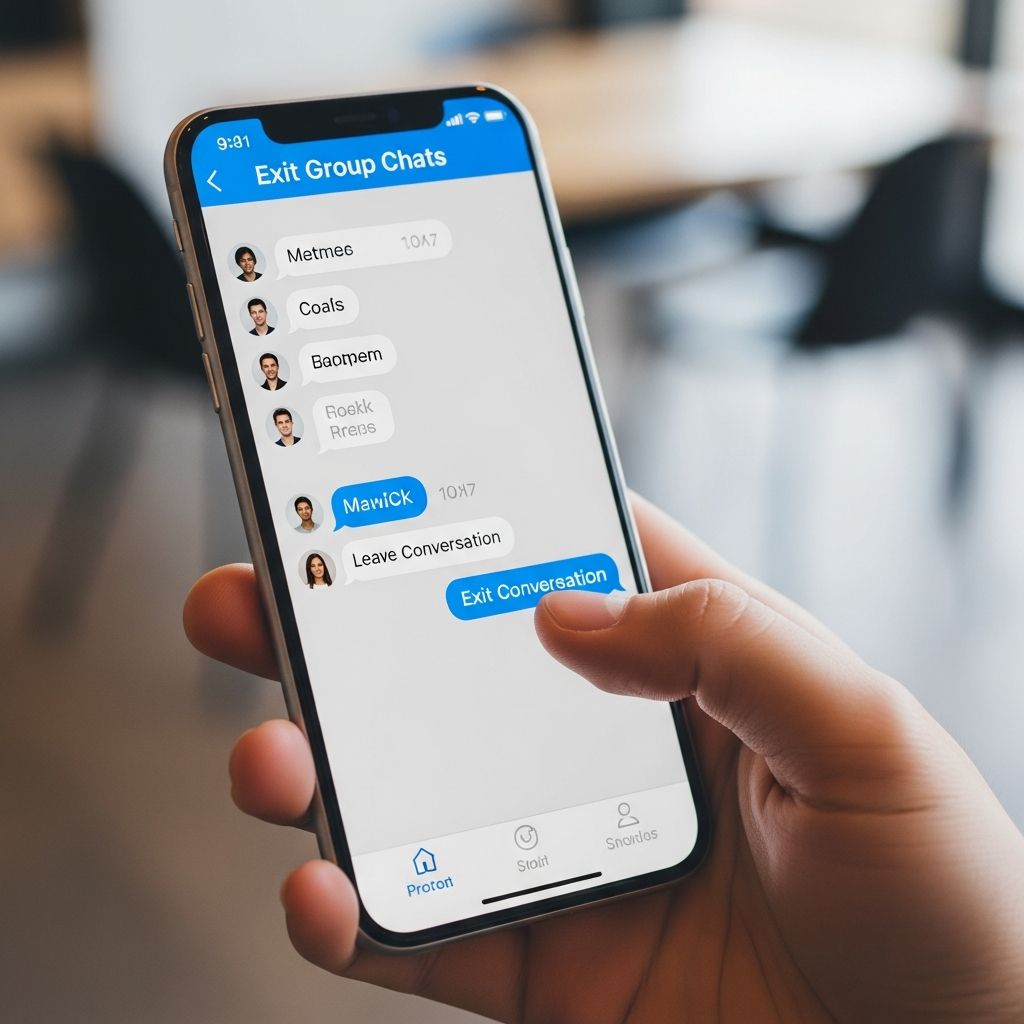
Group messaging keeps us connected but can overwhelm with constant pings. This guide details how to fully exit or silence chats across platforms, ensuring control over your notifications.
Why Group Chats Become Overwhelming
Group texts foster community yet lead to notification fatigue. Families share updates, friends plan events, but irrelevant banter floods inboxes. Studies show excessive notifications raise stress; reclaiming peace starts with knowing exit options.
Platforms vary: iMessage allows clean exits under conditions, Android offers workarounds, apps like WhatsApp provide straightforward leaves. Understand limitations first to avoid frustration.
Leaving Group Texts on iPhone and iPad
Apple’s iOS simplifies exits for pure iMessage groups. Requirements: at least three other Apple users; all must use iMessage (blue bubbles). Mixed groups with Android revert to SMS/MMS, blocking the leave option.
- Open the Messages app.
- Select the target group conversation.
- Tap group icons or names at the top.
- Scroll to Leave this Conversation and confirm.
A popup confirms; everyone sees your departure. For iOS 14 or earlier, tap the info icon (i) first. If unavailable, it’s a mixed SMS group—no one can leave via this method.
Mixed Group Workarounds on iOS
Cannot leave? Mute instead:
- Tap group top > Hide Alerts (bell icon).
- Or swipe left on conversation > More > Mute.
This silences notifications without exiting. Delete the thread anytime; new messages recreate it if sent to your number.
Exiting Groups on Android Devices
Android lacks universal exit like iOS, varying by app (Google Messages, Samsung Messages) and chat type (RCS vs. SMS). RCS chats (modern, internet-based) often allow leaving; legacy SMS do not.
Google Messages Steps
Default on Pixels and many devices:
- Open the group chat.
- Tap three dots (More).
- Select Group details.
- If available, tap Leave group.
No leave option? Silence it:
- From Group details > Notifications.
- Choose Silent and Not a conversation.
- Return to Messages home; it’s hidden.
Samsung and Other Android Variations
On Galaxy devices with Google Messages:
- Chat > More > Group details > Leave group (if RCS).
For stock Android or others, check three dots or group name at top. Report as spam if harassing, but use cautiously in legit groups.
App-Specific Exit Methods
Third-party apps standardize leaving, unlike carrier SMS.
Universal across devices:
- Open group chat.
- Tap group name at top.
- Scroll to Exit Group.
- Confirm; others see notification.
Signal
Privacy-focused:
- Group chat > Tap name.
- Scroll to Leave Group > Confirm.
Facebook Messenger
No full exit; use Ignore Group to mute and hide from inbox. Long-press chat > Ignore.
Comparison Table: Exit Options by Platform
| Platform | Full Exit Possible? | Requirements | Alternatives |
|---|---|---|---|
| iPhone (iMessage) | Yes | 3+ Apple users, all iMessage | Mute/Hide Alerts |
| Android (Google Messages) | Sometimes (RCS) | RCS chat | Silent/Not a Conversation |
| SMS/MMS Mixed | No | N/A | Mute, Delete, Block Senders |
| Yes | None | Mute | |
| Signal | Yes | None | Mute |
| Messenger | No (Ignore) | N/A | Ignore, Block Group |
Advanced Strategies for Persistent Groups
Still stuck? Escalate:
- Block Senders: Android: Long-press message > Block. iOS: Group info > Block contacts (removes future messages).
- Do Not Disturb Exceptions: Set per-conversation silencing.
- Third-Party Apps: Switch to Telegram or Discord for better controls.
- Communicate: Politely tell admin: “Stepping back from notifications—mute me?”
Avoid announcing leaves in drama-prone groups; mute quietly.
Digital Wellness: Beyond Exiting Chats
Group exits promote mental health. Set boundaries: limit checks to twice daily. Use Focus modes (iOS) or Do Not Disturb (Android) for scheduled quiet. Research links notification overload to anxiety; curate feeds mindfully.
Frequently Asked Questions
Can I leave a group text with Android users on iPhone?
No, mixed SMS groups prevent leaving on iPhone. Mute or delete instead.
Does leaving a group notify others?
Yes on iMessage, WhatsApp, Signal. Android RCS varies; SMS no.
What if ‘Leave Group’ is missing on Android?
Not RCS—use Silent/Not a conversation in notifications.
Can I rejoin after leaving?
Apps like WhatsApp: No, request add-back. iMessage: Sender recreates.
Is there a universal way across all apps?
No, but muting works everywhere. Migrate to apps with exits.
Stay Updated in 2026
RCS expansion may unify Android exits. Check app updates regularly for new features.
References
- Leave Group Text Message Android — Oreate AI Blog. 2024. https://www.oreateai.com/blog/how-to-leave-group-text-message-android/962d4250c00e319065d47cc1520b5e6b
- Leave a group text message thread on your iPhone or iPad — Apple Support. 2024-09-20. https://support.apple.com/en-us/102448
- How Do I Leave a Group Text on iPhone (tutorial) — Foxtecc (YouTube). 2024-09-07. https://www.youtube.com/watch?v=6mxLmgKsNrA
- How to “Leave” a Group Text on an Android Smart Phone — YouTube. 2024. https://www.youtube.com/watch?v=BwDDVa1lOL4
- Self Removal From Group Texts — Samsung Community. 2024. https://us.community.samsung.com/t5/Galaxy-S24/Self-Removal-From-Group-Texts/td-p/3098380
- I am unable to remove myself from group text — Google Pixel Phone Help. 2024. https://support.google.com/pixelphone/thread/267825438