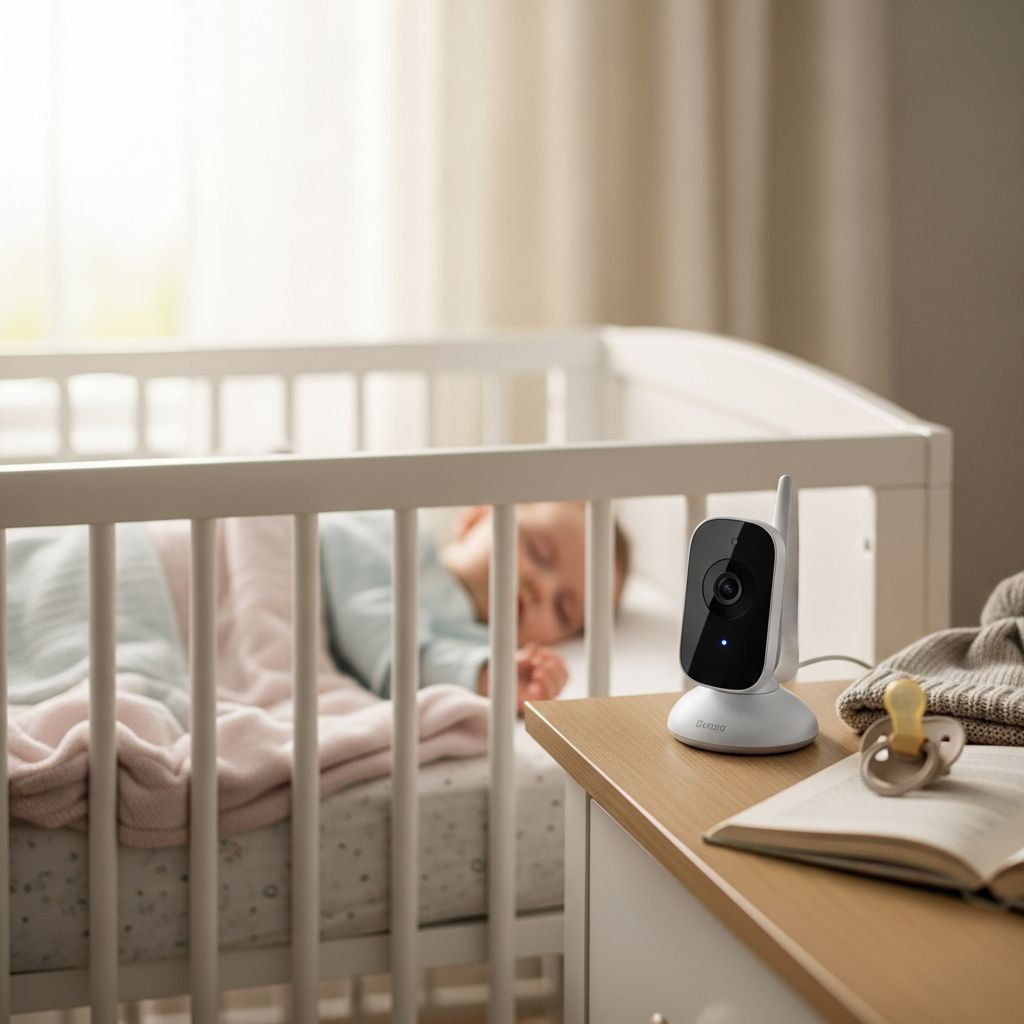
Baby monitors can offer genuine peace of mind, but comparing brands, features, and price tags quickly becomes overwhelming. This guide walks you through the main types of baby monitors, the features that matter most, and practical tips on safety, privacy, and real-world use so you can make a confident, informed choice.
1. Why a Baby Monitor Matters (and What It Cannot Do)
A baby monitor is primarily a convenience and awareness tool. It helps you hear or see your baby when you are in another room, allowing you to respond more quickly when needed and rest easier when all is quiet.
Health and safety experts emphasize that no monitor can replace safe sleep practices. The American Academy of Pediatrics (AAP) advises that the most effective ways to reduce sleep-related infant deaths are placing babies on their backs, using a firm sleep surface, and keeping soft bedding out of the crib. Wearable vital-sign monitors and breathing trackers have not been proven to prevent sudden infant death syndrome (SIDS) and may lead to a false sense of security.
- What monitors can do: Help you respond faster to crying, notice if a child has climbed out of bed, and keep an eye on siblings sharing a room.
- What monitors cannot do: Prevent SIDS, replace supervision, or guarantee safety.
2. Main Types of Baby Monitors
Before diving into specific features, it helps to understand the broad categories of monitors on the market. Each type has strengths and trade-offs.
| Type | What You Get | Best For | Key Trade-Offs |
|---|---|---|---|
| Audio-only | Sound from baby’s room to a handheld unit | Budget-conscious families; small homes | No video; limited information but simple and reliable |
| Video (no Wi-Fi) | Camera + dedicated parent screen using radio signal | Parents who value privacy and ease of use | Limited range; can’t check video when away from home |
| Wi-Fi / app-based | Camera streaming to your phone via home internet | Caregivers who want remote viewing and smart alerts | Depends on Wi-Fi; requires stronger privacy practices |
| Wearable / breathing trackers | Device or sock tracking movement or oxygen/heart rate | Parents who feel reassured by extra data | False alarms possible; not proven to prevent SIDS |
2.1 Audio-Only Baby Monitors
Audio monitors are the simplest and usually the most affordable option. You place a transmitter near your baby, and you carry a receiver (often a small handheld device) with you.
- Advantages: Lower cost, straightforward setup, long battery life, and no video privacy concerns.
- Limitations: No visual confirmation; if your baby is fussing but not crying, you may miss subtle cues.
- Good to know: Many modern audio monitors offer features like DECT digital audio for clearer sound and reduced interference.
2.2 Non-Wi-Fi Video Monitors (Local Signal)
These systems typically include a camera that sits near the crib and a dedicated display screen for parents. They use a secure radio frequency link rather than your home network.
- Advantages: Easy to use, low latency (minimal delay), and your video feed is not traveling over the internet.
- Limitations: Range is limited to your home and yard; you cannot check in while at work or away from the house.
- Popular features: Pan-and-tilt cameras, zoom, sound-activated screen, and support for multiple cameras.
2.3 Wi-Fi and App-Based Monitors
Wi-Fi monitors connect to your home network and send audio and video to your phone or tablet using an app. Many also offer cloud recording, sleep analytics, and smart notifications.
- Advantages: Remote access from anywhere with an internet connection, high-resolution video, and frequent software updates.
- Limitations: More complex setup; dependent on Wi-Fi quality and app reliability; security depends on passwords, updates, and vendor safeguards.
- Security tip: The U.S. Federal Trade Commission recommends using strong, unique passwords and enabling automatic firmware updates on connected cameras to reduce hacking risk.
2.4 Wearables and Breathing / Movement Trackers
Some systems add a wearable sock, band, or clip that tracks movement, heart rate, or blood oxygen, and send alerts to your phone if readings fall outside preset ranges.
- Potential benefits: Extra data may reassure some parents, and movement tracking can highlight sleep patterns over time.
- Important caveats: The AAP notes that consumer vital-sign monitors have not been shown to prevent SIDS and may generate false alarms that increase anxiety or lead to unnecessary medical visits.
- Best use: As an optional add-on in addition to safe sleep practices, never as a replacement.
3. Features That Really Matter Day to Day
Once you choose a general type, look at the features that most affect daily use. Not every family needs every feature, and more complexity is not always better.
3.1 Core Essentials
- Reliable connection: Whether Wi-Fi or radio, you want a stable signal with minimal dropouts. Independent testing organizations such as Consumer Reports evaluate monitors for range and interference in real-world environments.
- Clear audio: You should be able to distinguish between light fussing and full-on crying. Some premium models include noise reduction to filter out constant background noises like fans.
- Night vision: Infrared night vision allows you to see your baby clearly in a dark room without turning on lights.
- Decent battery life: For handheld displays, look for at least one overnight stretch on a single charge; sound-activation (VOX) modes can extend battery life.
3.2 Helpful (But Not Always Mandatory) Extras
- Two-way talk: Lets you soothe your baby with your voice or speak to another caregiver in the room.
- Room temperature and humidity display: You can keep an eye on nursery conditions and adjust heating, cooling, or humidifiers as needed.
- Pan, tilt, and zoom: Mechanized camera controls are especially useful as babies grow into toddlers who roam the crib and room.
- Multiple cameras: Handy for monitoring twins, multiple rooms, or a nursery and playroom, often with split-screen or auto-rotate viewing.
- Sound and motion alerts: Adjustable sensitivity helps avoid constant notifications but still alerts you to significant crying or unusual movement.
3.3 App and Software Considerations (for Wi-Fi Monitors)
If you are leaning toward an app-based monitor, the quality of the software matters as much as the hardware.
- User interface: Menus and icons should be intuitive, with quick access to live view and alerts.
- Account sharing: Check how easily you can share access with partners, grandparents, or babysitters, and what controls you have over their permissions.
- Subscription costs: Some features such as cloud video history or advanced sleep analytics may require ongoing fees.
4. Safety, Privacy, and Security
Monitoring devices exist to help protect children, so it is worth paying attention to how they handle safety and data.
4.1 Safe Sleep Practices Come First
Authoritative guidance from pediatric organizations is clear: safe sleep habits are more important than any monitor. The AAP recommends:
- Place babies on their backs for every sleep until 1 year of age.
- Use a firm, flat sleep surface without pillows, blankets, or bumpers.
- Keep soft toys and loose bedding out of the crib.
- Room-share (not bed-share) with parents when possible for the first months.
4.2 Digital Security and Hacking Concerns
Connected baby monitors are a type of home security camera and can be vulnerable if poorly configured. The U.S. Federal Trade Commission and other regulators advise parents to:
- Change default usernames and passwords to strong, unique credentials.
- Enable automatic software and firmware updates.
- Use your home router’s security features, such as WPA3 (or at least WPA2) encryption and a separate guest network for smart devices.
- Turn off remote access features if you never use them.
Non-Wi-Fi monitors avoid internet-based risks but can still be subject to signal interference; using up-to-date digital systems helps reduce this.
4.3 Understanding Alerts and False Alarms
Movement and vital-sign monitors can trigger alarms if a sensor shifts, loses contact, or misreads data. The AAP notes that such devices are not regulated as medical equipment and that false alarms may cause parents to lose sleep or seek unnecessary medical care.
If you choose these products, use them as a supplement, not as your primary safety measure, and speak with your pediatrician about how to interpret data and alerts.
5. Matching a Monitor to Your Lifestyle
The “best” baby monitor is the one that fits your home, parenting style, and budget. Consider these common situations and what tends to work well.
5.1 Small Apartment or Condo
- Good fit: Audio-only or simple non-Wi-Fi video monitor.
- Why: Short distances and thin walls mean you may hear your baby even without a monitor, so a basic option mainly adds convenience.
- Features to prioritize: Clear sound, compact parent unit, and decent battery life.
5.2 Multi-Story House
- Good fit: Non-Wi-Fi video with strong range or a well-reviewed Wi-Fi monitor.
- Why: You may be working in the yard, garage, or basement and need reliable coverage.
- Features to prioritize: Long-range connection, sound-activated screen, and loud alerts for when you are farther away.
5.3 Co-Parenting, Grandparents, or Frequent Travel
- Good fit: Wi-Fi monitor or system with flexible mounting options.
- Why: Remote access lets traveling parents view the nursery, and shared app accounts simplify monitoring across households.
- Features to prioritize: Easy account sharing, strong privacy tools, and reliable apps compatible with both iOS and Android.
5.4 Highly Anxious or First-Time Parents
- Good fit: A stable video monitor; optional breathing or movement tracker if discussed with a pediatrician.
- Why: Seeing your baby can feel more reassuring than sound alone, but too many alerts may increase anxiety.
- Features to prioritize: Customizable alert sensitivity, simple interface, and the ability to quickly mute non-urgent notifications.
6. Budgeting and Value
Baby monitors range widely in price, from very basic audio devices to high-end smart systems with subscriptions. Independent lab tests suggest that higher price does not always equal better performance in signal reliability or audio quality.
- Entry-level: Audio-only or simple video monitors often perform well on core tasks at lower cost.
- Mid-range: Non-Wi-Fi video monitors with pan/tilt, temperature readings, and support for multiple cameras can be strong value picks.
- Premium: Wi-Fi monitors with sleep analytics, cloud storage, and wearables provide extensive data but may require ongoing fees and careful attention to privacy.
Consider how long you plan to use the device, whether future children will inherit it, and whether optional subscriptions fit your long-term budget.
7. Frequently Asked Questions About Baby Monitors
Q1: Do I really need a baby monitor?
Not every family needs one. Monitors are most useful when you cannot easily hear or see your baby from other parts of your home, or when you want extra awareness during naps and nighttime. In very small apartments or when you are consistently in the same room, some parents choose to skip them.
Q2: Are Wi-Fi monitors safe from hackers?
No system is completely immune, but following security best practices—changing default passwords, turning on encryption on your router, updating firmware, and limiting who has account access—significantly reduces risk. If internet privacy is a major concern, a non-Wi-Fi monitor may offer more peace of mind.
Q3: Should I buy a breathing or oxygen monitor to prevent SIDS?
Current pediatric guidance states that consumer monitors tracking vital signs have not been shown to prevent SIDS and are not a substitute for safe sleep practices such as back sleeping on a firm surface and keeping the crib free of soft items. If you are considering a wearable device, talk with your child’s doctor about benefits and limitations.
Q4: When can I stop using a baby monitor?
Many families continue using a monitor into the toddler years to watch for nighttime wandering or to manage multiple children’s rooms. You can gradually wean off the monitor as you feel comfortable, especially once a child can reliably call for you and safely get out of bed.
Q5: Is video always better than audio?
Video provides more information and can be helpful for checking whether a baby is actively crying or just stirring. However, audio-only monitors are often more affordable, simpler to use, and perfectly adequate for many households. The best choice depends on your layout, budget, and how much information you feel you need.
References
- The ultimate baby monitor buying guide: what features do you really need? — VAVA Baby Care Blog. 2023-08-15. https://www.vava.com/blogs/baby-care/the-ultimate-baby-monitor-buying-guide-what-features-do-you-really-need
- 8 Best Baby Monitors of 2025: Reviewed by Actual Parents — BabyGearEssentials. 2025-01-05. https://babygearessentials.com/best-baby-monitors/
- Using IP Cameras Safely — U.S. Federal Trade Commission. 2014-03-13. https://www.ftc.gov/business-guidance/blog/2014/03/using-ip-cameras-safely
- Sleep-Related Infant Deaths: Updated 2022 Recommendations for Reducing Infant Deaths in the Sleep Environment — American Academy of Pediatrics. 2022-06-21. https://publications.aap.org/pediatrics/article/150/1/e2022057990/188594/Sleep-Related-Infant-Deaths-Updated-2022
- The 10 Best Baby Monitors of 2025 — BabyGearLab. 2025-02-10. https://www.babygearlab.com/topics/health-safety/best-baby-monitor
- Best Baby Monitors of 2025 — Consumer Reports. 2025-03-01. https://www.consumerreports.org/babies-kids/baby-monitors/best-baby-monitors-a8598638140/