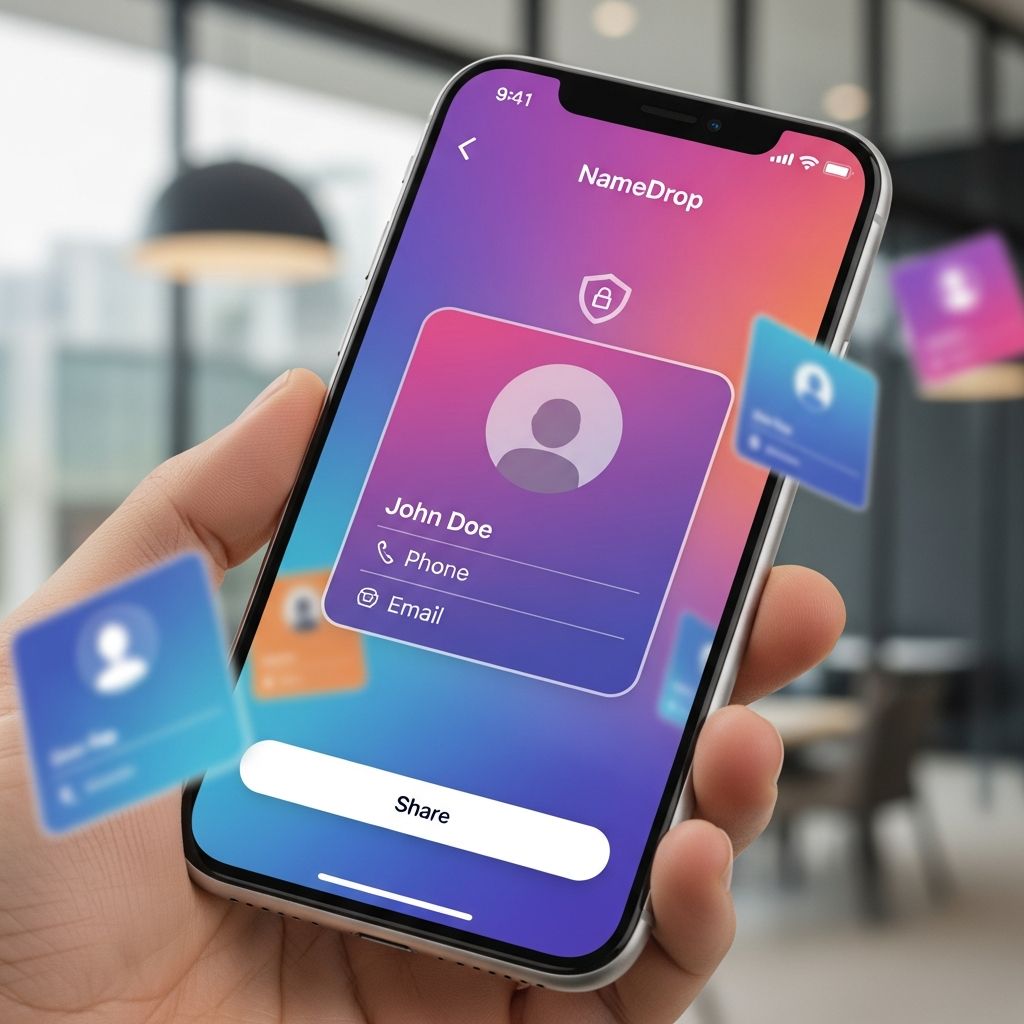
Understanding Apple’s NameDrop Technology
Apple’s NameDrop represents a convenient method for users to exchange contact information wirelessly between compatible devices. This feature, integrated as part of the broader AirDrop ecosystem, enables iPhone and Apple Watch users in close physical proximity to share personal details such as phone numbers, email addresses, names, and profile pictures. The functionality debuted with iOS 17.1 and watchOS 10.1, designed to streamline the traditionally manual process of exchanging contact details during professional meetings, social gatherings, or casual encounters.
The technology operates on a straightforward principle: when two devices are held in close proximity to one another, users receive prompts on their screens allowing them to choose what information they wish to share or receive. This interactive approach ensures that contact exchange occurs only when both parties actively participate and confirm their intentions, rather than through automatic transmission.
How NameDrop Functions in Practice
The mechanics of NameDrop are deliberately designed for user simplicity and accessibility. To initiate contact sharing, users hold their iPhone or Apple Watch within a few centimeters of another compatible Apple device. Upon achieving proper proximity, an animation appears on both devices, presenting contact cards or contact posters that display the information the user has chosen to share.
Once the visual interface appears, users face a choice: they can decide to share their contact information, receive the other person’s contact details, or perform a mutual exchange. Neither device automatically transmits any information without explicit user action. The process requires active confirmation from both parties before any contact data changes hands, preventing inadvertent information transfers.
The feature incorporates built-in safety mechanisms that prevent incomplete transactions. If devices are separated before the exchange completes, the process automatically cancels. Similarly, if one device becomes locked during the transaction, the NameDrop process terminates immediately, ensuring that locked devices remain protected from unauthorized contact sharing.
Addressing Common Misconceptions About Privacy
Widespread concerns about NameDrop’s privacy implications emerged following alerts from some law enforcement agencies, which claimed the feature posed significant security risks. One notable instance occurred when the Watertown Police Department in Connecticut shared information suggesting that NameDrop was “enabled by default” and could allow strangers to access personal contact information simply by placing their phones near another person’s device. These claims proved to be inaccurate when examined against Apple’s actual implementation and technical documentation.
The primary misconception involves the supposed automatic nature of contact information capture. Critics suggested that anyone could extract contact details from another person’s phone with minimal effort. However, technical analysis reveals that multiple safeguards prevent such scenarios. Contact information does not transmit automatically; instead, both devices must be unlocked, in close proximity, and active participants in the exchange process must confirm their participation through deliberate action on their screens.
Technology experts have noted that while NameDrop introduces new contact-sharing capabilities, the actual security risks remain minimal when the feature operates as designed. The requirement for physical proximity, device proximity verification, and dual confirmation substantially reduces the likelihood of unauthorized contact information disclosure compared to other digital communication methods.
Technical Requirements and Operating Conditions
NameDrop functions within specific technical parameters that define its operational boundaries:
- Both devices must maintain a physical distance of only centimeters from one another
- Both iPhones or Apple Watches must remain unlocked during the entire exchange process
- Both users must actively confirm their desire to proceed with contact sharing through onscreen prompts
- Both parties must be signed into iCloud for the feature to function properly
- The feature only operates with compatible Apple devices running current software versions
These technical constraints create a deliberately narrow window for contact exchange, ensuring that casual proximity does not result in unwanted information sharing. Unlike traditional Bluetooth connectivity that operates at greater distances, NameDrop requires intentional alignment of devices, making accidental activation extremely unlikely in typical daily scenarios.
Controlling and Disabling NameDrop
Users who prefer not to use NameDrop retain complete control over the feature’s activation status. The feature can be disabled through straightforward navigation within the device’s settings interface. To turn off NameDrop on an iPhone, users should access the Settings application, select the General menu, then locate and select AirDrop. Within the AirDrop settings, users will find an option labeled “Bringing Devices Together,” which can be toggled to the off position.
For Apple Watch users who wish to disable NameDrop, the process follows a similar path through the Settings app. Users scroll through the settings menu until locating the Contacts section, where NameDrop appears as the first option, and can be disabled from that location.
These user-friendly controls ensure that individuals uncomfortable with contact-sharing features, or those who simply prefer not to use them, can completely prevent the feature from operating. Disabling NameDrop requires no technical expertise and can be accomplished in approximately one minute through the standard settings interface.
Practical Use Cases and Benefits
Despite privacy concerns circulating online, NameDrop provides genuine utility for numerous everyday scenarios. Professional networking events represent one common application, where attendees routinely exchange business contact information. Rather than manually entering phone numbers or email addresses, professionals can simply hold devices together and confirm the exchange, facilitating faster networking and reducing transcription errors.
Educational settings also benefit from NameDrop functionality, particularly when instructors need to distribute contact information to students or when students collaborate on group projects and need to share contact details. Social gatherings such as parties, weddings, or community events often involve meeting new acquaintances, making rapid contact exchange a valuable timesaver.
Family contexts provide another practical application. Parents helping teenagers navigate contact sharing with friends, or grandparents connecting with extended family members, can use NameDrop as a simple, guided method for exchanging information rather than relying on manual entry or screen sharing of phone numbers.
Comparing NameDrop to Alternative Contact-Sharing Methods
| Sharing Method | Physical Proximity Required | User Confirmation Needed | Information Customization | Device Locking Impact |
|---|---|---|---|---|
| NameDrop | Yes (Centimeters) | Yes (Both parties) | High | Process cancels if locked |
| Manual Entry | No | Not applicable | Complete | No impact |
| Email Exchange | No | Required | Limited | No impact |
| QR Code Scanning | Moderate | Yes | Limited | Requires camera access |
| Messaging Apps | No | Not applicable | Limited | No impact |
Security Considerations for Parents and Teens
Parents concerned about their teenagers’ contact information security can approach NameDrop from several angles. First, understanding the actual mechanics of the feature helps distinguish between genuine security risks and exaggerated claims circulating on social media. The requirement for physical proximity and dual confirmation significantly reduces the risk compared to online methods of contact exchange.
Second, families can establish guidelines regarding when and with whom contact sharing is appropriate. Discussing scenarios where NameDrop usage makes sense—such as exchanging information with school friends or teammates—versus situations where manual entry or other methods might be preferable helps teens develop good judgment about digital contact sharing.
Third, parents can demonstrate the feature’s operation to their teenagers and walk through the settings together, ensuring young people understand how to disable the feature if they wish. This collaborative approach builds digital literacy while respecting teen autonomy in managing their own devices.
Finally, parents should recognize that NameDrop represents just one contact-sharing tool among many. The feature’s existence does not necessitate its use, and families can opt to disable it entirely if they prefer relying on traditional contact-exchange methods.
What Law Enforcement and Tech Experts Say
When the initial concerns about NameDrop circulated through social media and local law enforcement alerts, subsequent investigation by technology experts and statements from police departments revealed important context. The Watertown Police Department that initially raised concerns later clarified that they had received no reports of actual negative activity related to NameDrop, either in their department’s jurisdiction or surrounding areas. This acknowledgment suggests that theoretical risks did not translate into documented real-world incidents.
Technology experts who examined NameDrop’s actual functionality, as opposed to theoretical scenarios, concluded that the feature operates safely when used as intended. The consensus among technical analysts points to the confirmation requirements and proximity limitations as sufficient safeguards against unauthorized contact information access.
Frequently Asked Questions About NameDrop
Is NameDrop automatically enabled on all new iPhones?
NameDrop is enabled by default when users update to iOS 17.1 or later; however, users can disable it immediately through Settings if they prefer not to use the feature.
Can someone access my contact information without my knowledge?
No. NameDrop requires both devices to be unlocked, in close physical proximity, and requires active confirmation from both users before any contact information is shared. The process automatically cancels if conditions are not met.
What information can be shared through NameDrop?
Users can choose to share their phone number, email address, name, and profile picture. Users retain full control over what specific information they wish to include in the contact exchange.
How do I turn off NameDrop on my iPhone?
Go to Settings > General > AirDrop, then toggle off the “Bringing Devices Together” option. This completely disables NameDrop functionality.
Does NameDrop require both users to have iCloud accounts?
Yes, both users must be signed into iCloud for NameDrop to function properly during contact information exchanges.
Can NameDrop work with older iPhone models?
NameDrop requires iOS 17.1 or later on iPhone, so older models running previous operating systems cannot use this feature unless updated to compatible software versions.
What happens if I move my phone away during a NameDrop exchange?
The NameDrop process automatically cancels if devices are moved away from each other before the exchange completes, ensuring no information is transferred if contact is broken.
References
- What Parents Should Know About iPhone’s NameDrop Feature — Good Morning America / ABC News. 2023. https://www.goodmorningamerica.com/family/story/parents-iphones-namedrop-feature-105179773
- How to Use NameDrop on iPhone iOS 17 — Foxtecc. 2024. https://www.youtube.com/watch?v=j2JLOBPOU9E
- What Parents Should Know About iPhone’s NameDrop Feature — ABC News / GMA Family. 2023. https://abcnews.go.com/GMA/Family/parents-iphones-namedrop-feature/story?id=105179773
- NameDrop Is Secure – They’re Wrong – How It Actually Works — Zollotech. 2023. https://www.youtube.com/watch?v=r9D-Mmp8lns
- How to Use NameDrop on iPhone — Apple Support. 2023. https://www.youtube.com/watch?v=aZL5D1k-4aI
- Secure NameDrop — Apple Support. https://support.apple.com/guide/personal-safety/secure-namedrop-ips97e16d3b1/web