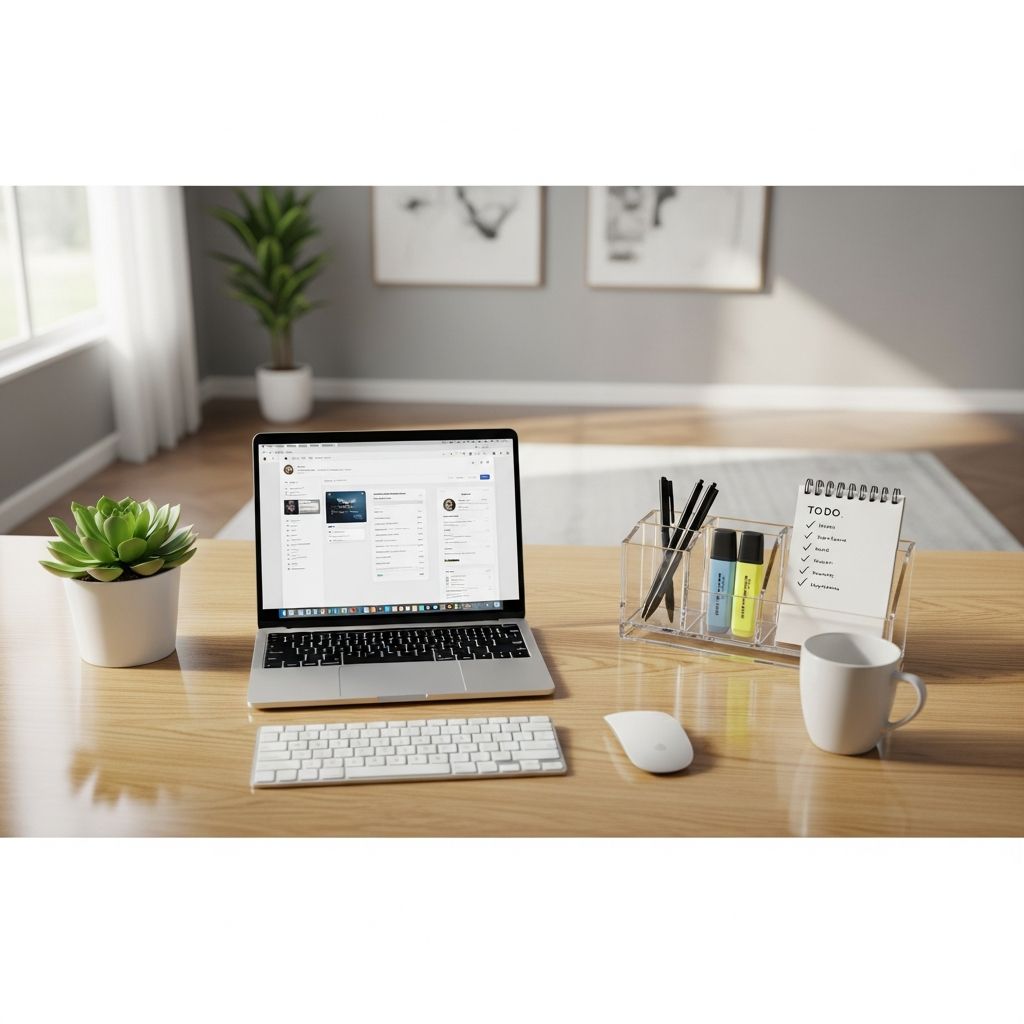
Your home office is more than just a desk—it’s the command center for your daily grind, remote meetings, and creative bursts. Yet, clutter can sabotage focus and amplify stress. This comprehensive 7-day blueprint draws from proven organization principles to help you reclaim your space, making it functional, clean, and uniquely yours. Whether you’re juggling work-from-home demands or side hustles, these daily actionable steps will yield lasting results without overwhelming your schedule.
Why Organize Your Home Office Now?
A tidy workspace isn’t a luxury; it’s a productivity booster. Studies show that cluttered environments increase cortisol levels, hindering concentration. By dedicating short bursts over a week, you’ll eliminate visual distractions, streamline workflows, and foster a sense of accomplishment. Tailor the timeline to your space size—condense for small setups or extend for larger ones. Gather basics upfront: bins, labels, cleaning supplies, shredder, and trash bags.
Day 1: Conquer the Paper Avalanche
Paper is the stealthiest clutter culprit, piling up unnoticed until it overwhelms surfaces. Today, target every loose sheet, envelope, and note.
- Research retention rules: Before sorting, clarify what to keep. Tax documents? Typically 3-7 years per IRS guidelines. Receipts? Scan and discard non-essentials. Use online resources or consult pros for specifics.
- Gather and categorize: Empty drawers, shelves, and files. Sort into piles: action items, reference, shred, recycle, or relocate. Temporary labels (post-its work wonders) prevent mix-ups.
- Purge ruthlessly: Shred sensitive junk mail; recycle ads. Relocate non-office items immediately to avoid rebound clutter.
Pro tip: Set up a ‘pending’ tray for urgent items. End with a quick wipe-down of emptied surfaces. Your desk will breathe easier already.
Day 2: Liberate Your Desk and Drawers
Non-paper items like pens, cables, and gadgets create chaos. Fuel up with your favorite brew—this task demands energy but delivers instant gratification.
- Empty everything: Remove contents from desk drawers, cabinets, and cubbies. Group similars: cords in one pile, stationery in another, tech accessories together.
- Edit duplicates: Do you need five highlighters or two hole punches? Donate extras to charity or colleagues. Discard broken items.
- Rehome outsiders: Kitchen mugs or kids’ toys? Return them now.
Once sorted, invest in drawer dividers or bins for zones—pens here, notepads there. Vacuum floors and dust shelves for a fresh start. Your workspace surface should now be visible.
Day 3: Install Smart Storage Solutions
Chaos returns without systems. Today, containerize keepers to maintain order effortlessly.
| Category | Recommended Storage | Why It Works |
|---|---|---|
| Papers (active) | Accordion file or wall pockets | Quick access, vertical space-saving |
| Reference files | Labelled bins or filing cabinet | Easy retrieval, dust protection |
| Supplies | Drawer organizers or desktop caddies | Prevents rummaging, keeps desk tidy |
| Cables/tech | Cord clips, charging stations | Eliminates tangles, reduces frustration |
- Label everything clearly—use a label maker for durability.
- Test placements: Place frequently used items within arm’s reach.
- Digital shift: Scan papers into cloud folders named by category/date.
Admire your progress; the office feels purposeful now.
Day 4: Deep Clean Every Nook
Decluttering exposes grime. Roll up sleeves for a thorough refresh.
- Dust from ceiling down: Cobwebs, blinds, light fixtures—use a microfiber duster or vacuum attachments.
- Surface squad: Damp cloths for shelves, desks; glass cleaner for monitors. Keyboard vacuums or compressed air for crevices.
- Floors and fabrics: Vacuum carpets, mop hard floors. Spot-clean chairs and rugs.
- Air it out: Open windows, deploy an air purifier if available.
Scent with essential oils on cotton balls in corners. Your space will smell as good as it looks.
Day 5: Optimize Furniture and Flow
Assess ergonomics and layout for peak efficiency.
- Ergonomic check: Chair height for feet flat, screen at eye level. Adjust or shop affordably.
- Zone your space: Work zone (desk), reference (shelves), inspiration (wall).
- Declutter verticals: Streamline bookshelves—donate unread books, file magazines digitally.
Experiment with layouts; a mirror or rug can enhance flow without cost.
Day 6: Infuse Personality and Polish
A sterile office drains energy. Personalize to inspire.
- Add mementos: Framed photos, plants, or art that sparks joy.
- Stylish storage: Woven baskets for supplies, trays for desk items.
- Sensory boosts: Scented candle, favorite mug, soft throw.
Avoid overcrowding—curate for calm. Snap before-and-after photos for motivation.
Day 7: Lock in Habits for Longevity
Sustain your masterpiece with routines.
- Daily resets: Clear desk end-of-day, file papers immediately.
- Weekly audits: 15 minutes to process inboxes, wipe surfaces.
- Inbox system: Slots for bills, projects—empty weekly.
Post a ‘keep guide’ cheat sheet. Consistency trumps perfection.
Advanced Tips for Busy Schedules
For parents or multitaskers:
- Time-block tasks around kids’ naps.
- Involve family in relocations.
- Batch similar activities for momentum.
Track wins in a journal to build habits.
Frequently Asked Questions
What if my office is tiny?
Prioritize vertical storage like wall files and shelves. Go digital aggressively to free surface space.
How do I handle digital clutter?
Delete old files, use folders/subfolders, and tools like Dropbox for organization. Weekly digital sweeps prevent buildup.
What’s the best way to stay motivated?
Play upbeat music, reward yourself (coffee break post-task), and visualize the productive payoff.
Can I skip days?
Yes—adapt to your pace. The goal is progress, not rigidity.
How often should I revisit this plan?
Quarterly refreshes keep clutter at bay, especially post-major projects.
References
- Publication 583: Starting a Business and Keeping Records — Internal Revenue Service. 2023-10-01. https://www.irs.gov/publications/p583
- Workplace Organization and Productivity — National Institute for Occupational Safety and Health (NIOSH). 2024-02-15. https://www.cdc.gov/niosh/topics/ergonomics/ergoprod.html
- Decluttering and Mental Health — American Psychological Association. 2022-05-20. https://www.apa.org/monitor/2022/05/decluttering-mental-health
- Ergonomics for Home Offices — Occupational Safety and Health Administration (OSHA). 2025-01-10. https://www.osha.gov/ergonomics/home-office
- IRS Recordkeeping Guidelines — Internal Revenue Service. 2024-11-05. https://www.irs.gov/businesses/small-businesses-self-employed/recordkeeping